
Match permissions with current actions: recording requires a microphone, and selecting pictures may require file selection, but authorization should not be arbitrary based on the button name.
Understand the essentials
An application may have multiple functions, and the rationality should be based on the actual tasks, rather than just looking at the long list during installation.
A practical example
Hypothetical example: If you repeatedly ask for the microphone without using the voice function, you should check the instructions first or temporarily refuse to observe.
What to check or try
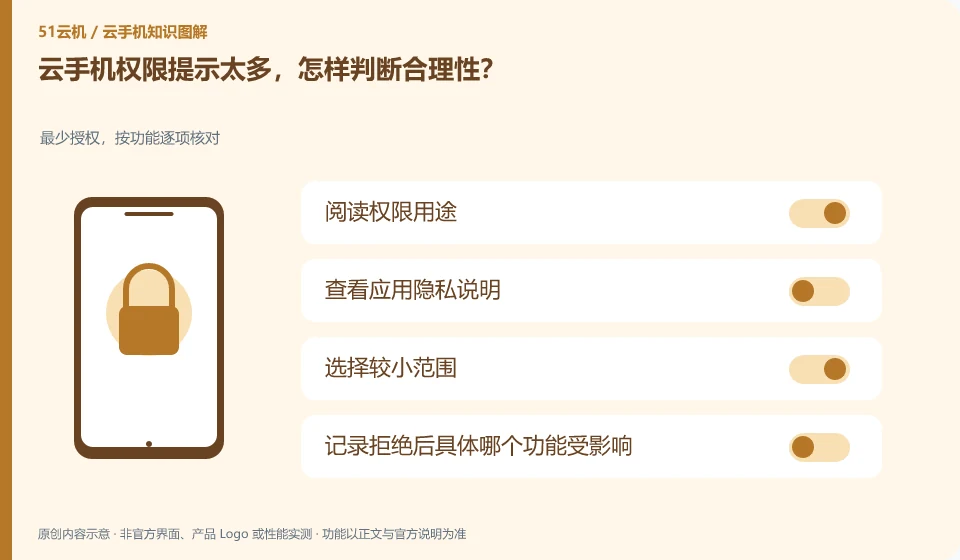
- Read permission purpose.
- View the app privacy statement.
- Choose a smaller range.
- Record which function is affected after rejection.
You can record the corresponding permissions and functions, and check whether they have changed during subsequent updates. If the app cannot explain the purpose of a certain authorization, first limit the scope of use. The focus of judgment is on specific tasks and data, rather than the length of the permission list itself.
An easy-to-miss detail
Just because "everyone else has opened it" does not mean that all permissions are given, and a trustworthy source does not mean that every permission is required.
Continue reading
- How to export notes from a cloud phone app
- Leaving a cloud phone service: cleaning up accounts and data
Back to Cloud phones: apps and data
Notes and further reading
Android app storage overview;Android app permissions overview。
This introductory guide was prepared by 51Yunji from public information with AI-assisted drafting. Examples are hypothetical, not hands-on product tests or promises of results. Follow the current product, version and official instructions for specific features and procedures. Compiled on October 26, 2026.