
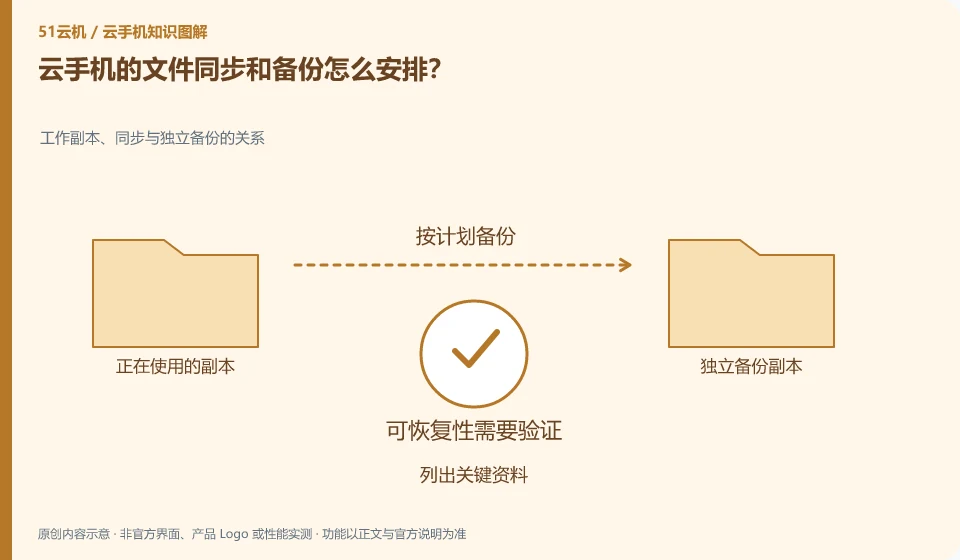
First clarify which data is in the application account and which is only in the Android instance, and then arrange synchronization and independent copies respectively.
Understand the essentials
Synchronization may propagate accidental deletions; mirroring may not necessarily cover the latest application data, and the two cannot replace recovery verification.
A practical example
Hypothetical example: pictures are synced to the account, but the draft of a certain application still only remains in the instance and needs to be exported separately.
What to check or try
- List key information.
- Confirm the save location.
- Select a supported backup method.
- Practice retrieval with test files.
You can draw a simple information table: where are the photos, notes, attachments, and exports. Each type of data has its own saving and recovery path, so there is no need to pursue one button to do it all. Migration and expiration closing will also be easier once the form is clear.
An easy-to-miss detail
Don’t take “having an account” as evidence that “all data has been synchronized”.
Continue reading
- Will uninstalling a cloud phone app delete your data?
- Does data remain after restarting a cloud phone?
Back to Cloud phones: apps and data
Notes and further reading
Anbox instances and backup boundaries;Redfinger International Version FAQ。
This introductory guide was prepared by 51Yunji from public information with AI-assisted drafting. Examples are hypothetical, not hands-on product tests or promises of results. Follow the current product, version and official instructions for specific features and procedures. Compiled on October 26, 2026.