51YUNJI / BUY WITH CONTEXT

Cloud PC essentials guides — Page 14

Explore English articles for this topic.

260 articles in English

Page 14 of 22
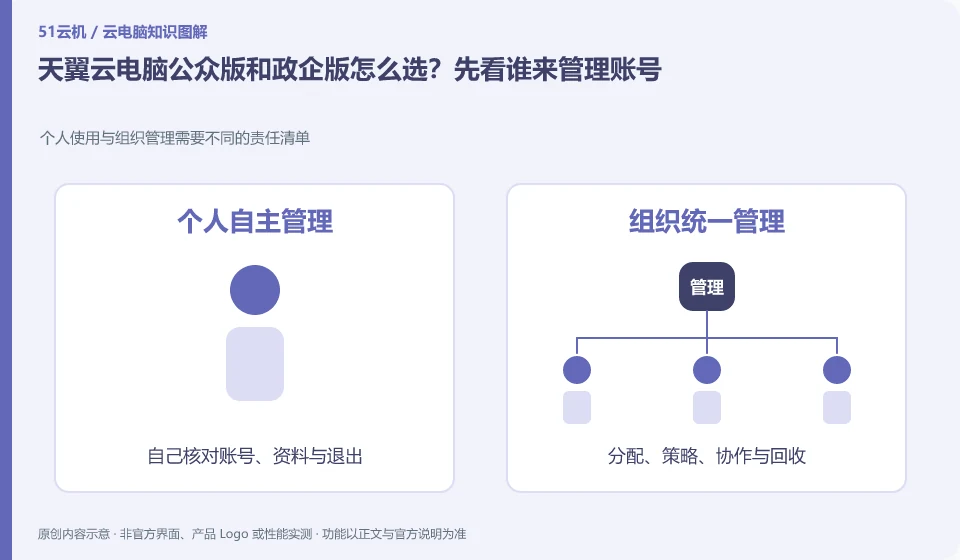
How to choose between CTYun Cloud PC public version and government and enterprise version? Let’s first see who will manage the account. Personal use and organizational management require different lists of responsibilities; full name; personal use; organizational management; applicable areas
CLOUD PCS

CTYun Cloud PC consumer or enterprise edition: who manages the accounts?

For personal use, you should study the public version first; if you need to uniformly distribute and recycle desktops for employees, you should study the government and enterprise version. The basis for judgment is the purchasing entity and management responsibility, not the word "government-enterprise" which seems to have higher configuration.

Cloud PC product documentation is too long, what do ordinary users think? Read the materials by entrance, premise, version and restrictions; write down specific questions; locate the official operation page; check the version; execute with test materials
CLOUD PCS

Long cloud PC documentation: how to find what you need

Start by looking for the prerequisites, steps, and constraints that are relevant to your current task, without reading from the first page to the end. Versions and applicable plans are particularly important. This guide uses everyday examples, practical checks and common pitfalls to help you decide what to do next.

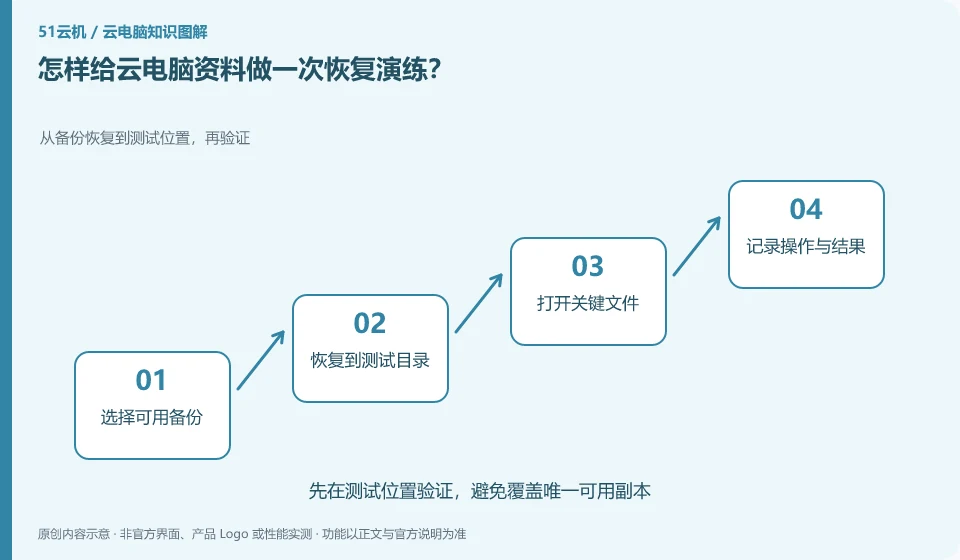
How to perform a recovery drill for cloud PC data? Restore from backup to test location and verify again; select available backup; restore to test directory; open key files; record operations and results
CLOUD PCS

How to practice restoring cloud PC files from a backup

Use non-sensitive test files to verify the process of retrieval from backup. You don't have to wait for the official files to be lost before you learn to restore them. This guide uses everyday examples, practical checks and common pitfalls to help you decide what to do next.

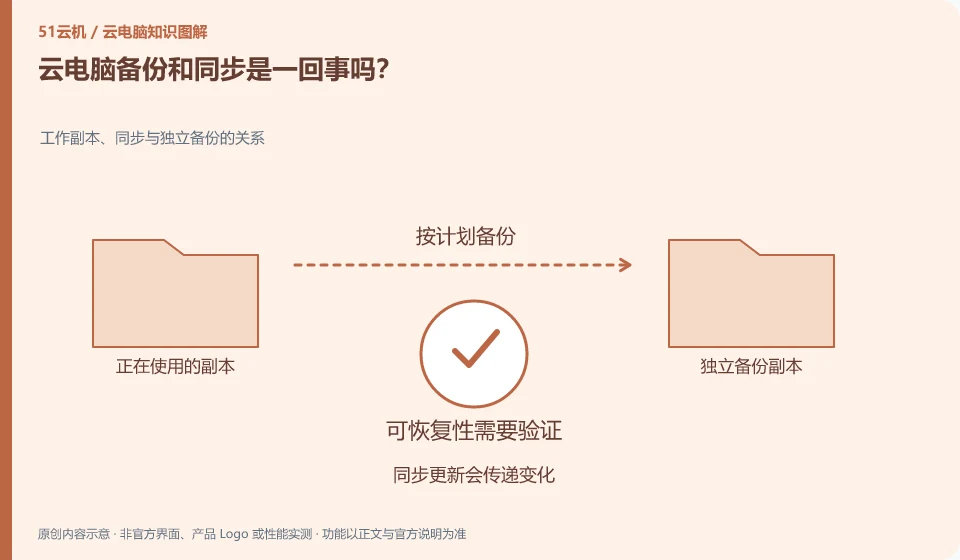
Are cloud PC backup and sync the same thing? Relationship between working copies, synchronization, and independent backups; synchronized updates propagate changes; independent backups preserve recovery points; periodic verification of recoverability
CLOUD PCS

Are cloud PC backups and synchronization the same thing?

No. Synchronization keeps multiple locations as consistent as possible, and backup allows you to retrieve a usable version. Accidental deletions may also be synchronized to other terminals. This guide uses everyday examples, practical checks and common pitfalls to help you decide what to do next.

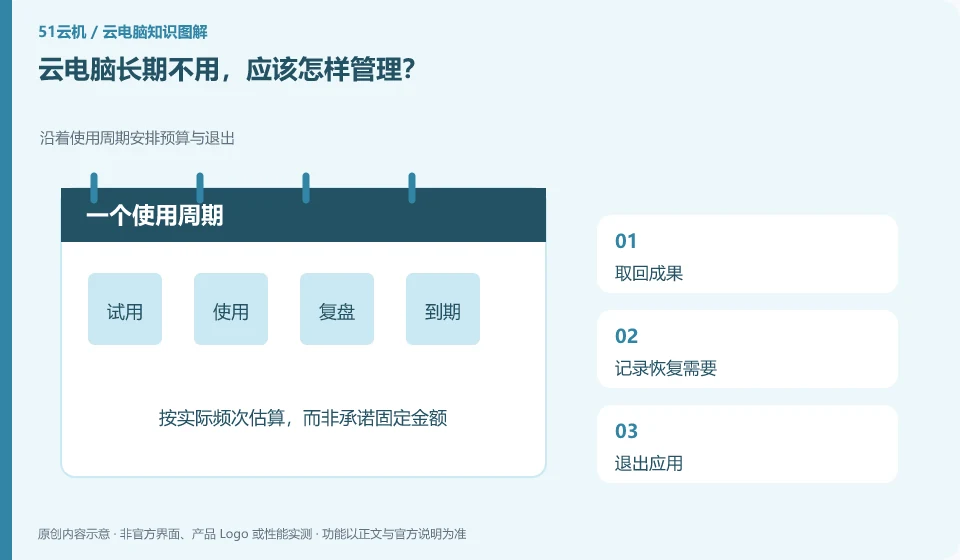
How should I manage my cloud PC when it is not used for a long time? Arrange budget and exit along the life cycle; retrieve results; record recovery needs; exit the application; check automatic renewal
CLOUD PCS

How to manage a cloud PC you will not use for a while

First determine whether you will need this environment in the future, and then deal with files, accounts, subscriptions and resources. Simply not logging in usually does not mean stopping fees. This guide uses everyday examples, practical checks and common pitfalls to help you decide what to do next.

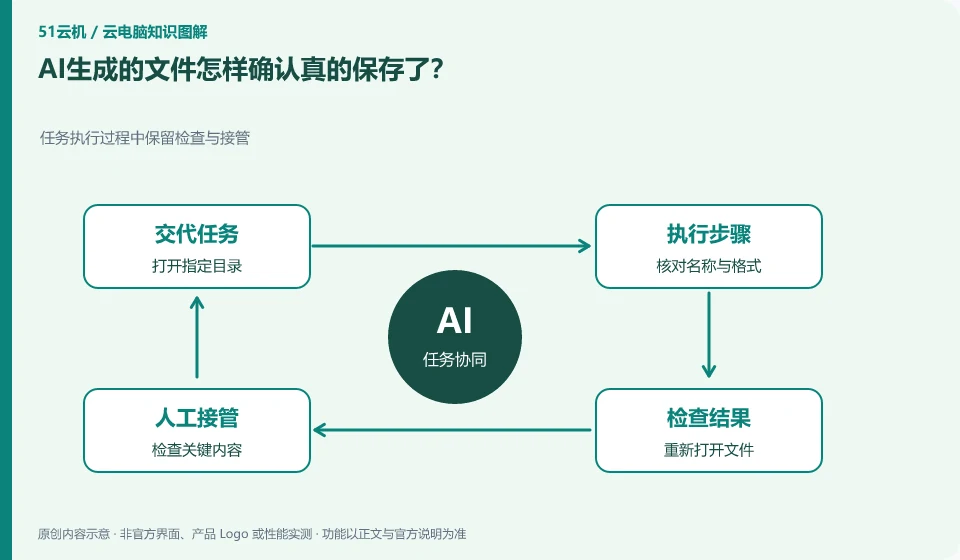
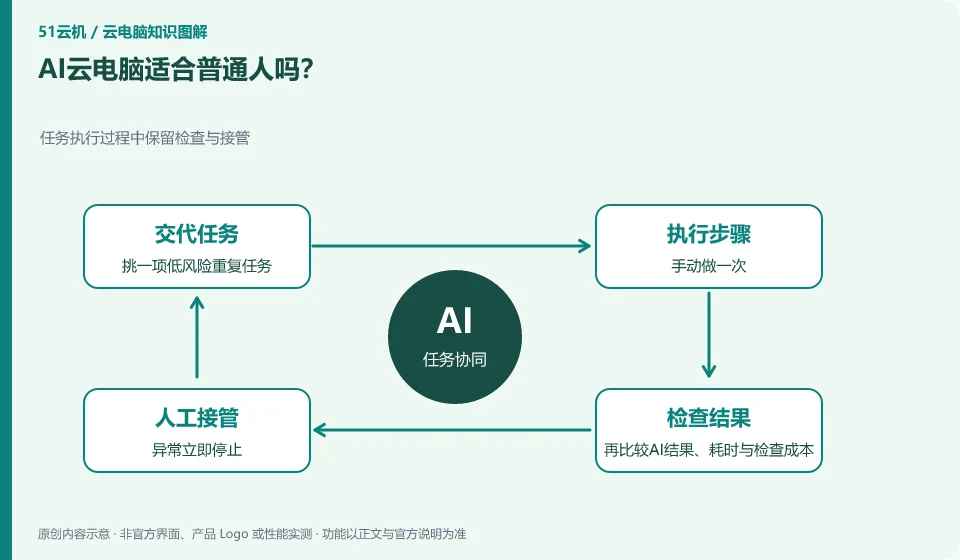
Is AI cloud PC suitable for ordinary people? Keep inspection and takeover during task execution; select a low-risk repetitive task; do it manually; then compare the AI ​​results, time-consuming and inspection costs.
CLOUD PCS

Are AI cloud PCs suitable for everyday users?

If you have repetitive, clear, and easy-to-check tasks, you can experience it on a small scale; if the goal is not yet clear, it is more helpful to learn the manual process first. This guide uses everyday examples, practical checks and common pitfalls to help you decide what to do next.

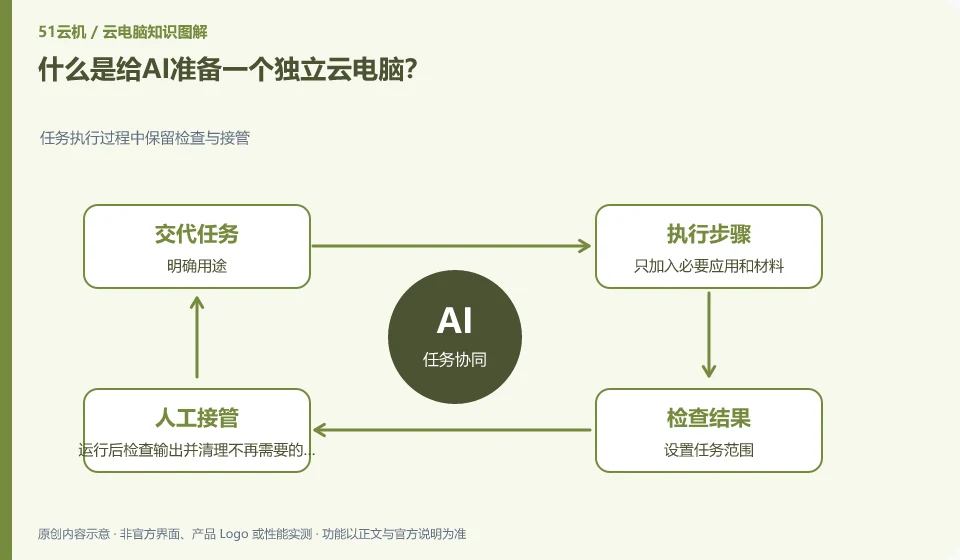
What is preparing an independent cloud PC for AI? Keep inspection and takeover during task execution; clarify the purpose; add only necessary applications and materials; set the task scope; check the output after running and clean up data that is no longer needed.
CLOUD PCS

What does giving an AI assistant its own cloud PC mean?

It is to allow AI to perform tasks in a dedicated remote environment and try not to mix it with personal daily desktops. Standalone environments still require permissions and data management. This guide uses everyday examples, practical checks and common pitfalls to help you decide what to do next.

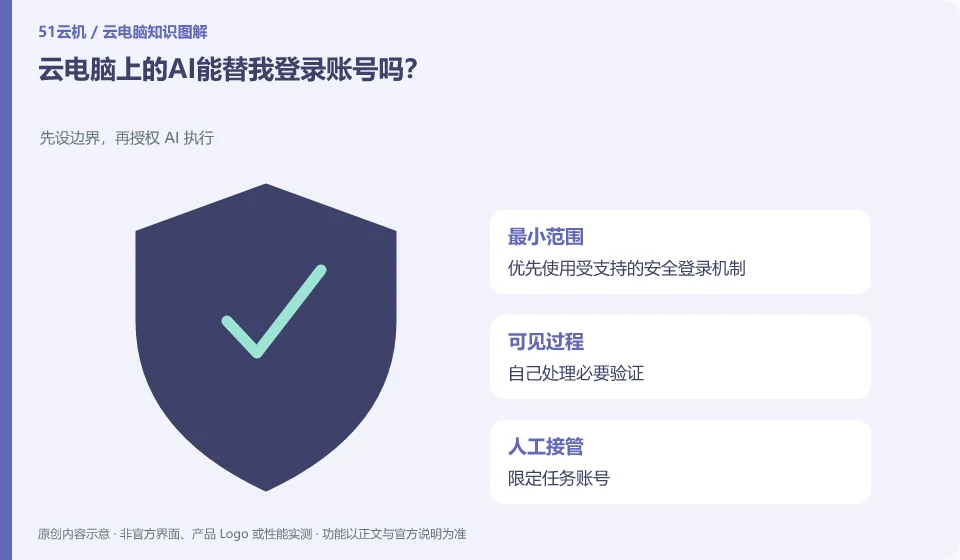
Can the AI on cloud PC log in to my account for me? Set boundaries before authorizing AI execution; prioritize supported secure login mechanisms; handle necessary verification yourself; limit task accounts; check sessions when complete.
CLOUD PCS

Can an AI assistant log in to accounts for you on a cloud PC?

There may be the ability to enter or invoke login tools, but credentials, additional verification, and permissions are still subject to service rules. Do not write important passwords into ordinary prompt words. This guide uses everyday examples, practical checks and common pitfalls to help you decide what to do next.