
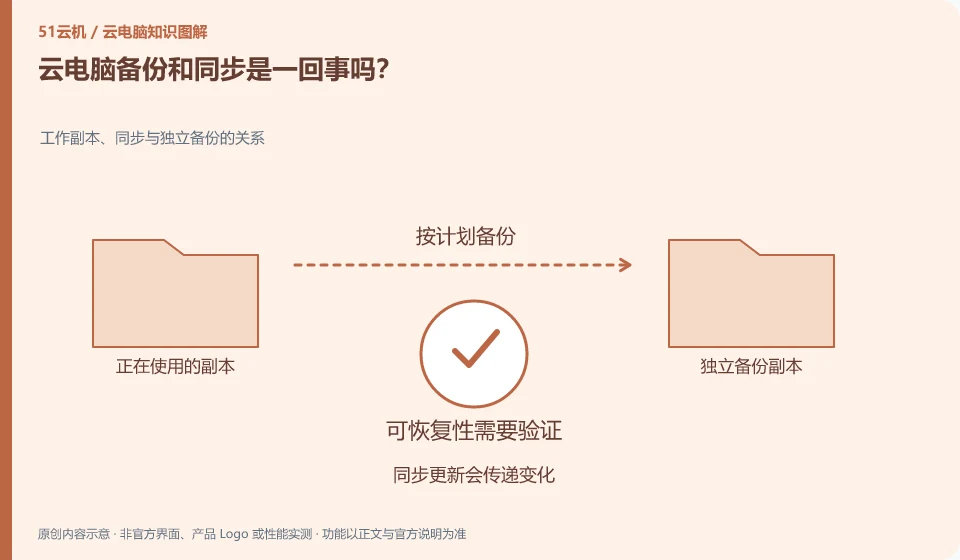
No. Synchronization keeps multiple locations as consistent as possible, and backup allows you to retrieve a usable version. Accidental deletions may also be synchronized to other terminals.
Understand the essentials
The presence of a synchronization icon does not mean that an independent historical version exists, nor does it mean that the recovery has been tested.
A practical example
Hypothetical example: if one end deletes a file and the other end also disappears, it may be that the synchronization is executed normally.
What to check or try
- Learn about version retention rules.
- Save copies of key stages.
- Practice recovery with test files.
- Make a note of the recovery location and required account number.
A truly useful backup description should state how long it can be restored and what accounts and tools are required for restoration. Keeping versions and recovery steps is more important than just counting the number of copies. Selecting an unimportant file and walking through it can reveal the often-overlooked differences between synchronization and backup.
An easy-to-miss detail
Don't treat two synchronized directories as two completely independent insurance policies.
Continue reading
- Handing a cloud PC account to someone else: what to do first
- How to practice restoring cloud PC files from a backup
Back to Cloud PCs: AI and ongoing use
Notes and further reading
Restart, restore and reset Cloud PC;Azure Virtual Desktop overview。
This introductory guide was prepared by 51Yunji from public information with AI-assisted drafting. Examples are hypothetical, not hands-on product tests or promises of results. Follow the current product, version and official instructions for specific features and procedures. Compiled on October 26, 2026.