
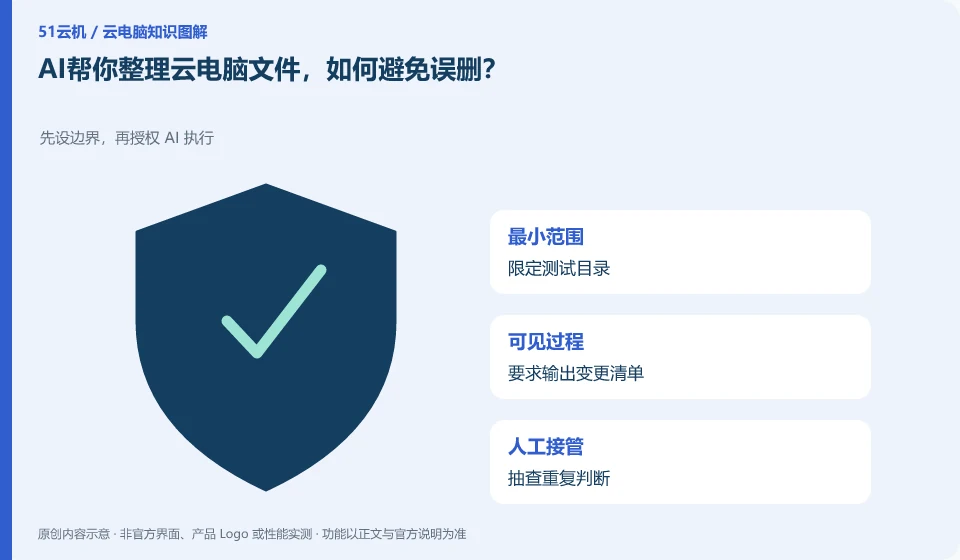
First let AI propose the directory and move list, and then execute them in the copy. Organizing does not necessarily require deletion. If you can move the categories, you do not need to clear them first.
Understand the essentials
Similar file names do not mean duplicate content, and the modification time is not enough to determine whether they can be discarded.
A practical example
Hypothetical example: two “reports” contain different annotations, and removing duplicates by name may lose useful information.
What to check or try
- Define the test directory.
- Request the output of a change list.
- Spot checks and repeated judgments.
- Keep a recoverable copy.
- Check each item after completion.
You can first let the tool output a schedule of "original path → target path", and let you check which data may have the same name. After actual implementation, the quantity and sampling content will be compared. Don't regard emptying the original directory as a criterion for successful organization. It is usually more important to keep it recoverable.
An easy-to-miss detail
Permission to bulk delete unique files is not granted when there is no independent backup.
Continue reading
- Letting AI operate a cloud PC: which task should you start with?
- Why should a person review an AI-written report?
Back to Cloud PCs: AI and ongoing use
Notes and further reading
Anthropic computer use announcement;Windows 365 for Agents technical information。
This introductory guide was prepared by 51Yunji from public information with AI-assisted drafting. Examples are hypothetical, not hands-on product tests or promises of results. Follow the current product, version and official instructions for specific features and procedures. Compiled on October 26, 2026.