51YUNJI / BUY WITH CONTEXT

Cloud PC essentials guides — Page 22

Explore English articles for this topic.

260 articles in English

Page 22 of 22
When using cloud PC, is the local computer still important? Trial on a small scale to confirm key capabilities one by one; check the client support range; try common resolutions and input methods first; use real tasks to observe heating, lagging, and text clarity.
CLOUD PCS

Does your local computer still matter when using a cloud PC?

important. The local computer also needs to receive and decode images, display text, collect keyboard, mouse, audio and video, and maintain the network. Remote performance cannot make up for all local shortcomings. This guide uses everyday examples, practical checks and common pitfalls to help you decide what to do next.
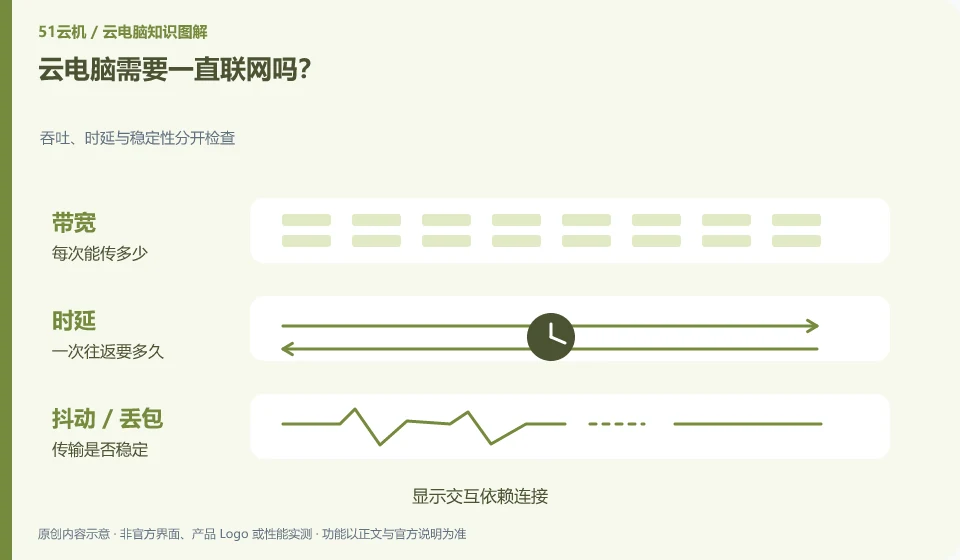
Does cloud PC need to be connected to the Internet all the time? Throughput, latency and stability are checked separately; interactive dependency connections are displayed; network disconnection is different from shutdown; files are saved first and then left.
CLOUD PCS

Does a cloud PC need a constant internet connection?

Continuous interaction generally requires an available network because images and keyboard and mouse operations are passed between the local and remote sites. Whether the remote task continues to run is another matter. This guide uses everyday examples, practical checks and common pitfalls to help you decide what to do next.
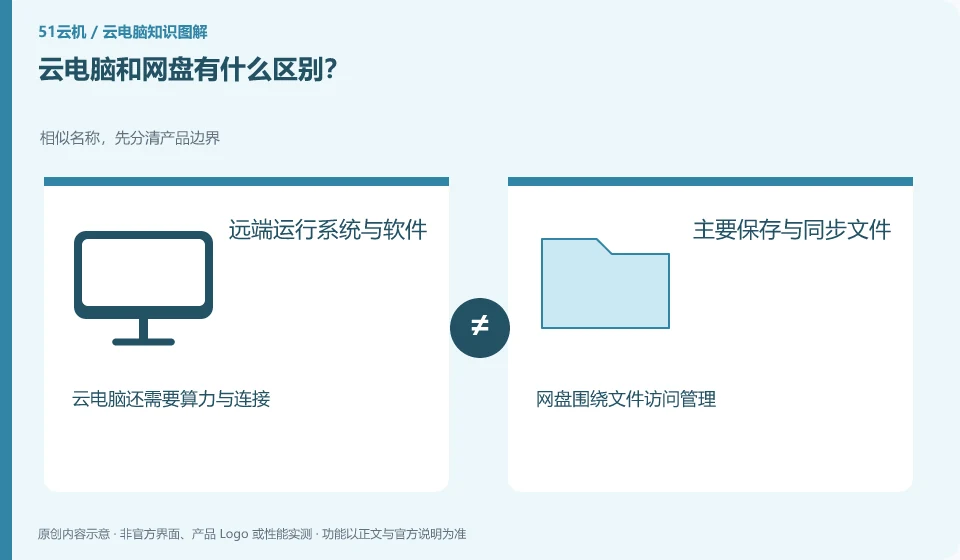
What is the difference between cloud PC and cloud storage? Similar names, first distinguish product boundaries; run systems and software remotely; mainly save and synchronize files; cloud PC also requires computing resources and connections; cloud storage focuses on file access management
CLOUD PCS

Cloud PCs and cloud storage: what is the difference?

Cloud disk mainly helps you save, synchronize and share files; cloud PC provides a desktop that can run software. The two can be used together, but they are not the same thing. This guide uses everyday examples, practical checks and common pitfalls to help you decide what to do next.
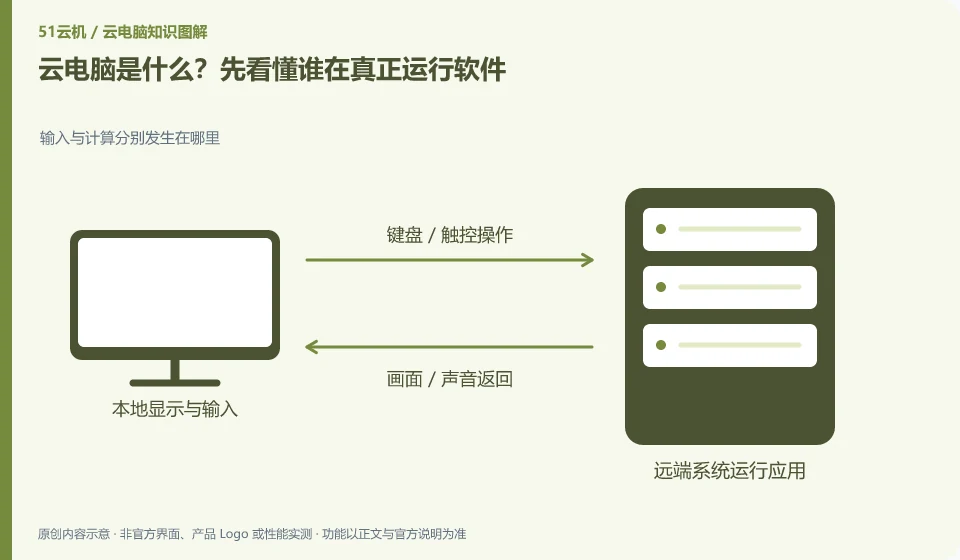
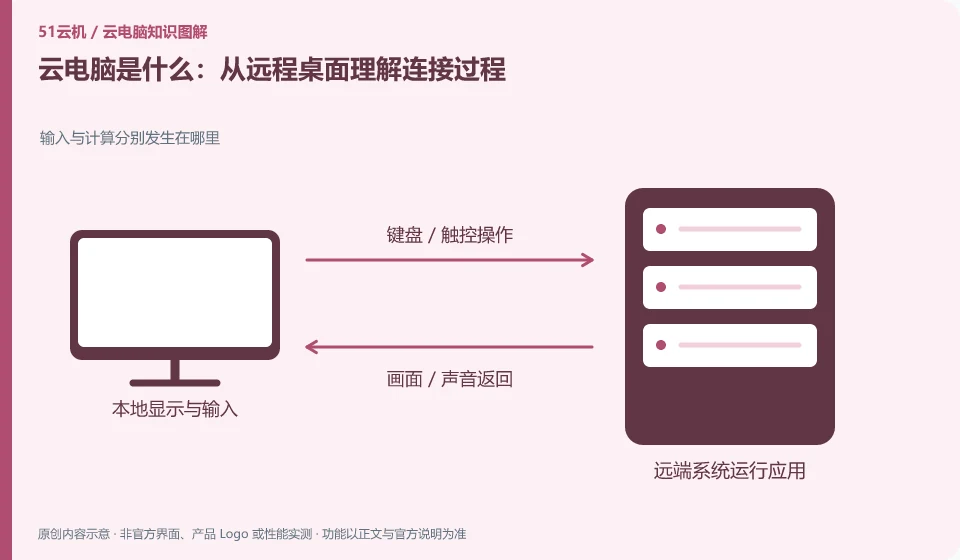
What is cloud PC? First understand who is actually running the software. Where input and calculation occur respectively; local keyboard and mouse; running software remotely; interacting through the network
CLOUD PCS

What is a cloud PC? Start with where the software actually runs

Cloud PC runs the desktop and software on a remote computing device. The device in your hand is mainly responsible for displaying the screen and delivering operations. It is not about downloading an application to make the local CPU stronger. This guide uses everyday examples, practical checks and common pitfalls to help you decide what to do next.