
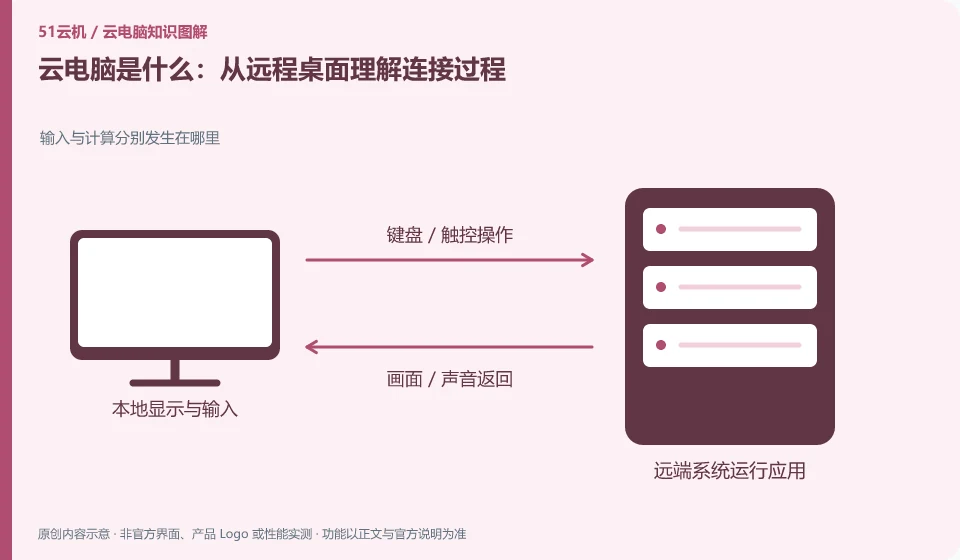
Where the screen is displayed and where the program runs
A remote desktop typically encodes the remote system’s display and sends it to your local device. Keyboard and mouse input travels back to the remote system. The device showing the screen can therefore be different from the device running the program.
Three parts of the connection shape the experience
The remote system runs the programs, the network carries input and screen updates, and the local device decodes and displays the image. A bottleneck in any of these parts can affect responsiveness. A more powerful CPU does not, by itself, eliminate network latency.
Your local device still needs to meet requirements
Your local device needs a working network connection, a display and supported connection software. Requirements for the operating system, browser and video encoding capabilities vary between implementations; check the relevant official documentation.