
There may be the ability to enter or invoke login tools, but credentials, additional verification, and permissions are still subject to service rules. Do not write important passwords into ordinary prompt words.
Understand the essentials
The login page may also contain a verification code or security confirmation, which not every automated tool can handle.
A practical example
Hypothetical example: Just because AI can find the login entrance, it doesn’t mean it should take over your recovery code or all account permissions.
What to check or try
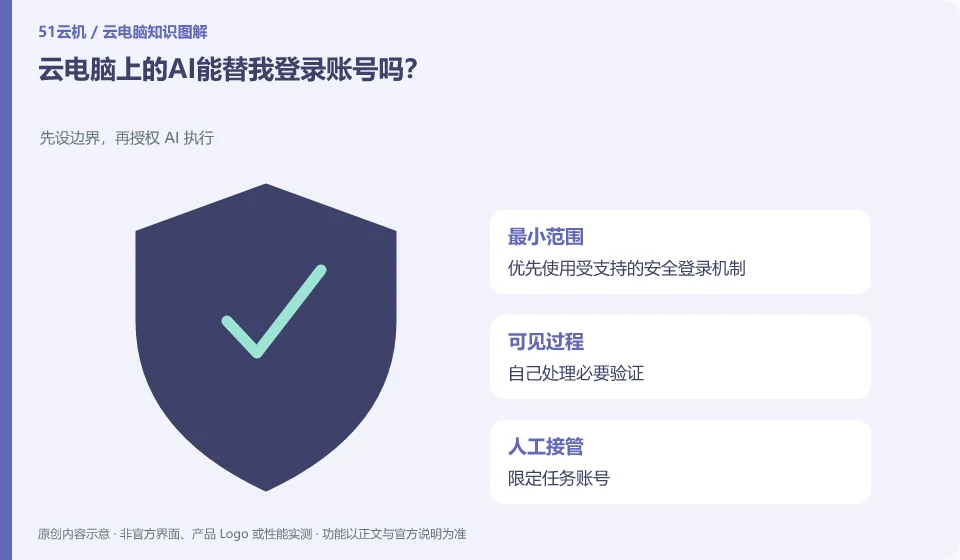
- Prefer using supported secure login mechanisms.
- Handle the necessary verification yourself.
- Limited mission account.
- Check the session when finished.
For tasks that are used repeatedly, you can use a dedicated account with the minimum permissions allowed instead of directly using a personal master account. Account recovery and additional verification remain in the control of the authorized person. If the tool encounters a security confirmation, it should stop and handle it according to the normal mechanism rather than looking for a way around it.
An easy-to-miss detail
Don’t turn off additional verification or provide keys to unknown tools to allow automation to continue.
Continue reading
- AI clicked the wrong thing on a cloud PC: what to do
- What does giving an AI assistant its own cloud PC mean?
Back to Cloud PCs: AI and ongoing use
Notes and further reading
Anthropic computer use announcement;Windows 365 for Agents technical information。
This introductory guide was prepared by 51Yunji from public information with AI-assisted drafting. Examples are hypothetical, not hands-on product tests or promises of results. Follow the current product, version and official instructions for specific features and procedures. Compiled on October 26, 2026.