
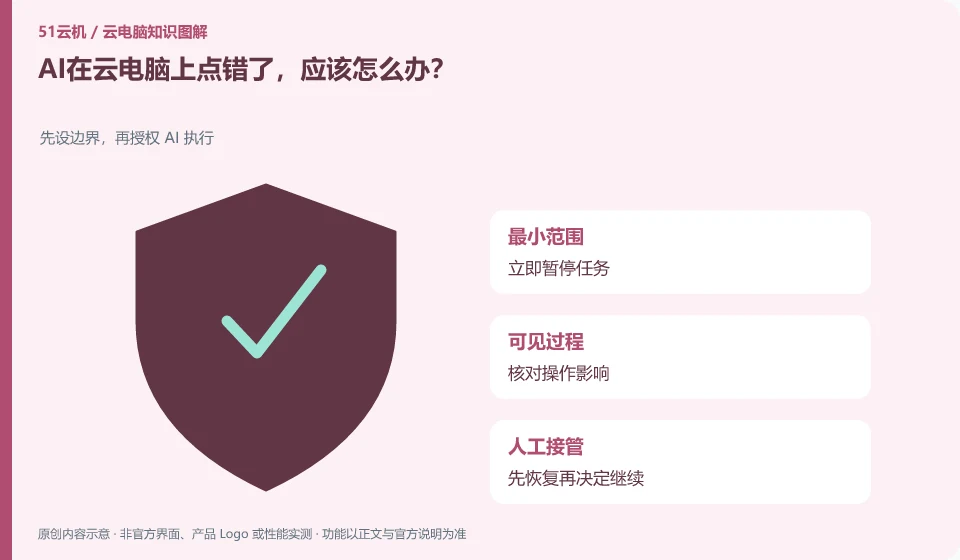
Pause the task first and confirm the changes that have occurred. Do not immediately let it repeat the entire process.
Understand the essentials
Errors can be magnified by duplication, especially with commit, move file, or send actions.
A practical example
Hypothetical example: the file has been created the first time, and running it again may result in a duplicate version instead of a repair.
What to check or try
- Save current screenshots and logs.
- Check actual status.
- Corrected in copy.
- Confirm that it can be restored before continuing with the remaining steps.
Check the actual file or application status first, and then determine whether to revoke. Undo buttons on the interface also don't necessarily cover send, submit, or external actions. Keeping records before and after the error occurs can help clarify the scope of the impact and avoid mistaking a single screenshot for full recovery.
An easy-to-miss detail
Don’t rely solely on AI explanations to determine that the decision has been revoked before finding out the true result.
Continue reading
- How to write a clear task for a desktop AI assistant
- Can an AI assistant log in to accounts for you on a cloud PC?
Back to Cloud PCs: AI and ongoing use
Notes and further reading
Anthropic computer use announcement;Windows 365 for Agents technical information。
This introductory guide was prepared by 51Yunji from public information with AI-assisted drafting. Examples are hypothetical, not hands-on product tests or promises of results. Follow the current product, version and official instructions for specific features and procedures. Compiled on October 26, 2026.