51YUNJI / BUY WITH CONTEXT

Cloud PC essentials guides — Page 13

Explore English articles for this topic.

260 articles in English

Page 13 of 22
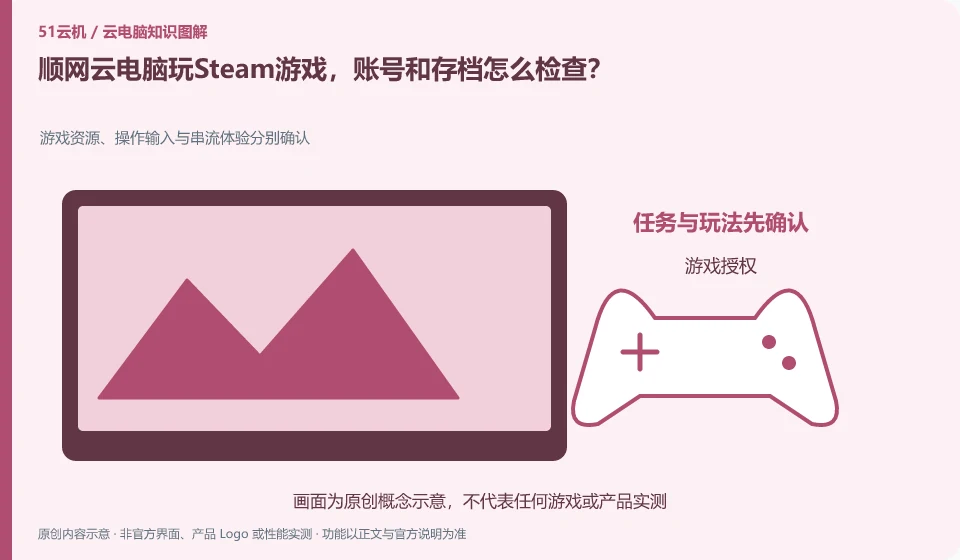
When playing Steam games on Shunwang Cloud PC, how do I check my account and save files? Game resources, operation input and streaming experience are confirmed separately; game authorization; service entrance; control mapping; archive synchronization
CLOUD PCS

Steam on Shunwang Cloud PC: checking accounts and game saves

First confirm the target game and current service support, and then log in with your legal account. There is a three-tier relationship between game entrance, game store authorization and archive synchronization on cloud PC. Pre-installed game icons cannot be regarded as already having copyright.
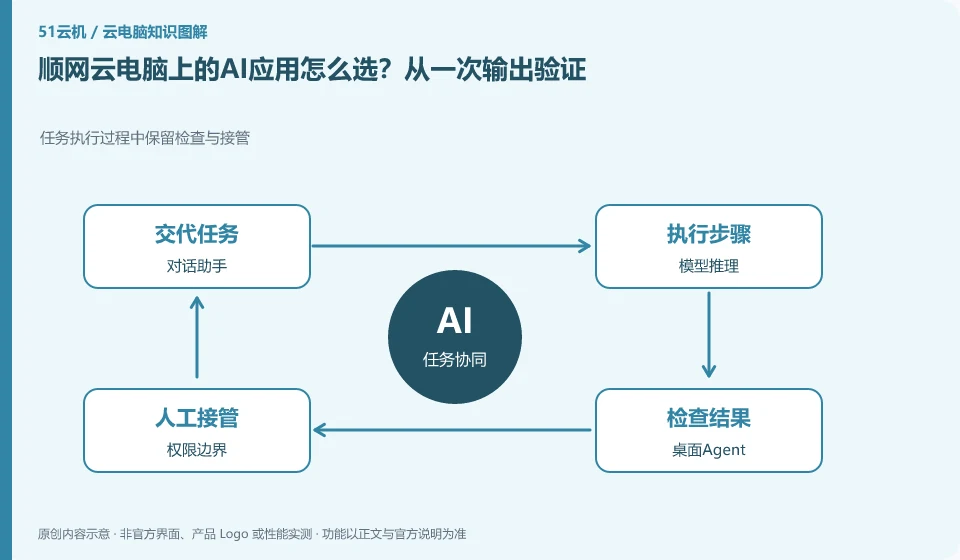
How to choose AI applications on Shunwang Cloud PC? Verify from one output. Preserve inspection and takeover during task execution; dialogue assistant; model inference; desktop agent; permission boundaries
CLOUD PCS

Choosing AI apps on Shunwang Cloud PC: verify a real output

Shunwang’s personal cloud PC page shows AI applications and workstation directions. Whether it is suitable for you depends on the target application, data, GPU conditions and result export. Just because there are many pre-installed tools does not mean that it can complete all creations.

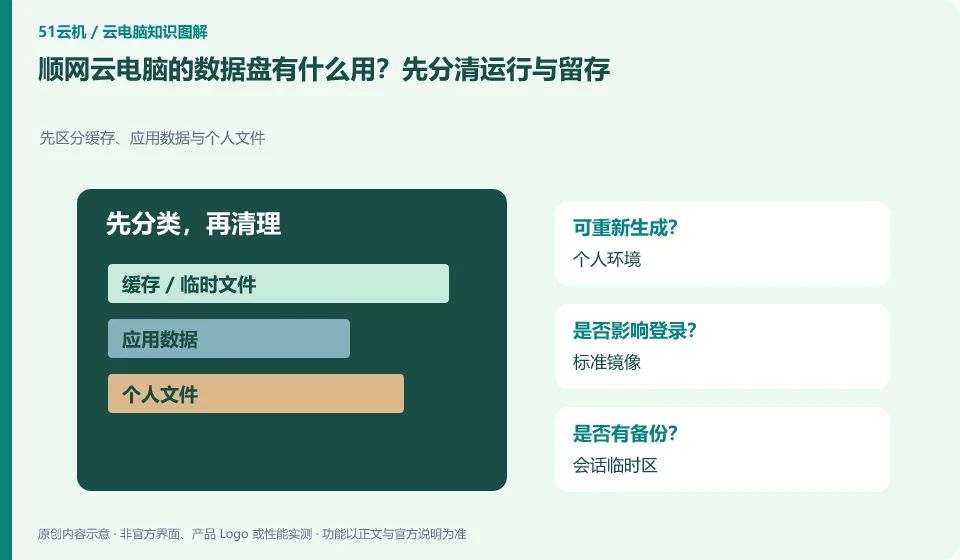
What is the use of the data disk of Shunwang Cloud PC? First distinguish between operation and retention. First distinguish cache, application data and personal files; personal environment; standard image; session temporary area; persistent data
CLOUD PCS

What is the Shunwang Cloud PC data disk for?

Data disks are used to solve the need for personal data retention and cannot automatically be equivalent to the permanent retention of the complete system environment. The official cloud PC portal displays private data disks. You should continue to check the applicable nodes, mounting conditions, expiration and migration rules.

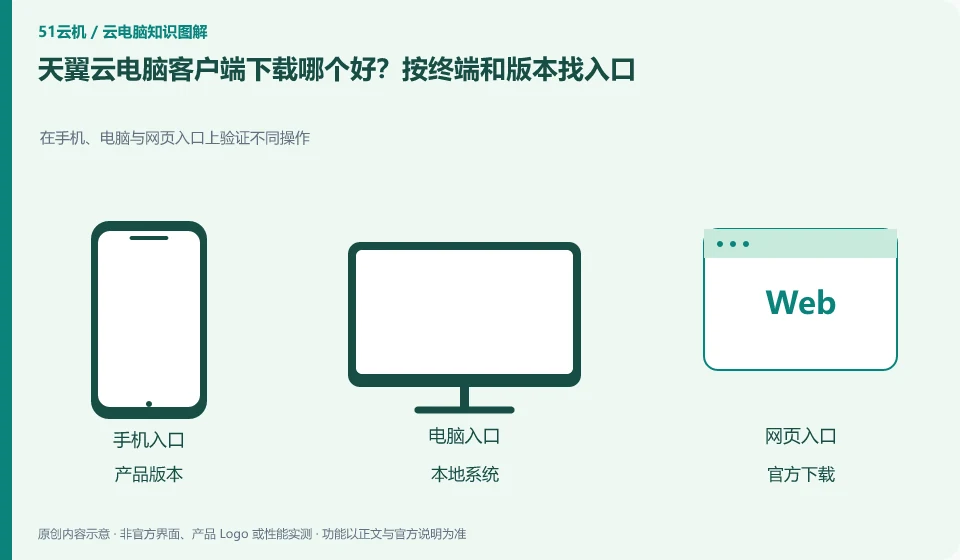
Which CTYun Cloud PC client is best to download? Find the entrance by terminal and version. Verify different operations on mobile phones, computers and web portals; product versions; local systems; official downloads; login verify
CLOUD PCS

Which CTYun Cloud PC client should you download?

First confirm whether the public version or the government and enterprise version, and then go to the official download center to find the client according to the local system; web connection can be used as another access method, but it is not guaranteed to have exactly the same peripherals and shortcut key capabilities.

What do you think of the CTYun Cloud PC package? Separate duration, disk and renewal. Break down the cost items and calculate them, not just looking at the price; length of use; storage retention; licensing fees; additional items
CLOUD PCS

Reading CTYun Cloud PC plans: time, disk space and renewal costs

When selecting a package, first check the applicable version, usage period and subscription length, and then check the data disk and renewal. The starting price on the product page does not represent your total monthly expenditure, nor does it prove that you will stop charging after closing the client.

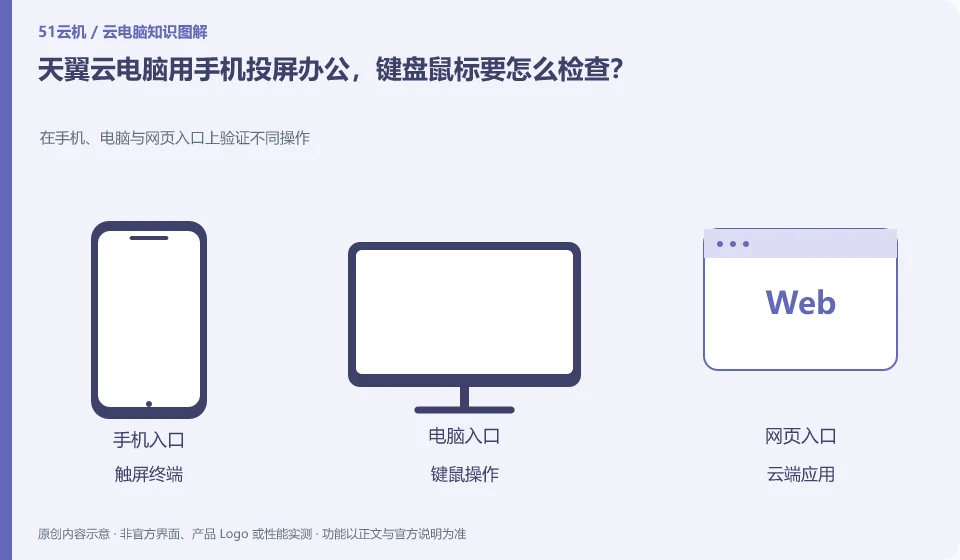
How to check the keyboard and mouse when using CTYun Cloud PC to project screen from mobile phone? Verify different operations on mobile phones, computers and web portals; touch screen terminals; keyboard and mouse operations; cloud applications; network switching and reconnection
CLOUD PCS

CTYun phone screen casting for work: checking keyboard and mouse support

To solve the display problem by mirroring the screen, the keyboard, mouse and software operations still need to be verified separately. The product introduction of the public version mentions wired or wireless screencasting on mobile phones. Whether it is suitable for long-term editing depends on the device, client and peripheral support.

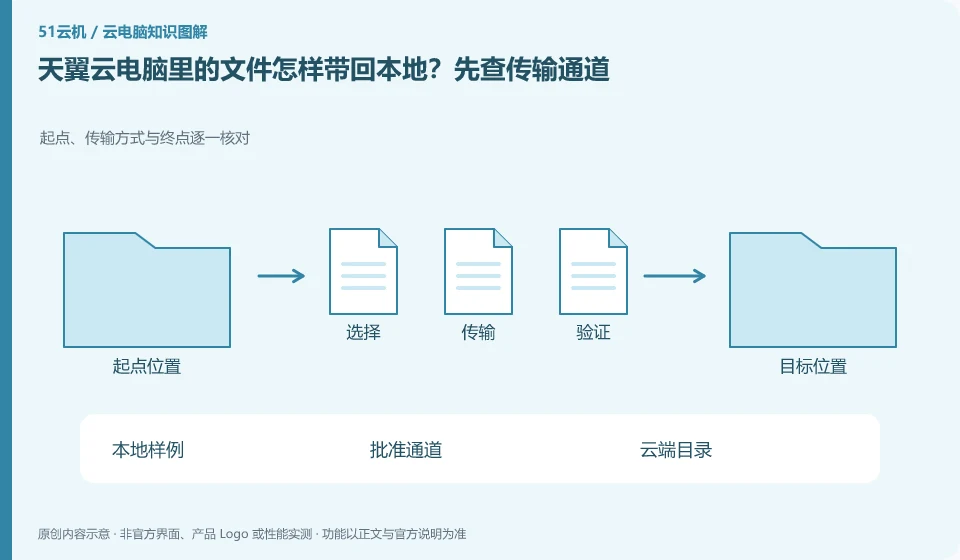
How to bring files from CTYun Cloud PC back to local computer? Check the transmission channel first. Check the starting point, transmission method and end point one by one; local samples; approval channel; cloud directory; reconnection verification
CLOUD PCS

How to bring CTYun Cloud PC files back to your local device

First find the official file transfer or synchronization entry in the current client help, and then use the sample to check the two-way transfer. The cloud PC tool and document portal in the download center can be used as a starting point, but the file capabilities of different versions cannot be applied to each other.

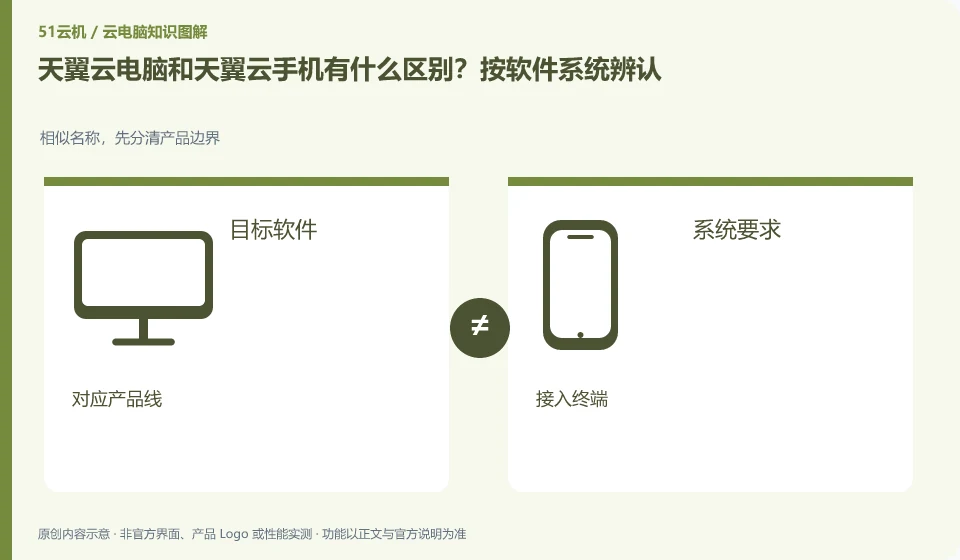
What is the difference between CTYun Cloud PC and CTYun mobile phone? Identified by software system. For similar names, first distinguish product boundaries; target software; system requirements; corresponding product lines; access terminals
CLOUD PCS

CTYun cloud PC or cloud phone: check the operating system

When you need to run Windows desktop software, you should check cloud PC; when you need a remote Android environment, you should check cloud phone. The Tianyi product catalog lists the two separately, and they cannot be regarded as the same product just because they can be connected using mobile phones.