
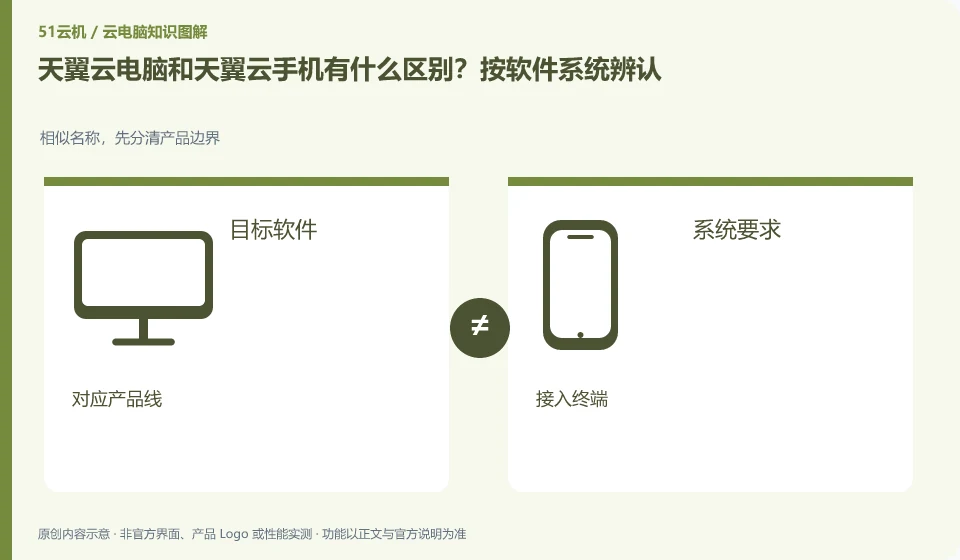
When you need to run Windows desktop software, you should check cloud PC; when you need a remote Android environment, you should check cloud phone. The Tianyi product catalog lists the two separately, and they cannot be regarded as the same product just because they can be connected using mobile phones.
Who this is for:General readers and small teams who are studying CTYun AI Cloud PC and need to solve the specific problems in the title. Data verification date: 2026-10-26.
First, identify the product line
CTYun's product catalog lists the public version, government and enterprise version cloud PC and cloud phone respectively; the introduction page of the public version shows the directions of office, online classes, games and cloud assistants. When reading CTYun products, first select the public version or government and enterprise version, and then check the corresponding client and help documents.
Determine Android or desktop based on the software you want to run
Write out the name of the software you want to run, and then confirm its operating system, license and input method. For example, the target environments for table editing and Android application testing are different; seeing the remote screen on the mobile phone can only prove that the access terminal is the same, but it cannot prove that the remote system is the same.
Write the target app’s full name and system requirements: Android apps and Windows desktop programs are not interchangeable just because they both run in the cloud. The Tianyi product catalog lists cloud phone and cloud PC separately. When purchasing, you should enter the corresponding product line and look at the client and protocol. A mobile phone can also be a terminal connected to a cloud PC, so "connecting with a mobile phone" does not prove that the background is a cloud phone.
For a project that requires Windows plug-ins, check the desktop operating system, software licensing and files. For Android app testing, check the Android version, app compatibility and instance rules. In either case, a shared brand does not establish that memberships are interchangeable. Start with the software’s official system requirements, then check whether the corresponding CTYun product explicitly supports them. Leave unspecified conditions marked for confirmation.
Check each requirement for your task
- Note the target application, version, and required operating system.
- Enter the corresponding product line of cloud phone or cloud PC from the Tianyi catalog.
- Check software licenses, documentation, and instance rules separately, and do not mix tutorials from another product.
The access device and operating environment are written separately
You can write "local phone connects to remote desktop" on the record, or "local computer connects to Android cloud phone". The first half of the sentence explains where to operate, and the second half of the sentence explains where the application actually runs. This distinction avoids downloading the wrong client; peripheral and file capabilities still require checking the current version of the selected product and cannot be deduced from the local device name.
Where the conclusion applies and what to do next
Cloud phone, cloud disk, and cloud PC under the same brand are not the same product; the configuration, duration, and province applicable scope of the activity page cannot be applied to each other.
This article is based on public information. We have not purchased or tested the product. The scenarios describe ways to verify suitability, not customer case studies. Features and terms depend on the current official documentation for the relevant version.
Official sources and further reading
- CTYun AI Cloud PC public version product page: Can confirm the public version of cloud PC, multi-terminal, office and online classes and other scenarios and cloud assistant entrance; no marketing delays or security commitments will be written as independent evaluations.
- CTYun product catalog: The cloud terminal directory is divided into government and enterprise version cloud PC, public version cloud PC and cloud phone.
- Tianyi Quantum AI Cloud PC Download Center:Official client download and application tool entrance; terminal and peripheral support need to check the specific version.
Read more:Cloud PC knowledge hub · Find an article for your question · CTYun AI Cloud PC product line identification
Related questions to explore
- CTYun Cloud PC consumer or enterprise edition: who manages the accounts?
- Trying CTYun Cloud PC for office work: test a complete document workflow
- How to bring CTYun Cloud PC files back to your local device
Back to the brand and product knowledge directory · Browse cloud PC topics