
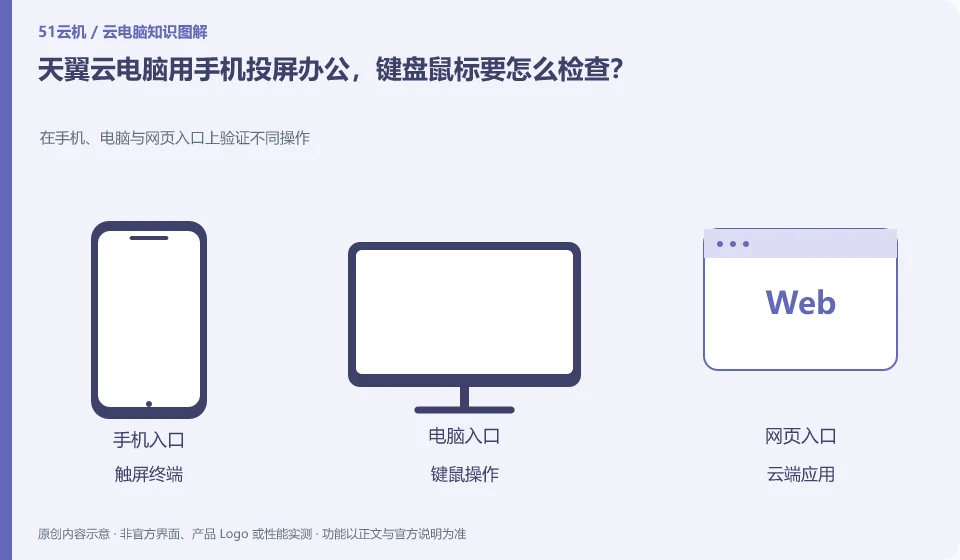
To solve the display problem by mirroring the screen, the keyboard, mouse and software operations still need to be verified separately. The product introduction of the public version mentions wired or wireless screencasting on mobile phones. Whether it is suitable for long-term editing depends on the device, client and peripheral support.
Who this is for:General readers and small teams who are studying CTYun AI Cloud PC and need to solve the specific problems in the title. Data verification date: 2026-10-26.
First, identify the product line
CTYun's product catalog lists the public version, government and enterprise version cloud PC and cloud phone respectively; the introduction page of the public version shows the directions of office, online classes, games and cloud assistants. When reading CTYun products, first select the public version or government and enterprise version, and then check the corresponding client and help documents.
Mobile phones and tablets are terminals, and the operating methods still need to be adapted.
Reading on a TV is not the same acceptance as precisely selecting cells in a large table. Test the Chinese input, right-click menu and key combinations first, and then try to drag the window; successful screencasting on the mobile phone does not prove that the USB printer or USB shield can be used directly.
After a mobile phone or tablet is connected to a cloud PC, calculations occur remotely, but clicks on the touch screen are converted into mouse and keyboard operations understood by desktop applications. Tasks that require precise dragging, key combinations, and long text input are different in difficulty from tasks that require just viewing information. First, separate "can see" and "can complete efficiently" according to the task, before deciding whether an external keyboard, mouse and large screen are needed.
Mobile terminal testing can start with Chinese input, right-click, scroll, drag and window switching, and then verify the session state after system hibernation, network switching and returning to the application. Don’t treat the mobile phone screen as if the cloud application has been closed. Mobile networks also need to pay attention to the trust level of traffic and public Wi-Fi; before using company information, confirm that the terminal and account meet the unit's requirements.
Check each requirement for your task
- List the operations that must be completed on the touch screen. Try input methods and key combinations first.
- Follow the official documentation to configure an external keyboard and mouse or screen mirroring, and check the compatibility conditions.
- Test whether you need to log in again after closing the screen, switching to the Internet, and returning to the application, and save your work.
Peripheral compatibility requires verification of complete business actions
The "recognition" of peripherals is only half the process: the printer still needs to complete printing, the camera needs to be selected in the target conferencing software, and the USB shield involves drivers, business systems, and organizational permissions. The device channels provided by clients, browsers and mobile terminals may be different, so the successful experience on one terminal cannot be used to guarantee that another terminal will also be available.
Where the conclusion applies and what to do next
Cloud phone, cloud disk, and cloud PC under the same brand are not the same product; the configuration, duration, and province applicable scope of the activity page cannot be applied to each other.
This article is based on public information. We have not purchased or tested the product. The scenarios describe ways to verify suitability, not customer case studies. Features and terms depend on the current official documentation for the relevant version.
Official sources and further reading
- CTYun AI Cloud PC public version product page: Can confirm the public version of cloud PC, multi-terminal, office and online classes and other scenarios and cloud assistant entrance; no marketing delays or security commitments will be written as independent evaluations.
- CTYun product catalog: The cloud terminal directory is divided into government and enterprise version cloud PC, public version cloud PC and cloud phone.
- Tianyi Quantum AI Cloud PC Download Center:Official client download and application tool entrance; terminal and peripheral support need to check the specific version.
Read more:Cloud PC knowledge hub · Find an article for your question · CTYun AI Cloud PC product line identification
Related questions to explore
- CTYun Cloud PC consumer or enterprise edition: who manages the accounts?
- CTYun cloud PC or cloud phone: check the operating system
- Trying CTYun Cloud PC for office work: test a complete document workflow
Back to the brand and product knowledge directory · Browse cloud PC topics