
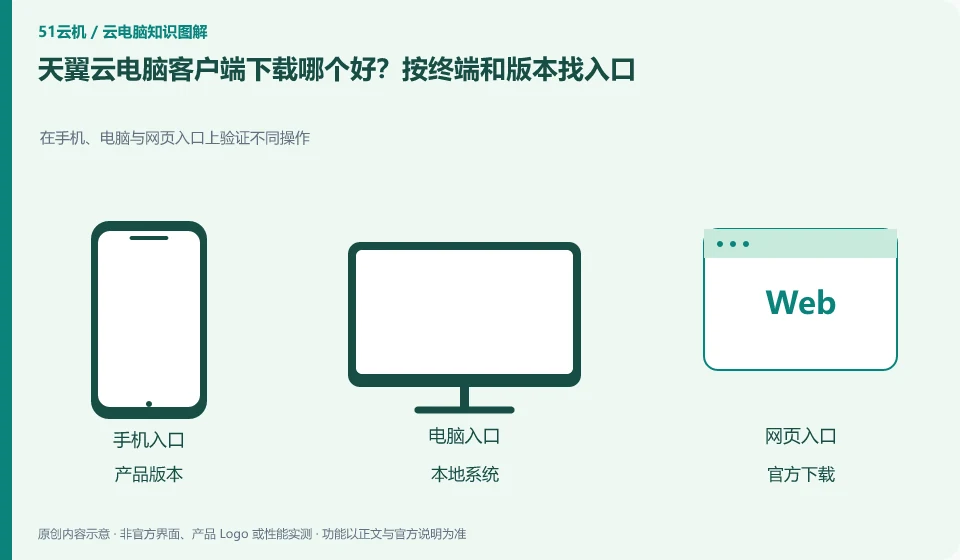
First confirm whether the public version or the government and enterprise version, and then go to the official download center to find the client according to the local system; web connection can be used as another access method, but it is not guaranteed to have exactly the same peripherals and shortcut key capabilities.
Who this is for:General readers and small teams who are studying CTYun AI Cloud PC and need to solve the specific problems in the title. Data verification date: 2026-10-26.
First, identify the product line
CTYun's product catalog lists the public version, government and enterprise version cloud PC and cloud phone respectively; the introduction page of the public version shows the directions of office, online classes, games and cloud assistants. When reading CTYun products, first select the public version or government and enterprise version, and then check the corresponding client and help documents.
Determine the product line and local system before downloading
Windows computers, Macs and mobile phones require different installation packages. After downloading, record the version number, first verify the input method, sound and saving, and then configure the peripherals; if the button is different from the old tutorial, bring the product version and screenshots to the official to verify to avoid installing third-party modification packages.
First confirm the public version or government and enterprise version from the CTYun product catalog, and then enter the corresponding official download page. The page name may also appear with expressions such as Quantum AI Cloud PC, so the product to which the page belongs, the name of the installation package and the account entry must be checked together. Computer systems, processor architectures and mobile phone systems are different, so they cannot be mixed just because the file names have the words "cloud PC" in them.
Save the installation package version and download date. After installation, first check whether you can log in to the correct account, and then check the purchased resources. If the unit provides a dedicated address or organization logo, it should be used according to the administrator's requirements; the public download entrance may not be suitable for the unit environment. When the corresponding platform cannot be found, first check the current support list and do not infer the available paths for Tianyi based on other brands' web functions.
Check each requirement for your task
- Record the public version or government and enterprise version, local operating system and device type.
- Obtain the installation package from the corresponding official page and check the release information and version.
- Verify the resource list, input and sounds with the correct account, and keep screenshots of issues.
The buttons are different after the client is upgraded. How can I continue to find tutorials?
First search for login, resource list, connection settings and file saving by function. It does not require that the new interface is exactly the same as the old screenshot. If a tutorial only applies to another product line, stop following its path; just provide the official version with the current version and the location of the missing features, and avoid sending passwords or verification codes to the installer.
Where the conclusion applies and what to do next
Cloud phone, cloud disk, and cloud PC under the same brand are not the same product; the configuration, duration, and province applicable scope of the activity page cannot be applied to each other.
This article is based on public information. We have not purchased or tested the product. The scenarios describe ways to verify suitability, not customer case studies. Features and terms depend on the current official documentation for the relevant version.
Official sources and further reading
- CTYun AI Cloud PC public version product page: Can confirm the public version of cloud PC, multi-terminal, office and online classes and other scenarios and cloud assistant entrance; no marketing delays or security commitments will be written as independent evaluations.
- CTYun product catalog: The cloud terminal directory is divided into government and enterprise version cloud PC, public version cloud PC and cloud phone.
- Tianyi Quantum AI Cloud PC Download Center:Official client download and application tool entrance; terminal and peripheral support need to check the specific version.
Read more:Cloud PC knowledge hub · Find an article for your question · CTYun AI Cloud PC product line identification
Related questions to explore
- CTYun Cloud PC consumer or enterprise edition: who manages the accounts?
- CTYun cloud PC or cloud phone: check the operating system
- Trying CTYun Cloud PC for office work: test a complete document workflow
Back to the brand and product knowledge directory · Browse cloud PC topics