
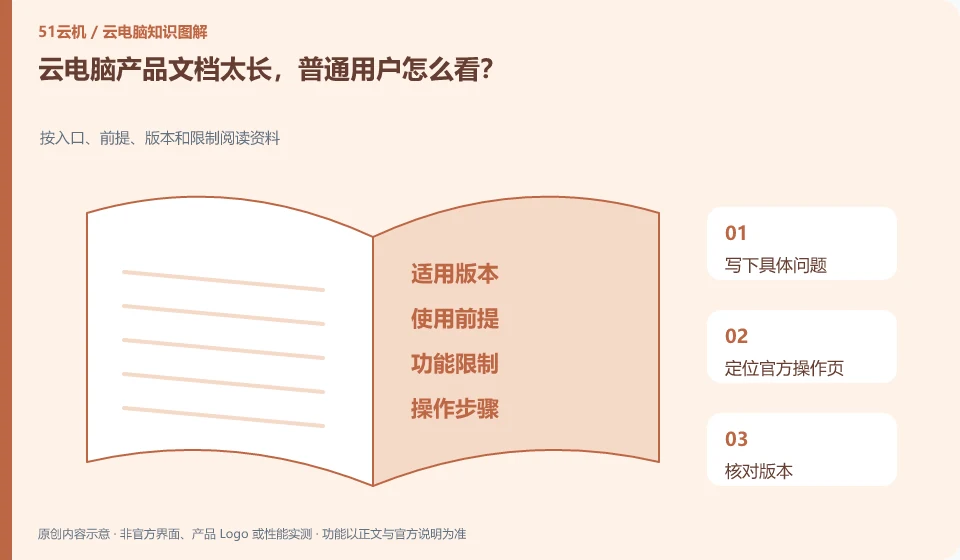
Start by looking for the prerequisites, steps, and constraints that are relevant to your current task, without reading from the first page to the end. Versions and applicable plans are particularly important.
Understand the essentials
The overview tells you what it is, the instructions tell you how to do it, and the restrictions page may determine whether you can do it or not.
A practical example
Hypothetical example: when you need to print, first look at the compatibility of client peripherals instead of studying the server architecture first.
What to check or try
- Write down specific questions.
- Locate the official operation page.
- Check version.
- Performed with test materials.
- Document actual differences.
If you don't understand, change the terminology to your own question, such as "Will this button delete files?" "Does the client I use support it?" Go back to the document and check the relevant paragraphs. If you encounter steps where the version, permissions, and data impact are unclear, you should verify them first and follow them without relying on similar interfaces.
An easy-to-miss detail
Don’t take old community screenshots as a guarantee of the current interface, and don’t skip prompts involving data impact.
Continue reading
- How to practice restoring cloud PC files from a backup
- Cloud PC trials: how to decide whether to keep using the service
Back to Cloud PCs: AI and ongoing use
Notes and further reading
Anthropic computer use announcement;Windows 365 for Agents technical information。
This introductory guide was prepared by 51Yunji from public information with AI-assisted drafting. Examples are hypothetical, not hands-on product tests or promises of results. Follow the current product, version and official instructions for specific features and procedures. Compiled on October 26, 2026.