51YUNJI / BUY WITH CONTEXT

Latest articles & insights — Page 39

The latest published tutorials, product notes and buying advice from the 51Yunji archive.

531 articles in English

Page 39 of 45
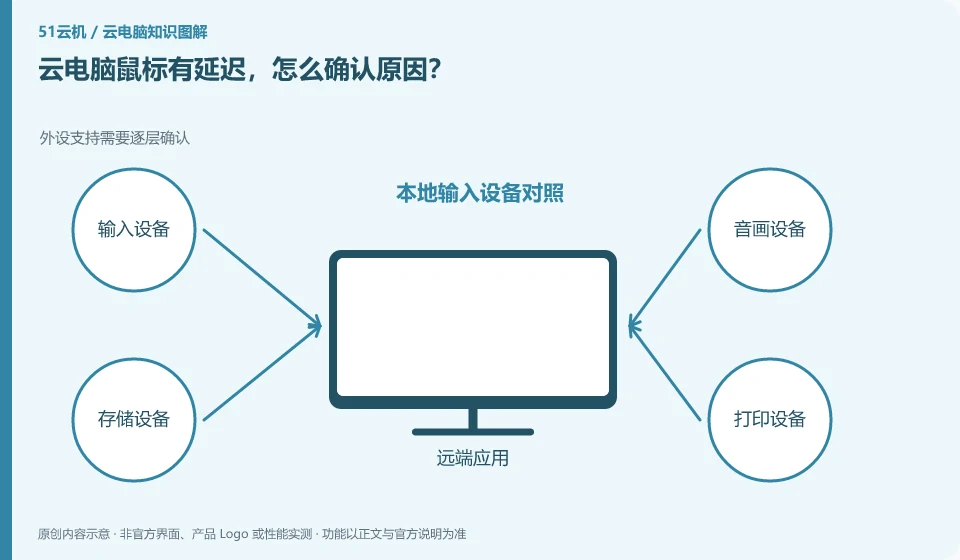
Cloud PC mouse is lagging, how to confirm the cause? Peripheral support needs to be confirmed layer by layer; local input device comparison; same action test delay; remote feedback and then check the network
CLOUD PCS

Cloud PC mouse lag: how to identify the cause

First distinguish between local mouse lagging and remote screen feedback delay. The same movement operation can be performed in the local window and cloud desktop. This guide uses everyday examples, practical checks and common pitfalls to help you decide what to do next.


Cloud PC text is blurry, how should I adjust it? Resolution, scaling, and frame transfer all affect reading; compare original size to full screen; view supported resolutions; reread text after adjusting a setting; record whether the network triggers image quality degradation.
CLOUD PCS

How to adjust blurry text on a cloud PC

Check the remote resolution, local scaling, and client display settings first. Screen compression and window stretching may also affect text. This guide uses everyday examples, practical checks and common pitfalls to help you decide what to do next.
The speed test is very fast, why is the cloud PC still stuck? Check throughput, latency and stability separately; observe connection quality during common periods; compare wired and wireless; pause other high-traffic tasks; keep the same desktop for comparison.
CLOUD PCS

Why does a cloud PC lag despite a fast speed test?

Speed measurement mainly reflects the throughput capability of a certain path. Remote interaction is also affected by delay, jitter, packet loss and the actual node path. This guide uses everyday examples, practical checks and common pitfalls to help you decide what to do next.

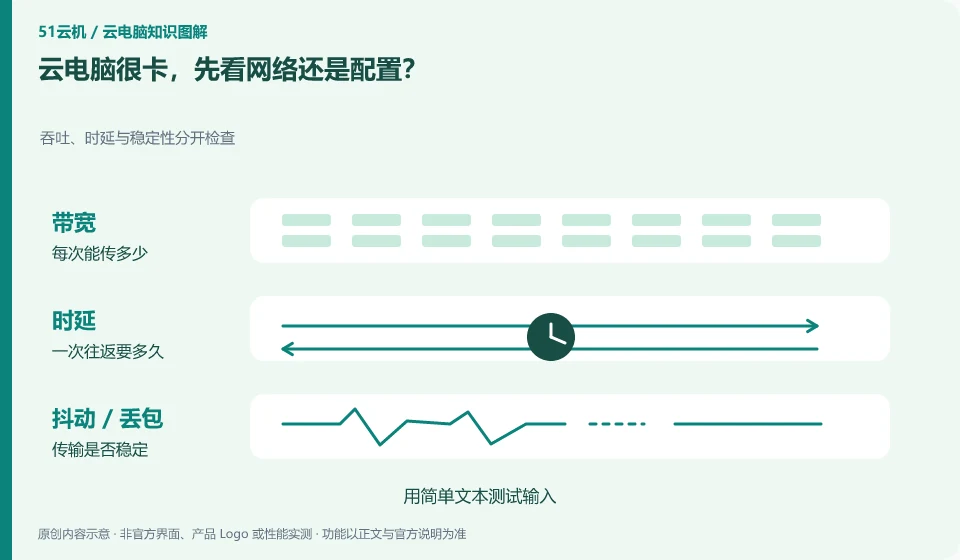
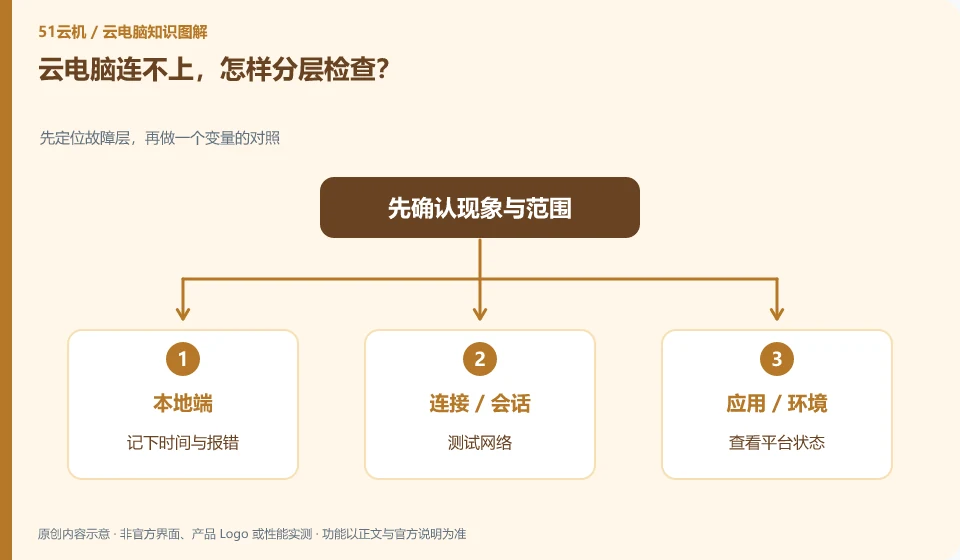
Cloud PC is very stuck. Check the network or configuration first? Throughput, latency and stability are checked separately; test input with simple text; then perform fixed computing tasks; record local network, remote occupancy and occurrence period.
CLOUD PCS

Cloud PC is slow: check the network or the specifications first?

First describe where the card is. If the input and screen response are slow, you should pay more attention to the connection; if the calculation or opening the project is slow, you should look at the remote resources and files at the same time. This guide uses everyday examples, practical checks and common pitfalls to help you decide what to do next.
How to judge whether cloud PC has improved your work efficiency? Record completion under the same tasks and conditions; record the same task; compare completions and steps; incorporate failures and wait times
CLOUD PCS

How to assess whether a cloud PC improves your productivity

Compare the total time taken and errors for the same tasks, rather than just how smooth the desktop looks. Transferring files, troubleshooting, and waiting also count as time. This guide uses everyday examples, practical checks and common pitfalls to help you decide what to do next.

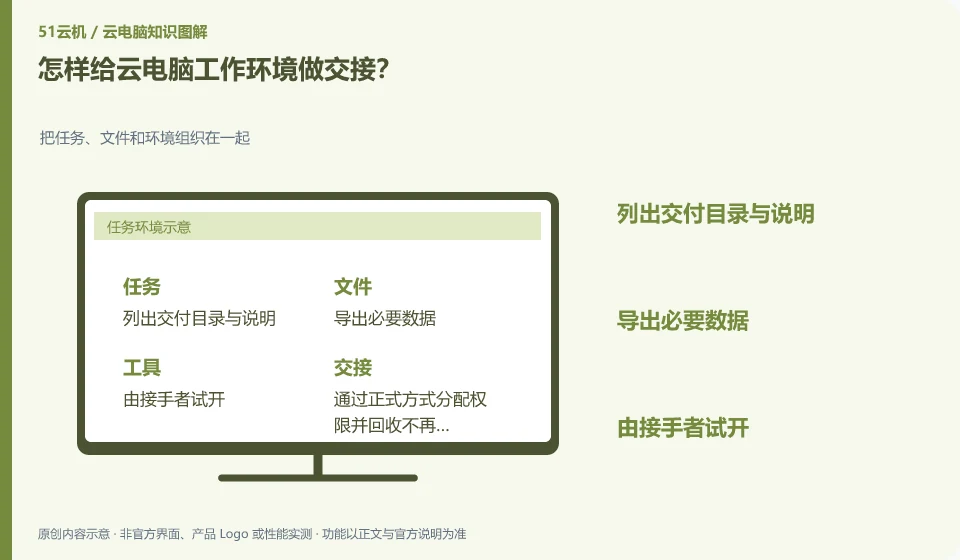
How to hand over the cloud PC working environment? Organize tasks, files, and environments together; list deliverables and descriptions; export necessary data; test-drive with recipients; formally assign permissions and reclaim access that is no longer needed.
CLOUD PCS

How to hand over a cloud PC work environment

The handover should focus on results, file structure, tool versions and permissions, rather than just handing over a login password. Receivers must be able to find and open materials independently. This guide uses everyday examples, practical checks and common pitfalls to help you decide what to do next.
There is not enough disk space on cloud PC. Where should I clean it up first? First distinguish cache, application data and personal files; check the remaining space of each disk; locate files by size; back up important results; use the cache cleaning method supported by the application.
CLOUD PCS

Cloud PC disk space is low: what to clean up first

Find the file types that take up space first, and then process temporary files that can be reconstructed. Don't directly delete system directories you don't understand. This guide uses everyday examples, practical checks and common pitfalls to help you decide what to do next.
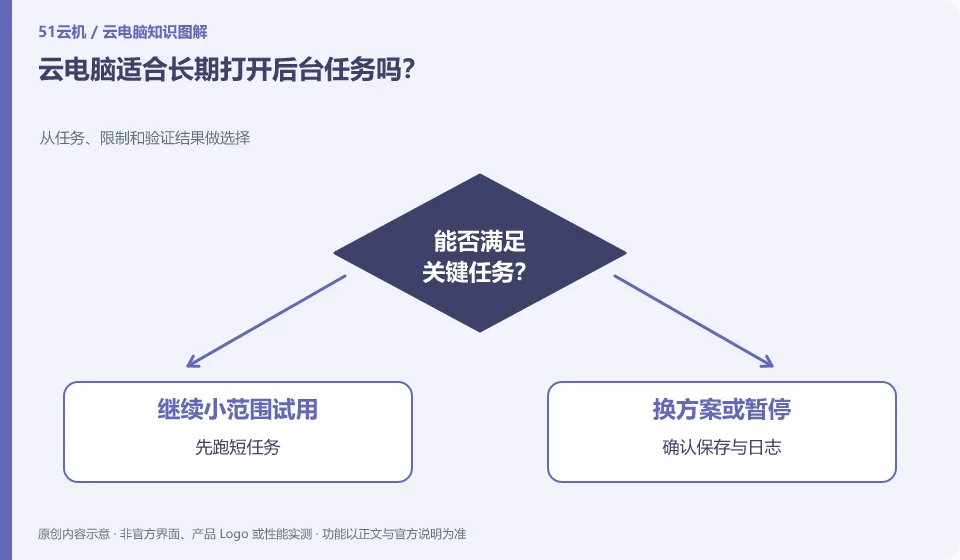
Is cloud PC suitable for keeping background tasks open for a long time? Choose from tasks, limits, and validation results; run short tasks first; confirm saves and logs; set discoverable prompts for failures; check availability and expense rules.
CLOUD PCS

Is a cloud PC suitable for long-running background tasks?

It depends on whether the task is allowed, whether the system is hibernating, and billing and session rules. Closing the local window does not necessarily end the remote task, nor does it guarantee that the task will continue forever. This guide uses everyday examples, practical checks and common pitfalls to help you decide what to do next.

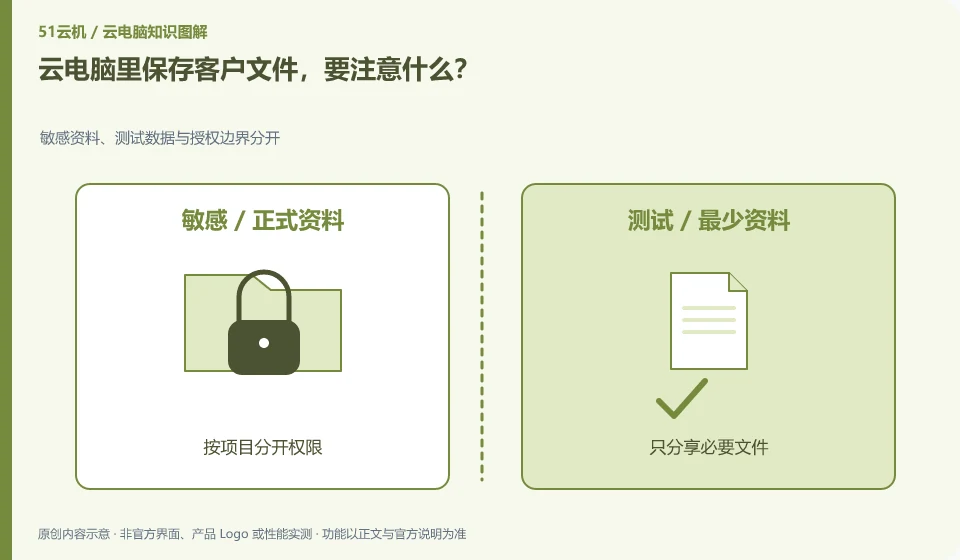
What should you pay attention to when saving customer files in cloud PC? Separate sensitive data and test data from authorization boundaries; separate permissions by project; share only necessary files; set appropriate access periods; review authorizations after delivery.
CLOUD PCS

Storing client files on a cloud PC: what to consider

First confirm whether the customer allows the storage environment and who can access, download and back up. Putting files remotely does not mean that confidentiality requirements have been met. This guide uses everyday examples, practical checks and common pitfalls to help you decide what to do next.