
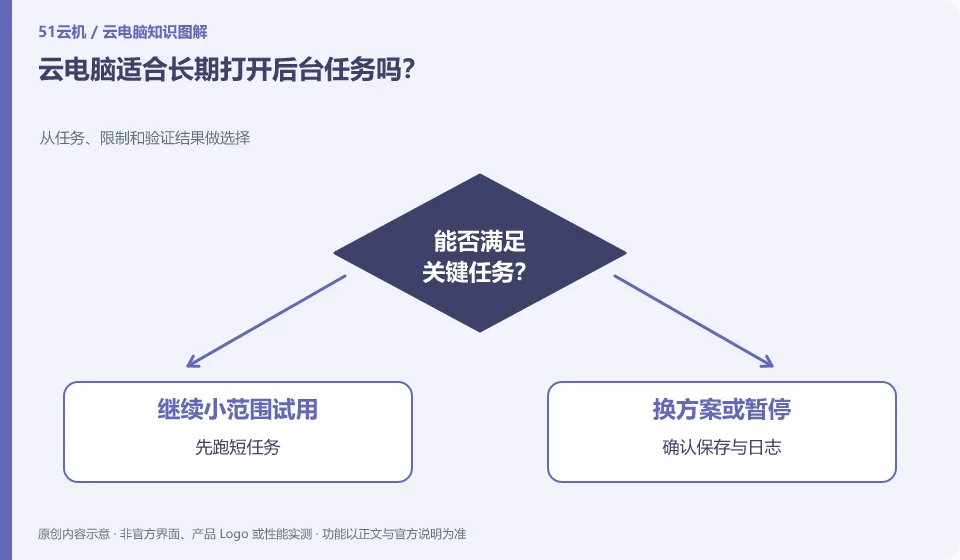
It depends on whether the task is allowed, whether the system is hibernating, and billing and session rules. Closing the local window does not necessarily end the remote task, nor does it guarantee that the task will continue forever.
Understand the essentials
Updates, reboots, full storage, and application errors can interrupt background work.
A practical example
As a hypothetical example: when exporting video for a long time, the remote system may still be running even if you are disconnected; but the results and logs are required to prove it.
What to check or try
- Run short missions first.
- Confirm saving and logging.
- Discoverable prompts when settings fail.
- Check availability and expense rules.
Allowing tasks to leave results or logs is more important than simply keeping the window lit. If the task is interrupted, the description should include what was completed and how to recover. For tasks that will write data, also consider whether re-running will produce duplicate files or duplicate submissions.
An easy-to-miss detail
Do not use background operations for automation that violates application or platform rules, and do not leave tasks that run out of control indefinitely.
Continue reading
- Storing client files on a cloud PC: what to consider
- Cloud PC disk space is low: what to clean up first
Back to Cloud PCs: work and creativity
Notes and further reading
Azure Virtual Desktop overview;Cloud PC access methods and client prerequisites。
This introductory guide was prepared by 51Yunji from public information with AI-assisted drafting. Examples are hypothetical, not hands-on product tests or promises of results. Follow the current product, version and official instructions for specific features and procedures. Compiled on October 26, 2026.