
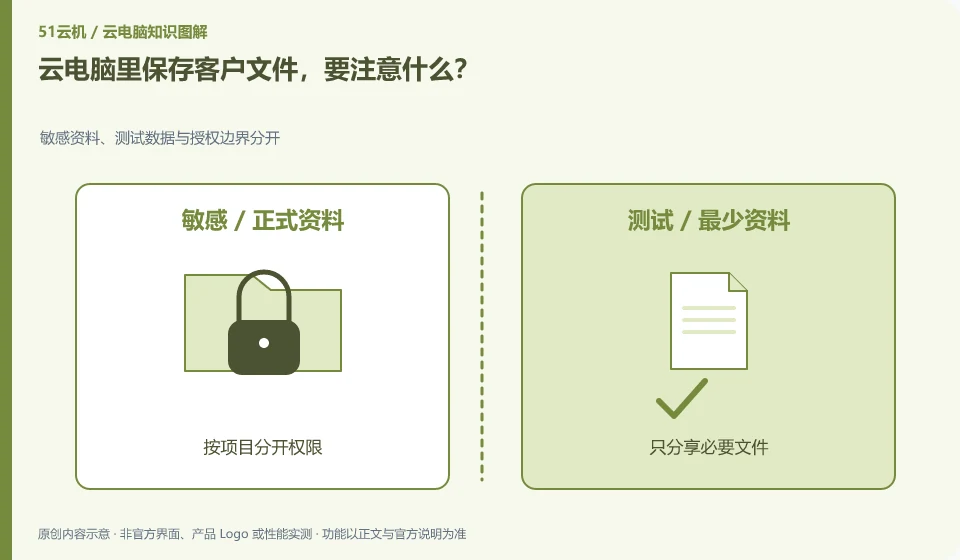
First confirm whether the customer allows the storage environment and who can access, download and back up. Putting files remotely does not mean that confidentiality requirements have been met.
Understand the essentials
Shared accounts, temporary links, clipboard and download permissions can all expand access.
A practical example
Hypothetical example: if you open a public link for delivery but forget to close it, the risk has nothing to do with Cloud Desktop itself.
What to check or try
- Separate permissions by project.
- Share only necessary files.
- Set appropriate access periods.
- Review authorization after delivery.
It is best to keep permissions consistent with the current collaboration stage, review access after temporary collaborators leave, and clean up shares that are no longer needed after delivery is completed. Keep necessary records to avoid future confusion about who saw what. Don't make the entire project directory permanently public for convenience.
An easy-to-miss detail
Specific contracts and industry requirements should be handled according to actual agreements, and this article does not replace project approval.
Continue reading
- Can a cloud PC help freelancers organize their work?
- Is a cloud PC suitable for long-running background tasks?
Back to Cloud PCs: work and creativity
Notes and further reading
Azure Virtual Desktop overview;Cloud PC access methods and client prerequisites。
This introductory guide was prepared by 51Yunji from public information with AI-assisted drafting. Examples are hypothetical, not hands-on product tests or promises of results. Follow the current product, version and official instructions for specific features and procedures. Compiled on October 26, 2026.