
It may provide a fixed working environment, but project data, client requirements and backups still need to be organized yourself. Convenience should be based on deliverability and exitability.
Understand the essentials
Different customers have different requirements for storage, software authorization and remote access, and a set of rules cannot be shared.
A practical example
Hypothetical example: Design projects and coding projects should be in separate directories to avoid mixing materials and credentials with each other.
What to check or try
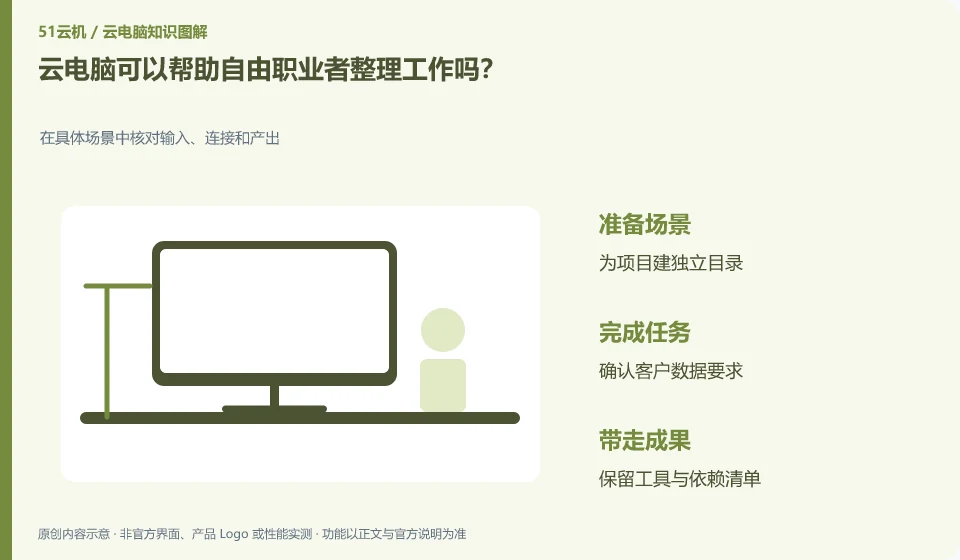
- Create a separate directory for the project.
- Confirm customer data requirements.
- Keep a list of tools and dependencies.
- Export independently deliverables on a regular basis.
A deliverable list can be kept at the end of the project, including files, formats, tool versions and materials still required from the other party. The cloud environment is just a place of work, and what the customer ultimately receives is what is delivered. If you think about this clearly, you will be more comfortable migrating or decommissioning.
An easy-to-miss detail
Don’t use “unified in the cloud” as a substitute for customer authorization, and don’t leave all project accounts in a shared browser.
Continue reading
Back to Cloud PCs: work and creativity
Notes and further reading
Azure Virtual Desktop overview;Cloud PC access methods and client prerequisites。
This introductory guide was prepared by 51Yunji from public information with AI-assisted drafting. Examples are hypothetical, not hands-on product tests or promises of results. Follow the current product, version and official instructions for specific features and procedures. Compiled on October 26, 2026.