
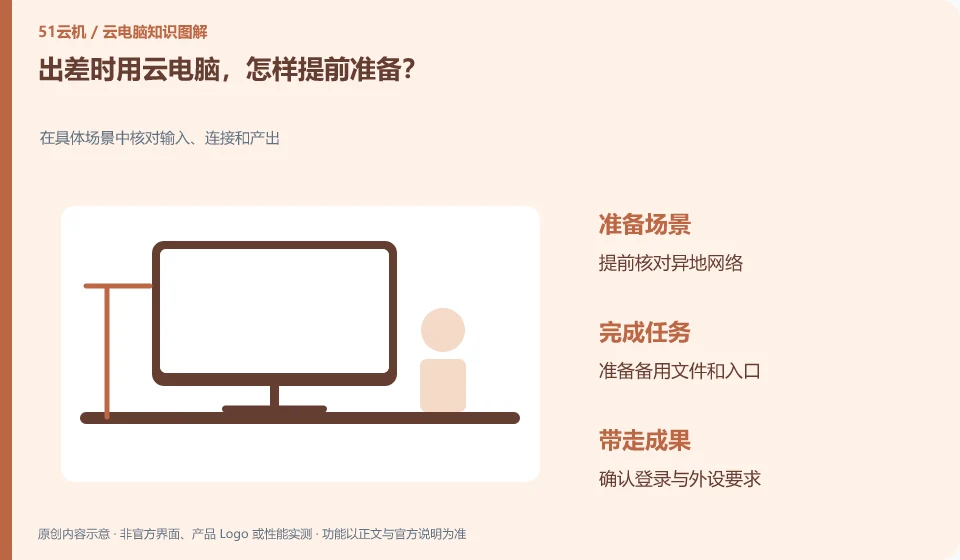
Confirm logins, extra verification, and backup networks before you go, and try connecting with the devices you're traveling with. Do not go to the site to install the client.
Understand the essentials
A change in location will affect network and account verification, and external devices may be different from those in the office.
A practical example
Hypothetical example: The hotel network requires web authentication, and directly opening a desktop connection may always fail.
What to check or try
- Update the official client.
- Complete an off-site network test.
- Record recovery methods.
- Keep non-sensitive emergency documents in an approved location.
You can also prepare an access instruction without a password, including the official entrance, required verification methods and support channels. Keep it somewhere you can access when leaving home. The backup plan doesn't have to be complex, but at least you need to know what work can still be completed if you are temporarily unavailable.
An easy-to-miss detail
Do not leave all the recovery credentials only in the cloud desktop that needs to be connected before it can be opened.
Continue reading
Back to Cloud PCs: work and creativity
Notes and further reading
Azure Virtual Desktop overview;Cloud PC access methods and client prerequisites。
This introductory guide was prepared by 51Yunji from public information with AI-assisted drafting. Examples are hypothetical, not hands-on product tests or promises of results. Follow the current product, version and official instructions for specific features and procedures. Compiled on October 26, 2026.