
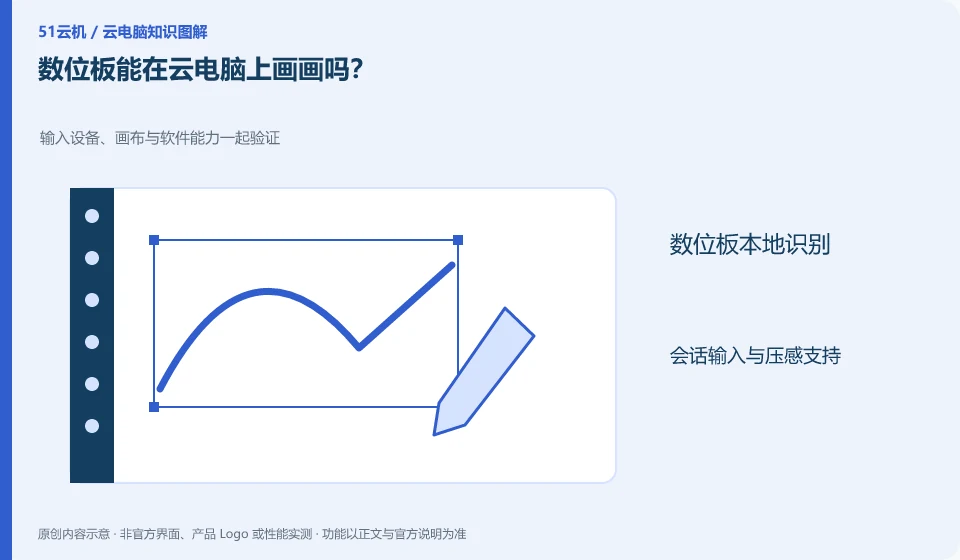
Not only to see if you can move the cursor, but also to verify pressure sensitivity, tilt, shortcut keys, and drawing software compatibility. Supporting USB does not mean that all capabilities can be transferred there.
Understand the essentials
Peripheral drivers, clients, and redirection methods all determine functionality, and may differ between browsers and dedicated clients.
A practical example
Hypothetical example: the line drawing is normal like a mouse, but there is no pressure sensitivity. It cannot be considered that the tablet has been fully adapted.
What to check or try
- First make sure the local floor is normal.
- Follow the official instructions to connect.
- Draw light and heavy lines and test shortcut keys.
- Save the test pen sample.
You can keep the same set of test pen actions: light and heavy lines, continuous curves, erasers and commonly used shortcut keys. If you repeat this set of actions when changing clients or drivers in the future, you will be able to discover functional changes. There is no need to write the sensation as an exact delay value, just describe the observation without measurement.
An easy-to-miss detail
Don't install unknown drivers or open all USB devices just to try pressure sensing.
Continue reading
Back to Cloud PCs: work and creativity
Notes and further reading
Azure Virtual Desktop overview;Cloud PC access methods and client prerequisites。
This introductory guide was prepared by 51Yunji from public information with AI-assisted drafting. Examples are hypothetical, not hands-on product tests or promises of results. Follow the current product, version and official instructions for specific features and procedures. Compiled on October 26, 2026.