
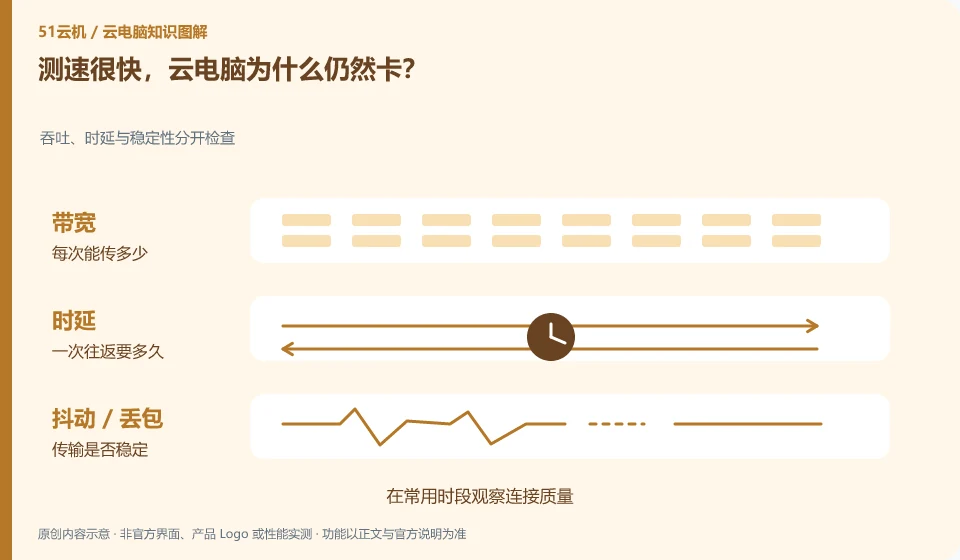
Speed measurement mainly reflects the throughput capability of a certain path. Remote interaction is also affected by delay, jitter, packet loss and the actual node path.
Understand the essentials
A large water pipe does not mean that every round trip is fast, and the speed test server may not be the desktop node you connect to.
A practical example
Hypothetical example: the download speed is good, but the mouse dragging stops for a while. You may need to check the stability of the interaction path.
What to check or try
- Observe connection quality during common hours.
- Compare wired and wireless.
- Pause other high-traffic tasks.
- Keep the same desktop for comparison.
Also keep an eye on whether you're uploading footage, syncing files, or playing video. These activities may alter the experience on the same network. When testing, first simplify the parallel tasks and then gradually restore them; don't ignore the normal load of your actual work just for the sake of good speed testing.
An easy-to-miss detail
Don't mix bandwidth, latency and frame rate into one indicator, let alone draw conclusions based on a single speed test.
Continue reading
- Cloud PC is slow: check the network or the specifications first?
- How to adjust blurry text on a cloud PC
Back to Cloud PCs: troubleshooting
Notes and further reading
Troubleshooting AVD connection quality;WorkSpaces Personal network requirements。
This introductory guide was prepared by 51Yunji from public information with AI-assisted drafting. Examples are hypothetical, not hands-on product tests or promises of results. Follow the current product, version and official instructions for specific features and procedures. Compiled on October 26, 2026.