
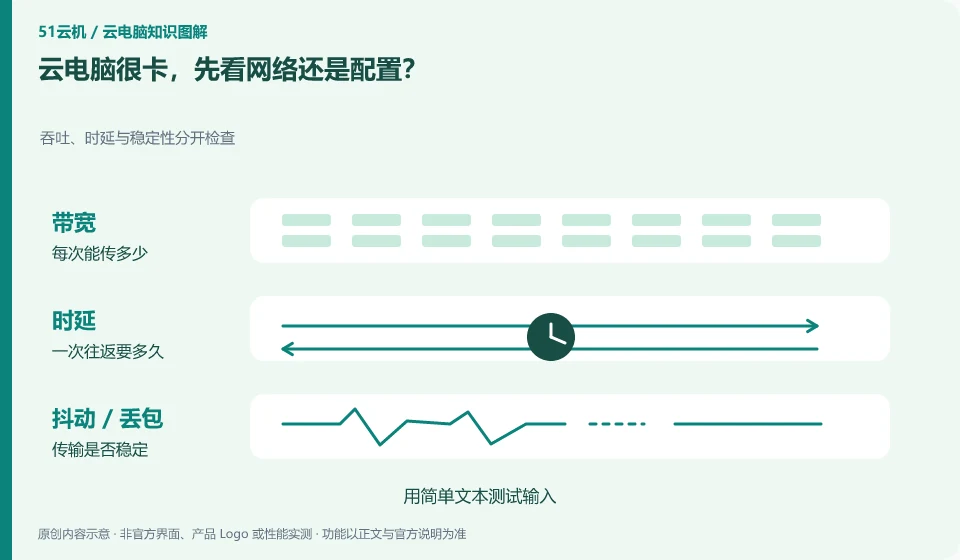
First describe where the card is. If the input and screen response are slow, you should pay more attention to the connection; if the calculation or opening the project is slow, you should look at the remote resources and files at the same time.
Understand the essentials
The same word "card" may cover completely different problems, so classifying them first can reduce invalid upgrades.
A practical example
Hypothetical example: I can’t keep up with typing and it takes a long time to export the video, so I can’t use the same diagnostic conclusion.
What to check or try
- Test input with simple text.
- Then do fixed calculation tasks.
- Record the local network, remote occupancy and occurrence period.
Find a specific action for "stuck", such as entering a dozen ordinary words, opening the same file, and rotating the same model. This action will be redone each time the conditions are changed in the future. This does not require specialized instruments and allows phenomena to be compared more clearly than general descriptions can.
An easy-to-miss detail
Network problems cannot be ruled out by just relying on one speed test number. Continued stability is also important.
Continue reading
- Cloud PC has a black screen but the pointer moves: what to check
- Why does a cloud PC lag despite a fast speed test?
Back to Cloud PCs: troubleshooting
Notes and further reading
Troubleshooting AVD connection quality;WorkSpaces Personal network requirements。
This introductory guide was prepared by 51Yunji from public information with AI-assisted drafting. Examples are hypothetical, not hands-on product tests or promises of results. Follow the current product, version and official instructions for specific features and procedures. Compiled on October 26, 2026.