
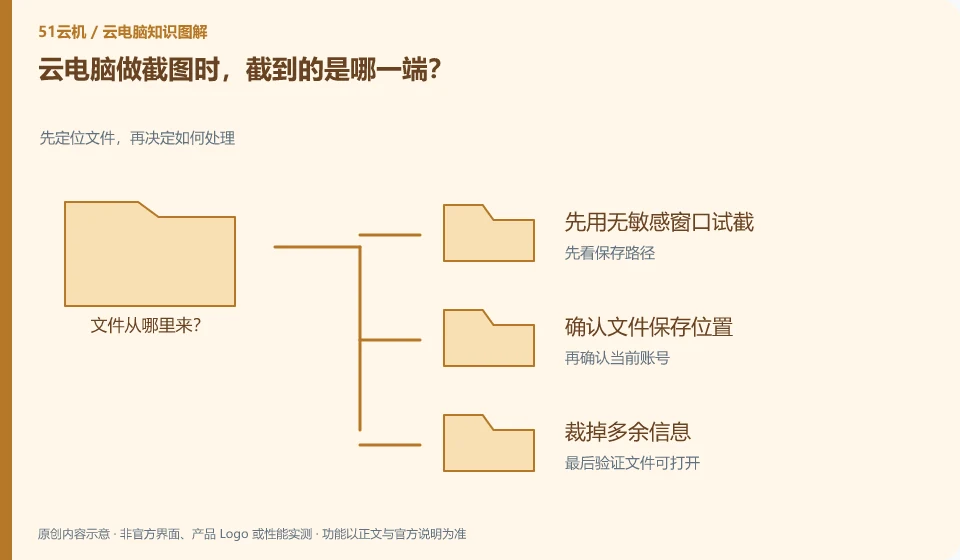
Depends on where the snipping tool is running. Local screenshots may include the connection window, and remote screenshots typically capture the remote desktop.
Understand the essentials
Shortcut keys may be received by the local system first, so seemingly identical operations are saved to different directories.
A practical example
Hypothetical example: if the image cannot be found after pressing the button, the local and remote screenshot directories should be checked separately.
What to check or try
- Try cutting with a non-sensitive window first.
- Confirm the file save location.
- Cut out excess information.
- Check account numbers, notifications and file names before sharing.
Screenshots used for help should retain the error and necessary context while cropping out irrelevant content. Where the file is saved can also be clearly stated in the description. If the screenshot is generated remotely, the correct version must be retrieved before sharing, and do not mistakenly send the previous image with the same name.
An easy-to-miss detail
Screenshots may also contain sensitive data, and just because the content comes from the cloud does not automatically make it public.
Continue reading
Back to Cloud PCs: work and creativity
Notes and further reading
Azure Virtual Desktop overview;Cloud PC access methods and client prerequisites。
This introductory guide was prepared by 51Yunji from public information with AI-assisted drafting. Examples are hypothetical, not hands-on product tests or promises of results. Follow the current product, version and official instructions for specific features and procedures. Compiled on October 26, 2026.