51YUNJI / BUY WITH CONTEXT

Tutorials & buying guides — Page 10

Practical explanations, troubleshooting steps and checks to make before subscribing.

531 articles in English

Page 10 of 45
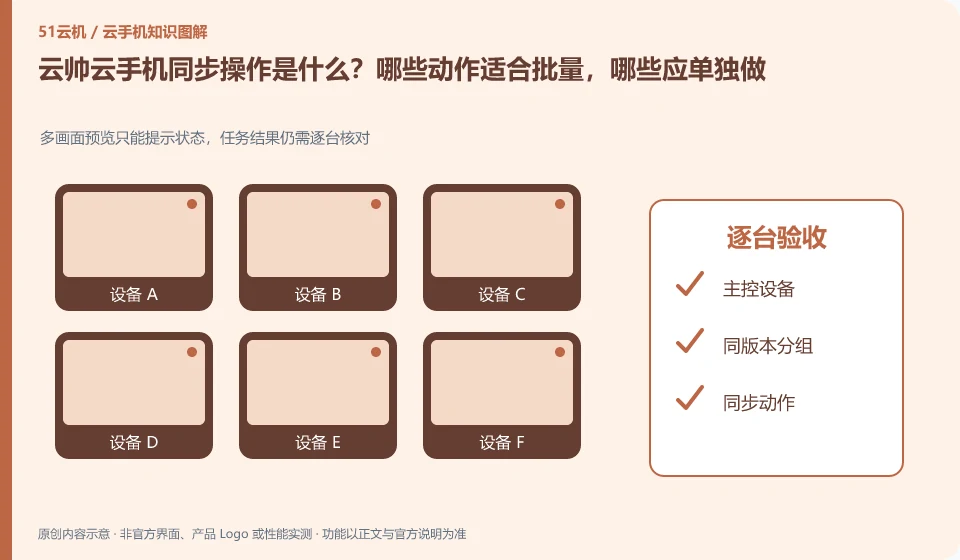
What is the synchronization operation of Yunshuai cloud phone? Which actions are suitable for batching and which should be done individually. Multi-screen preview can only prompt the status, and the task results still need to be checked one by one; master control device; grouping with the same version; synchronized actions; acceptance one by one
CLOUD PHONES

Yunshuai synchronized controls: which actions should remain separate?

Yunshuai cloud phone: Synchronization operation is to map the operation of one device to other selected devices, and is suitable for repeated steps with similar interfaces. It is not an intelligent system that automatically understands the status of each application; if a pop-up window or page is different in one application, deviation and accidental touch may occur.
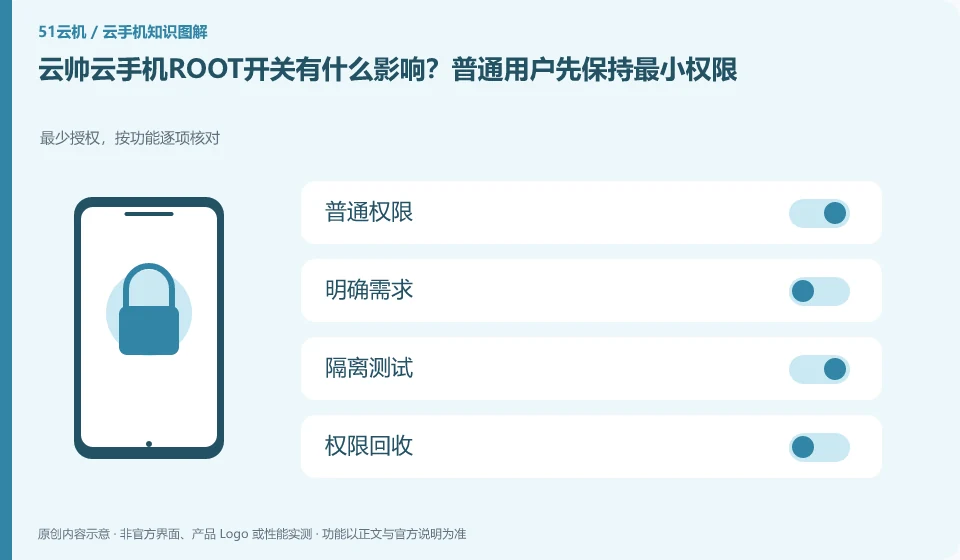
What is the impact of Yunshuai cloud phoneROOT switch? Ordinary users should maintain minimal permissions first. Minimum authorization, check item by function; common permissions; clear requirements; isolation testing; permission recovery
CLOUD PHONES

Yunshuai root settings: use the minimum access needed

Yunshuai cloud phone: ROOT is a high-level permission of the Android system, not a universal acceleration button that can run as many applications as possible. Only consider turning it on if there are clear development or diagnostic needs, and first confirm whether the target application and cloud phone service rules allow this environment.

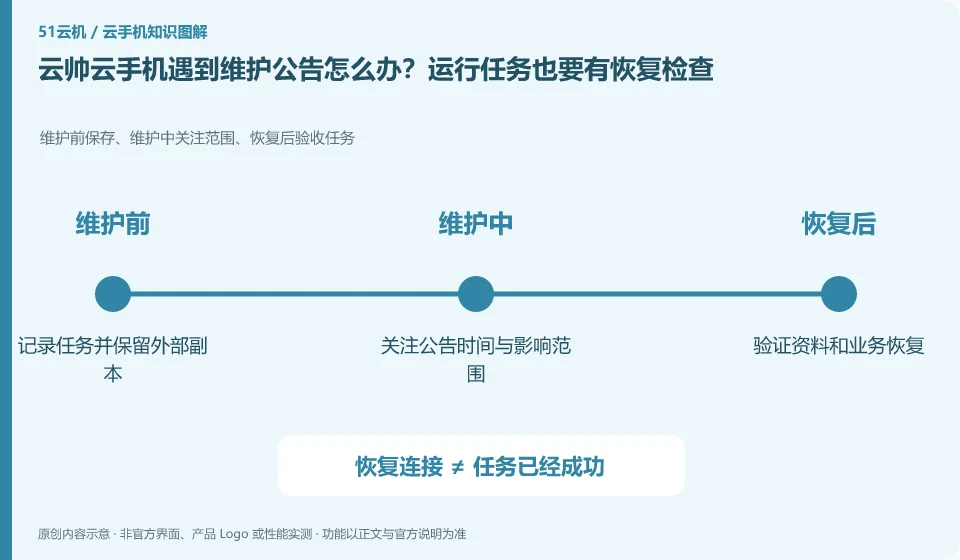
What should I do if my Yunshuai cloud phone encounters a maintenance announcement? Running tasks also require recovery checks. Save before maintenance, scope of concern during maintenance, and acceptance tasks after recovery; record tasks and retain external copies; pay attention to announcement time and scope of impact; verify data and business recovery
CLOUD PHONES

Yunshuai maintenance notices: plan checks after tasks resume

Yunshuai cloud phone: Running in the cloud does not mean it will never be maintained. When you see the announcement, first confirm the affected area, equipment range and time to determine whether your current equipment is involved; old announcements cannot be used as an explanation for the current fault, nor can you infer that the entire platform is abnormal.

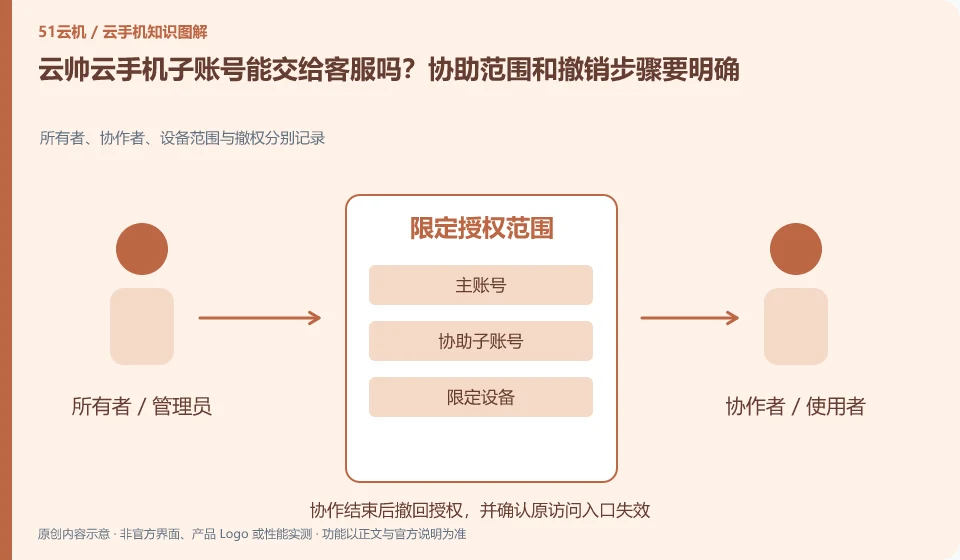
Can Yunshuai cloud phone sub-account be handed over to customer service? The scope of assistance and withdrawal steps should be clear. Owners, collaborators, device scope and revoked rights are recorded separately; main account; assist sub-account; limit devices; revoke access
CLOUD PHONES

Sharing a Yunshuai subaccount with support: define and revoke access

Yunshuai cloud phone: If the sub-account or assistance function is available, it should only be used to identify the device and troubleshoot, and should not be used as a tool to safely resell the account. Before granting access, understand what you can see, what you can modify, and how to reclaim your master account.

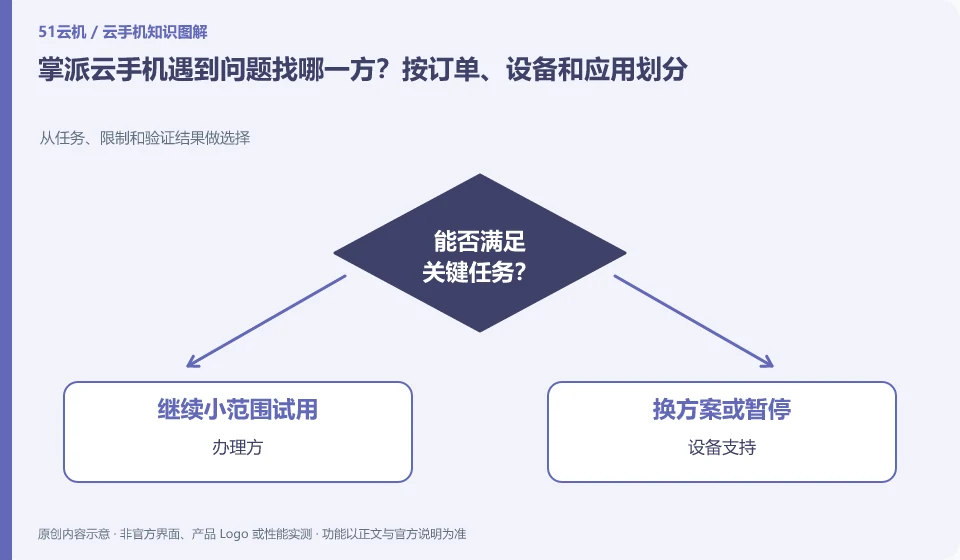
Which party should I contact if I encounter problems with my Palmpai Cloud phone? Segmented by order, device and application. Choose from tasks, restrictions and verification results; handler; device support; application customer service; processing records
CLOUD PHONES

Palmpai support: distinguish order, device and app problems

Palmpai Cloud phone: For qualifications and phone bill deductions, you usually need to contact the service provider. If the device cannot be connected, you may need to contact the cloud phone service support. For in-app account or content issues, you may contact the application service provider. First explaining which layer the fault is on can reduce back-and-forth transfers.

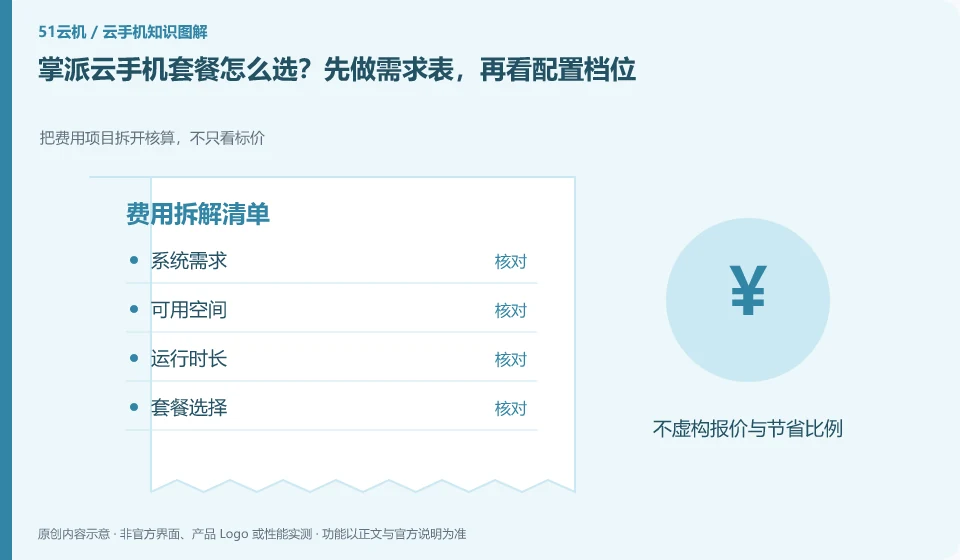
How to choose Palmpai Cloud phone plan? Make the demand table first, and then look at the configuration gears. Break down the cost items and calculate them, not just the price; system requirements; available space; running time; package selection
CLOUD PHONES

Choosing a Palmpai Cloud Phone plan from your requirements

Palmpai Cloud phone: First write down the system, storage and running time required by the application, and then choose the package. High gear is only valuable when clear bottlenecks are solved, and low gear is only a real saving when the complete process is passed; don't judge performance by name alone.

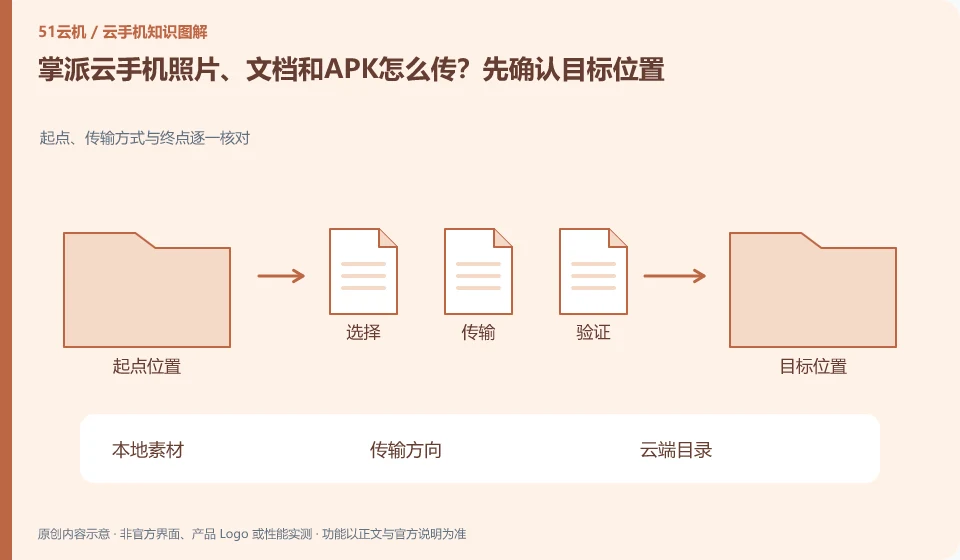
How to transfer photos, documents and APK from Palmpai Cloud phone? Confirm the target location first. Check the starting point, transmission method and end point one by one; local materials; transmission direction; cloud directory; application reading
CLOUD PHONES

Transferring photos, documents and APKs to Palmpai Cloud Phone

Palmpai Cloud phone: The direction of file transfer should be confirmed first: transferring from the local to the cloud and importing from the cloud back to the local are two processes. There is progress in the transfer entry, but it does not mean that the file has appeared in the application album or attachment list; the directory and readability also need to be checked.

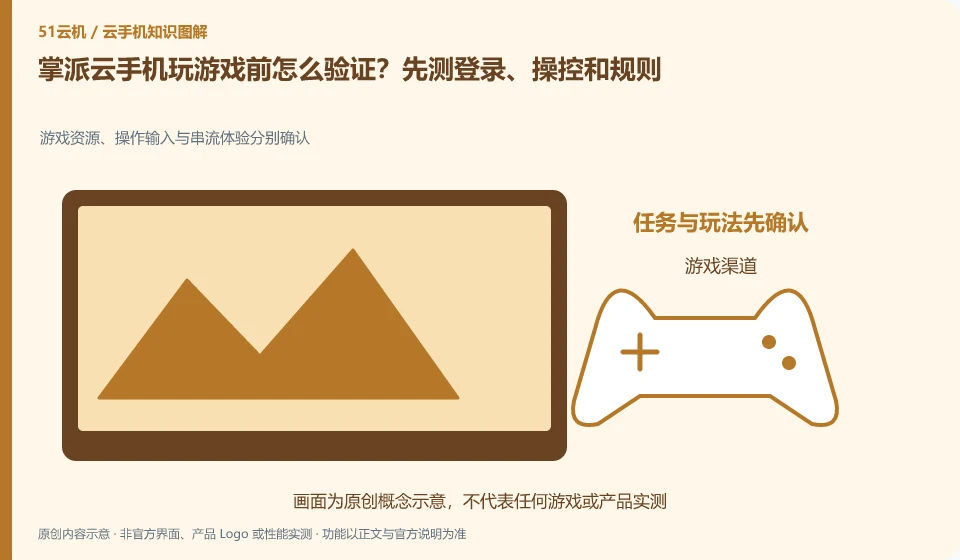
How to verify before playing games on Palmpai Cloud phone? Test login, controls and rules first. Game resources, operation input and streaming experience are confirmed separately; game channels; account login; control verification; progress saving
CLOUD PHONES

Testing games on Palmpai Cloud Phone: login, controls and platform rules

Palmpai Cloud phone: Being able to display the game screen is only the first step. You must also confirm that account login, control, update and save progress are all normal. Games that require specific peripherals, system integrity or device certification cannot be deemed suitable just because Cloud Phone supports mainstream games.

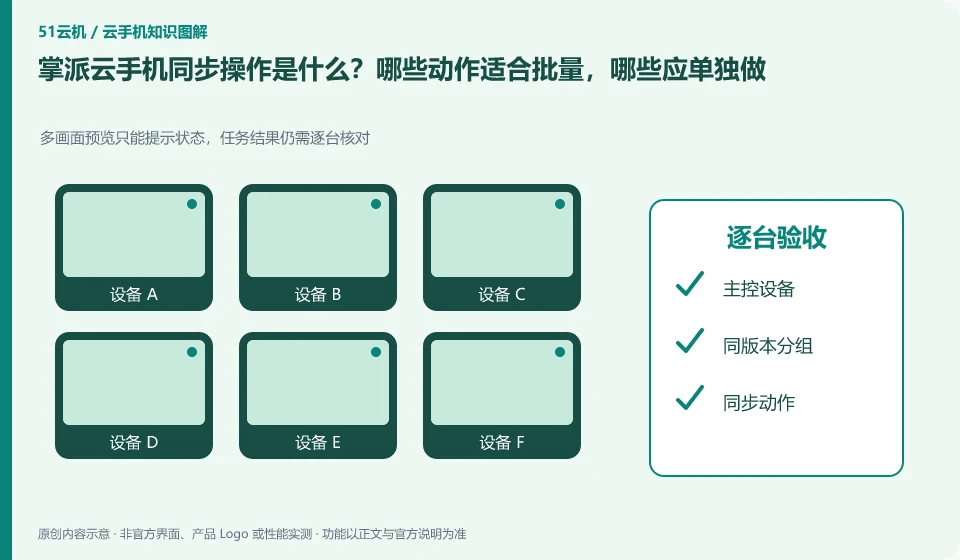
What is the synchronization operation of Palmpai Cloud phone? Which actions are suitable for batching and which should be done individually. Multi-screen preview can only prompt the status, and the task results still need to be checked one by one; master control device; grouping with the same version; synchronized actions; acceptance one by one
CLOUD PHONES

Palmpai synchronized controls: which actions should remain separate?

Palmpai Cloud phone: Synchronization operation is to map the operation of one device to other selected devices, suitable for repeated steps with similar interfaces. It is not an intelligent system that automatically understands the status of each application; if a pop-up window or page is different in one application, deviation and accidental touch may occur.
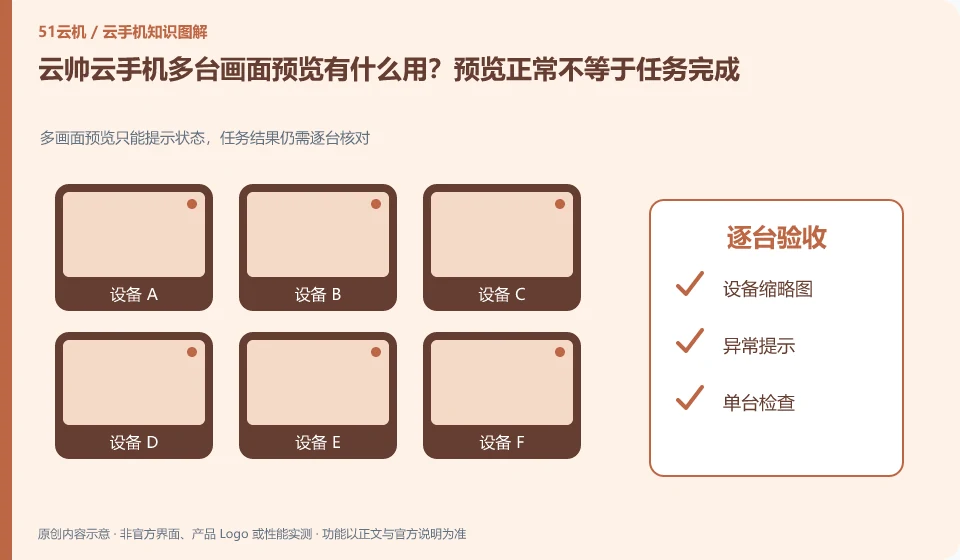
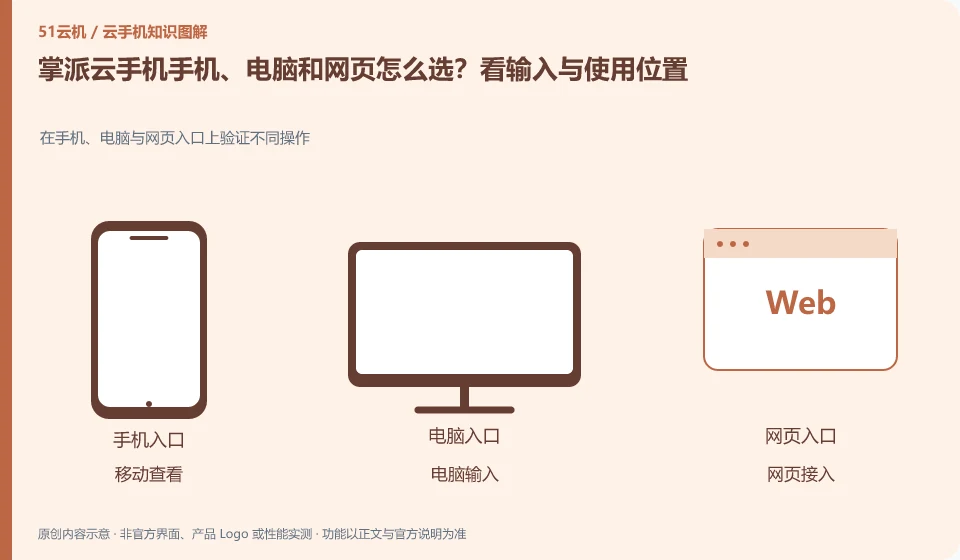
How to choose Palmpai Cloud phone, computer and web page? Look at the input and usage locations. Verify different operations on mobile phones, computers and web portals; mobile viewing; computer input; web access; the same device
CLOUD PHONES

Palmpai Cloud Phone on mobile, desktop or web: choosing access

Palmpai Cloud phone: Frequently inputting and organizing files is usually more suitable for computers; temporary viewing is suitable for mobile phones; when it is inconvenient to install software, you can first check whether there is a web entrance. The ability to log in with multi-terminal accounts is consistent with all functions, which are two conclusions that need to be verified separately.