
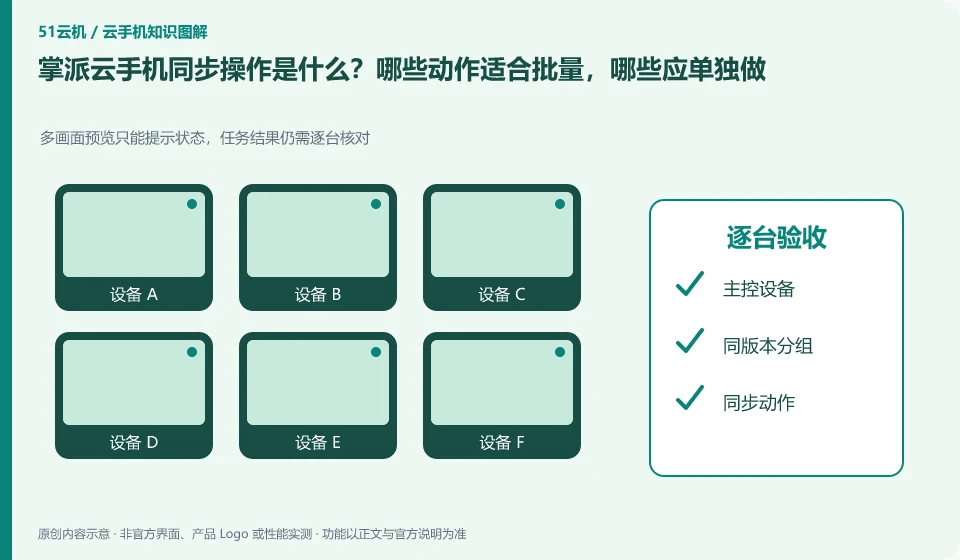
Regarding Palmpai Cloud phones, the key to this issue is: synchronization operation is to map the operation of one device to other selected devices, which is suitable for repeated steps with similar interfaces. It is not an intelligent system that automatically understands the status of each application; if a pop-up window or page is different in one application, deviation and accidental touch may occur.
Known information about Palmpai Cloud phones and the key points of this verification
The Palmpai Cloud phone official website explains the self-developed ARM server and cloud phone products. The official website provides Windows, Android, iOS and web portals, introducing batch synchronization services.
Mass customization and synchronization are capabilities that need to be checked, and the efficiency in the promotion is not directly converted into your project savings ratio.
The evidence boundary of this article is: no hardware disassembly or performance verification has been conducted; the introduction of independent technology routes comes from official instructions.
How this issue applies to this product
The Palmpai Cloud official website introduces the batch synchronization service, but "batch" is first of all a matter of service capability range, and is not an unlimited quantity that can be directly applied to all packages. Teams that need to work on multiple devices should hand over the device system, application version, control terminal and simultaneous operation scale to the official for verification to avoid taking the customization capabilities for granted in the personal portal.
For actual preparation, you can first distinguish the task types: batch installation needs to check the installation results of each device, unified input needs to check the text and focus, and synchronous touch needs to check the starting point of the screen. The acceptance evidence for these three tasks differs. If there are layout differences among a batch of devices, they should be disassembled rather than forced to continue clicking on the same screen. The efficiency introduction on the official website is not used to calculate how many times your project can save time; the pilot must include how to identify failed equipment, how to make up for it, and who is responsible for the final confirmation.
If you need mass customization, please indicate during consultation whether you want unified applications, unified systems, or synchronous actions. The delivery targets of the three are different, and the price and preparation work may also be different; accurately stating the tasks allows the official to give a verifiable range of answers rather than just asking "Does group control be supported?"
Understand what this question covers
Batch installation and synchronized clicks are not the same thing either. The installation can be accepted based on the task results. Clicking will check whether each screen is in the same position. High-impact steps such as account login, payment, and deletion should be handled individually, and confirmations should not be omitted simply because of the large number of devices.
Check in this order
- Group by system version, resolution and application version, first unify the start page.
- Select only a small number of test devices to synchronize low-impact operations and check the results one by one.
- If page differences occur, synchronization will be stopped immediately, and the scope will be expanded after consistency is restored.
Sources and scope
Sources checked on October 26, 2026. This article combines AI-assisted research of public information with independent analysis and verification suggestions; we have not conducted a hands-on test of this product. Features and costs depend on the current official documentation and your order.
Continue reading:Cloud phone basics · Cloud phone troubleshooting guide · Brand reference directory。
Related questions to explore
- Palmpai's ARM servers: separate technical architecture from user experience
- Palmpai Cloud Phone on mobile, desktop or web: choosing access
- Testing games on Palmpai Cloud Phone: login, controls and platform rules
Back to the brand and product knowledge directory · Browse cloud phone topics