
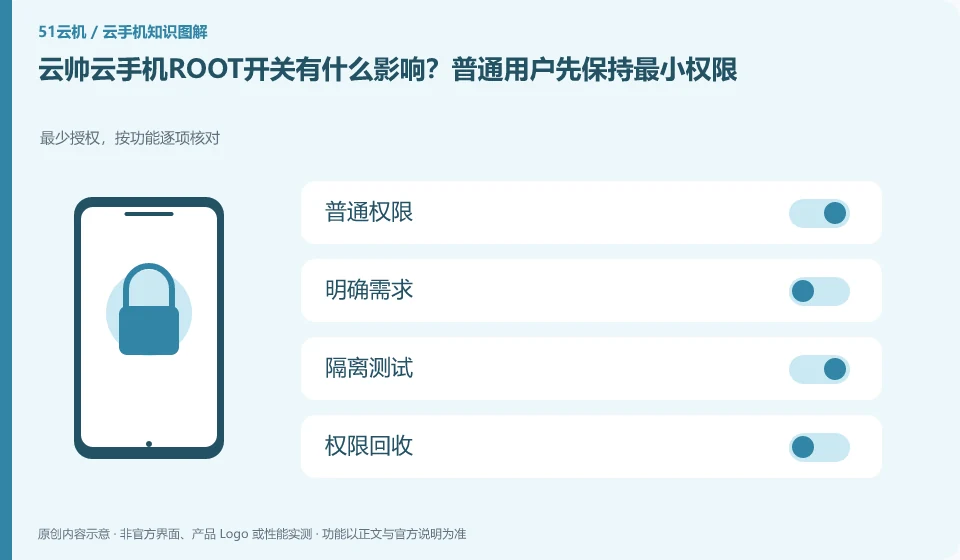
Regarding Yunshuai cloud phone, the key to this issue is: ROOT is a high-level permission of the Android system, not a universal acceleration button that can run as many applications as possible. Only consider turning it on if there are clear development or diagnostic needs, and first confirm whether the target application and cloud phone service rules allow this environment.
Known information about Yunshuai cloud phone and the key points of this verification
Yunshuai cloud phone is operated by Shanghai Yunshuai Information Technology Co., Ltd. The official website introduces three-end access, preview and batch operations; the protocol explains that remote viewing will generate local network traffic.
The official website lists high-authority related capabilities, which does not mean that they must be turned on for ordinary use; the real account environment should minimize unknown modules.
The evidence boundaries of this article are: the old maintenance announcement on the official website cannot be regarded as a current incident; sub-account assistance and personal account resale need to be distinguished.
How this issue applies to this product
Yunshuai’s official website lists high-authority related capabilities, but its user agreement and third-party application rules still need to be followed. ROOT is not a required condition for cloud hosting, nor does it mean it is more stable or faster; for ordinary applications, additional permissions may introduce compatibility and data exposure issues. Before purchasing, confirm what permissions are required for the business, rather than just looking at whether there are switches in the function list.
If the support staff needs to troubleshoot a system problem, they should clarify the equipment, operation scope and end time for the other party to check, and check the assistance method according to the agreement. Do not hand over the platform retrieval channel or all device permissions for temporary debugging. After the test, the system changes that have occurred are recorded, and then the decision is made to clean or rebuild; whether the login status, screenshots and files are leaked cannot be determined by turning off the ROOT setting again.
If there is no clear basis for development, first translate the high-authority requirements into specific issues and consult the officials. Just hoping to fix the lag does not automatically constitute a reason to turn it on. The fault may be in the streaming or application service. Corresponding troubleshooting methods should be used for problems at different layers to avoid adding variables unrelated to the original fault.
Understand what this question covers
Tools that gain high permissions may read more application data or modify system status, or may prevent some applications from running. Test and live account environments should be separated; check permissions, installed modules, and system modifications after completing diagnostics rather than just turning the switch off and treating it as a full recovery.
Check in this order
- Write down the specific functions that require high permissions and confirm whether there are ordinary permissions as replacements.
- First verify compatibility on a test device without a real account.
- After completion, save the test results, clean the tools or rebuild the test environment.
Sources and scope
Sources checked on October 26, 2026. This article combines AI-assisted research of public information with independent analysis and verification suggestions; we have not conducted a hands-on test of this product. Features and costs depend on the current official documentation and your order.
Continue reading:Cloud phone basics · Cloud phone troubleshooting guide · Brand reference directory。
Related questions to explore
- Why does viewing Yunshuai Cloud Phone use data when background hosting does not?
- Sharing a Yunshuai subaccount with support: define and revoke access
- Yunshuai multi-device previews: a normal screen does not prove task completion
Back to the brand and product knowledge directory · Browse cloud phone topics