51YUNJI / BUY WITH CONTEXT

Cloud phones: a beginner’s reading route guides — Page 2

Explore English articles for this topic.

20 articles in English

Page 2 of 2
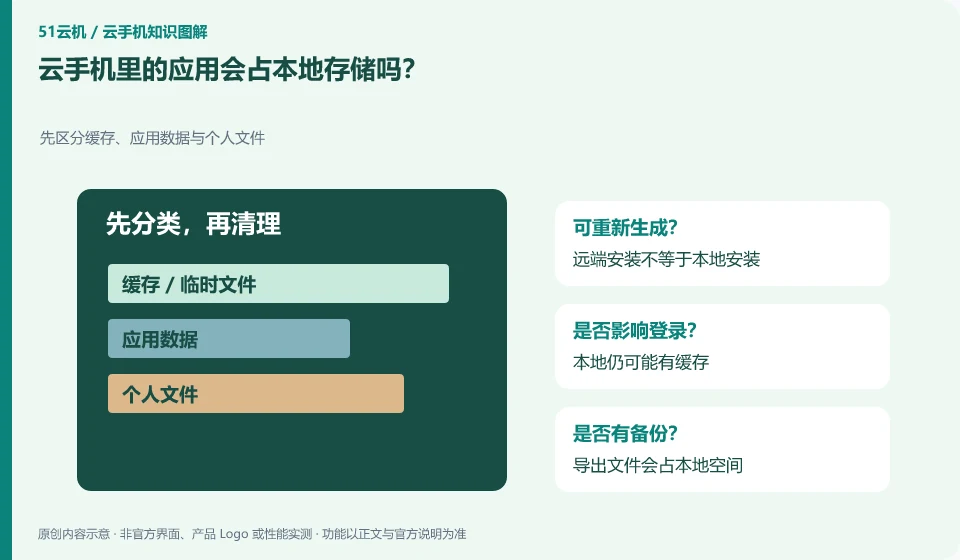
Will applications in cloud phone occupy local storage? First distinguish cache, application data and personal files; remote installation is not equal to local installation; there may still be cache locally; exported files will occupy local space
CLOUD PHONES

Do cloud phone apps use storage on your local device?

App installations mainly occupy remote space, but local clients, caches, screenshots, and downloads may still occupy local storage. Look at both sides separately. This guide uses everyday examples, practical checks and common pitfalls to help you decide what to do next.
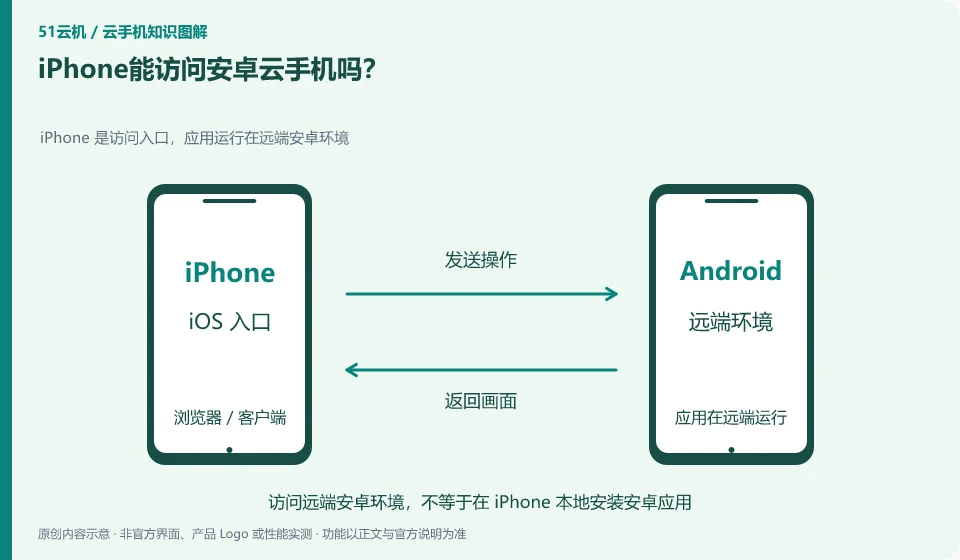
Can iPhone access Android cloud phone? iPhone is the access portal, and the application runs in the remote Android environment; iPhone serves as the access portal; the remote Android runs the application; check the portal and support range
CLOUD PHONES

Can an iPhone access an Android cloud phone?

Some services can be accessed through supported browsers or clients. The remote system is still Android, and the iPhone itself will not be replaced by the Android system. This guide uses everyday examples, practical checks and common pitfalls to help you decide what to do next.
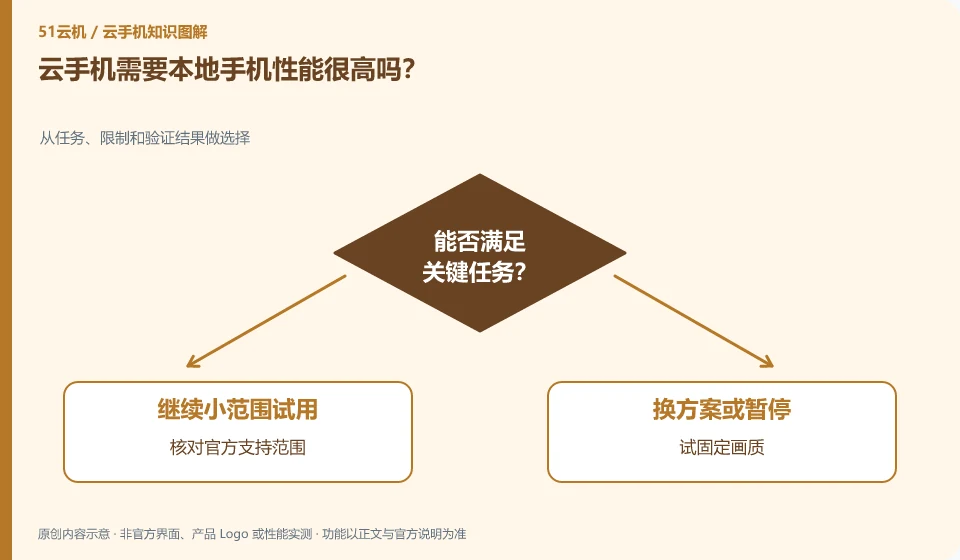
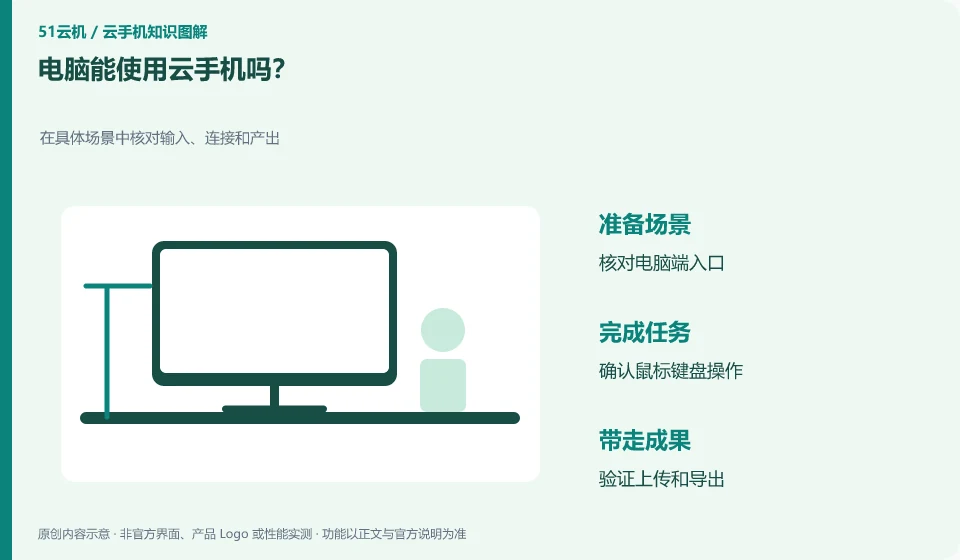
Can a computer use cloud phone? Check input, connection and output in specific scenarios; check computer port entry; confirm mouse and keyboard operations; verify upload and export
CLOUD PHONES

Can you access a cloud phone from a computer?

Some products support computer clients or web portals, but available functions depend on the corresponding version. The operation methods of mouse and keyboard are also different from those of mobile phone touch screen. This guide uses everyday examples, practical checks and common pitfalls to help you decide what to do next.
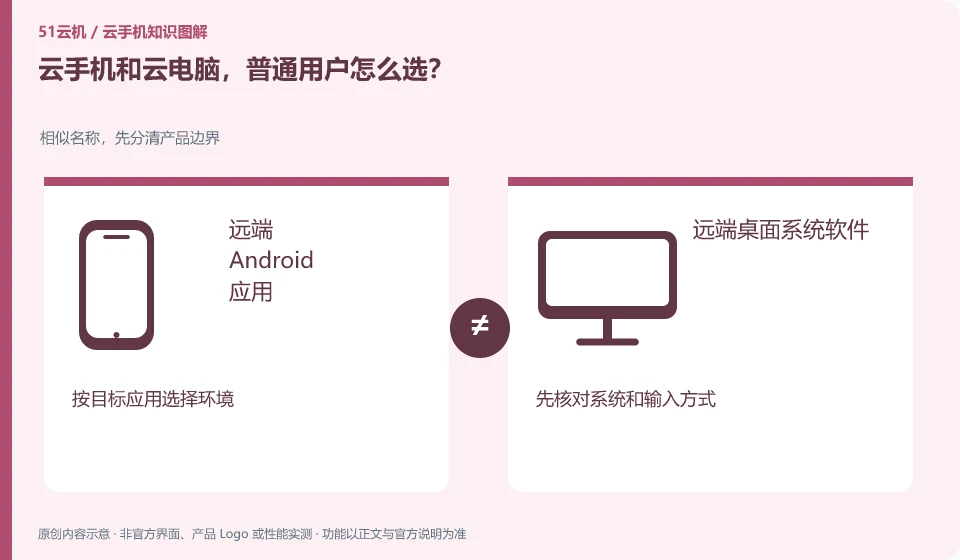
How do ordinary users choose between cloud phone and cloud PC? Similar names, first distinguish the product boundaries; remote Android applications; remote desktop system software; select the environment according to the target application; first check the system and input method
CLOUD PHONES

Cloud phone or cloud PC: how should an everyday user choose?

First check whether you want to run an Android application or desktop software. What kind of application environment is needed is more important than whether the screen looks like a mobile phone or a computer. This guide uses everyday examples, practical checks and common pitfalls to help you decide what to do next.
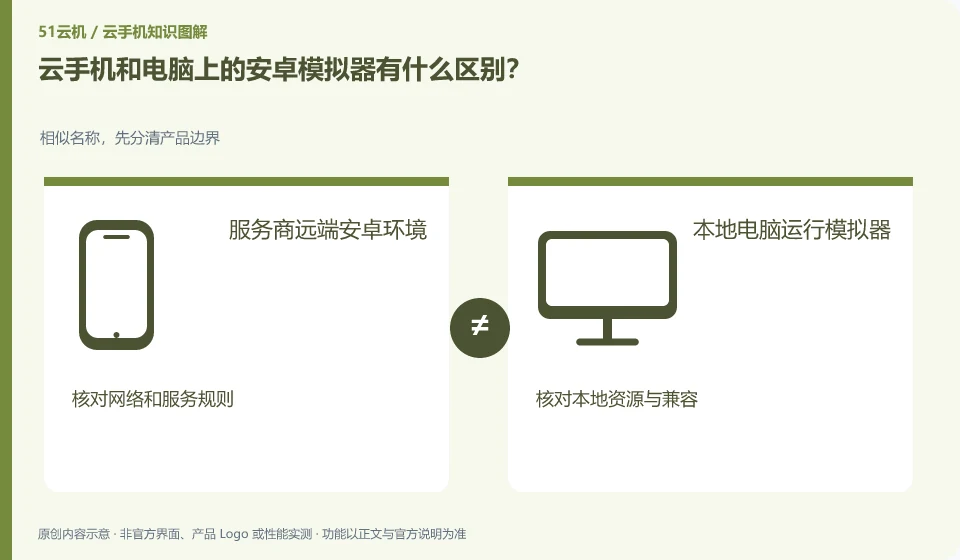
What is the difference between cloud phone and Android emulator on computer? For similar names, first distinguish product boundaries; service provider's remote Android environment; local computer running emulator; check network and service rules; check local resources and compatibility
CLOUD PHONES

Cloud phones and Android emulators: what is the difference?

The difference lies first in the place of operation and the way of management. The simulator can be run on your own computer, while cloud phone usually places the environment remotely and is accessed by the platform. This guide uses everyday examples, practical checks and common pitfalls to help you decide what to do next.
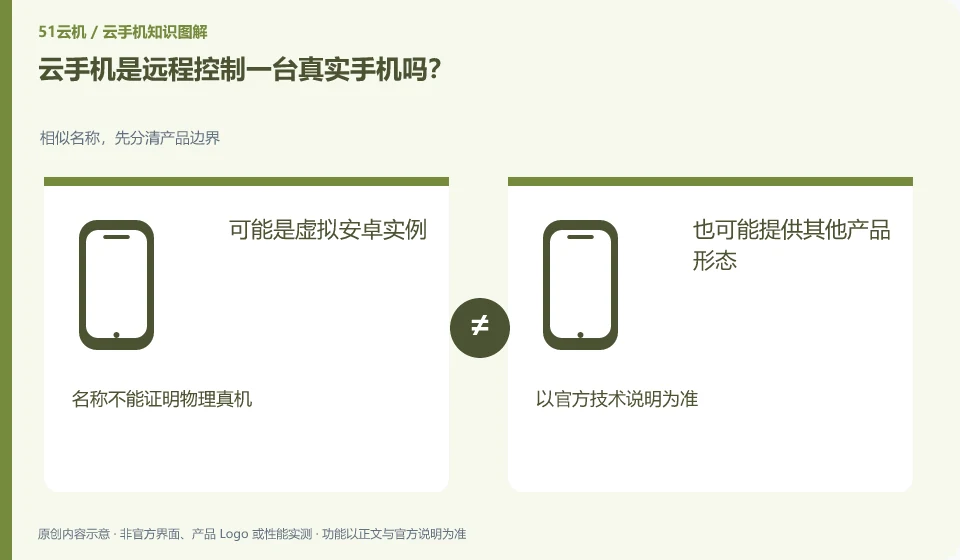
Does cloud phone remotely control a real phone? For similar names, first distinguish the product boundaries; it may be a virtual Android instance; other product forms may also be provided; the name cannot prove the physical device; please refer to the official technical description.
CLOUD PHONES

Is a cloud phone a real phone controlled remotely?

Not necessarily. A common cloud phone may be a virtual Android instance, while the remote real phone service connects to the actual physical device. Depends on the product description. This guide uses everyday examples, practical checks and common pitfalls to help you decide what to do next.