
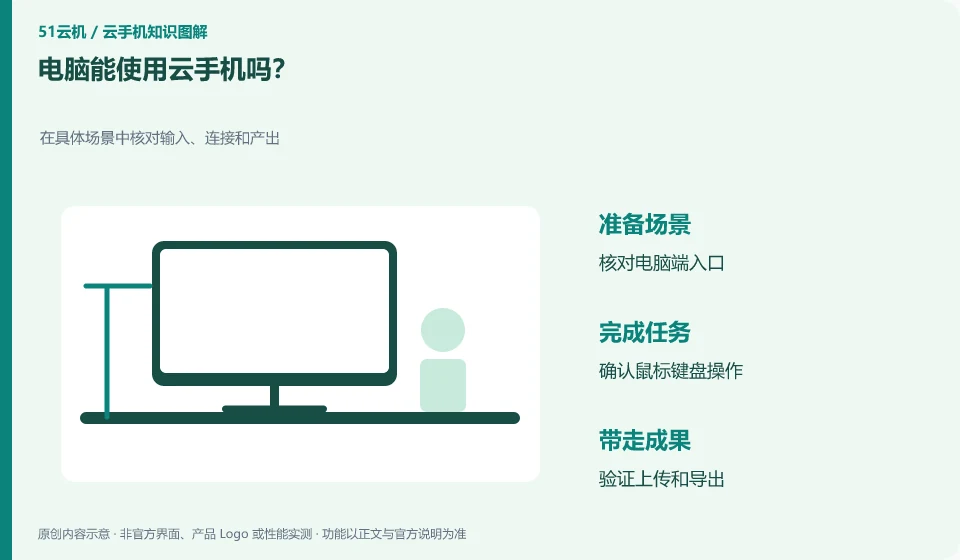
Some products support computer clients or web portals, but available functions depend on the corresponding version. The operation methods of mouse and keyboard are also different from those of mobile phone touch screen.
Understand the essentials
Swipe, long press, return and Chinese input may be converted by the client, and not all applications are equally smooth.
A practical example
Hypothetical example: It is convenient to browse the application interface on a computer, but multi-finger touch actions may be difficult to reproduce.
What to check or try
- Check the official entrance first.
- Try clicking, holding and swiping.
- Check the input method.
- Complete a real mission.
The desktop portal is suitable for a larger display area, but the keyboard and mouse mapping still needs to be adapted. First practice returning, long pressing and typing on an interface that does not produce submission, and then enter the formal operation. Remembering the client's button position can reduce the risk of mistaking local window actions for remote actions.
An easy-to-miss detail
Do not download so-called special connection tools from unfamiliar websites to avoid giving your account to unknown entrances.
Continue reading
- Do you need a powerful local phone to use a cloud phone?
- Can an iPhone access an Android cloud phone?
Back to Cloud phones: getting started
Notes and further reading
Wuying Cloud Phone documentation;Tencent Cloud Phone quick start。
This introductory guide was prepared by 51Yunji from public information with AI-assisted drafting. Examples are hypothetical, not hands-on product tests or promises of results. Follow the current product, version and official instructions for specific features and procedures. Compiled on October 26, 2026.