51YUNJI / BUY WITH CONTEXT

Cloud phone essentials guides — Page 10

Explore English articles for this topic.

268 articles in English

Page 10 of 23
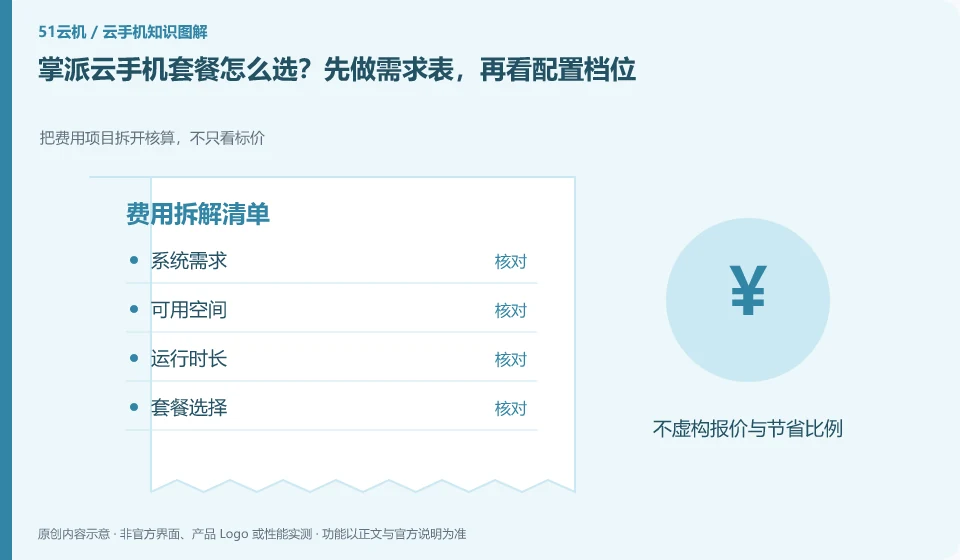
How to choose Palmpai Cloud phone plan? Make the demand table first, and then look at the configuration gears. Break down the cost items and calculate them, not just the price; system requirements; available space; running time; package selection
CLOUD PHONES

Choosing a Palmpai Cloud Phone plan from your requirements

Palmpai Cloud phone: First write down the system, storage and running time required by the application, and then choose the package. High gear is only valuable when clear bottlenecks are solved, and low gear is only a real saving when the complete process is passed; don't judge performance by name alone.
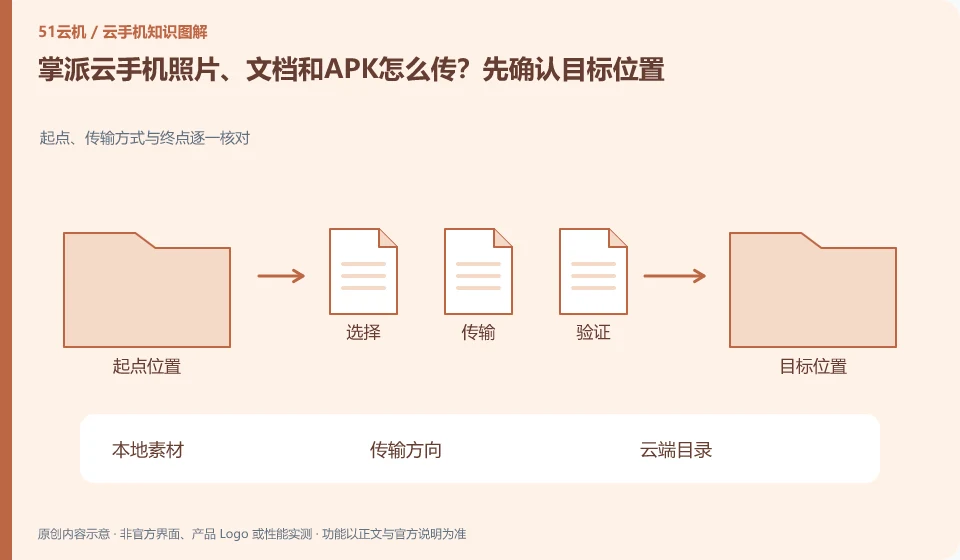
How to transfer photos, documents and APK from Palmpai Cloud phone? Confirm the target location first. Check the starting point, transmission method and end point one by one; local materials; transmission direction; cloud directory; application reading
CLOUD PHONES

Transferring photos, documents and APKs to Palmpai Cloud Phone

Palmpai Cloud phone: The direction of file transfer should be confirmed first: transferring from the local to the cloud and importing from the cloud back to the local are two processes. There is progress in the transfer entry, but it does not mean that the file has appeared in the application album or attachment list; the directory and readability also need to be checked.

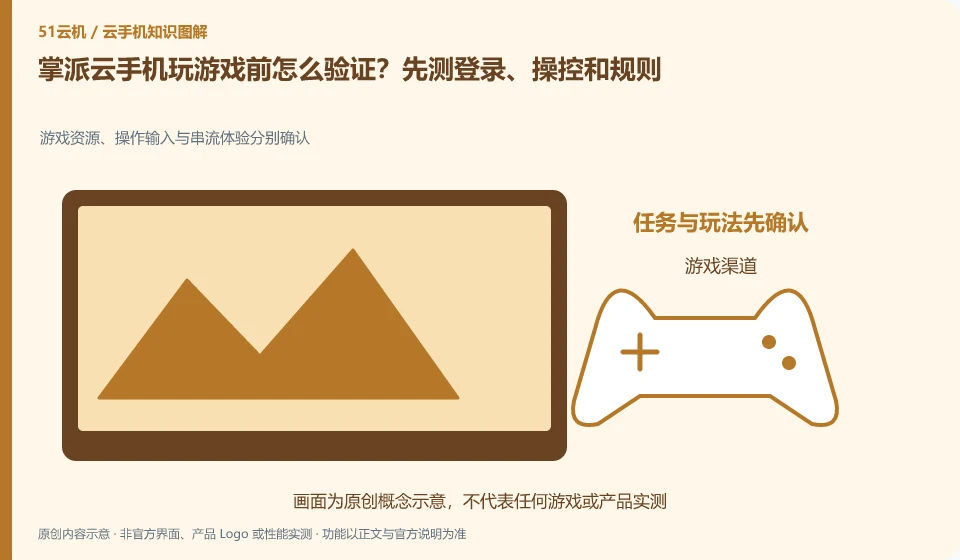
How to verify before playing games on Palmpai Cloud phone? Test login, controls and rules first. Game resources, operation input and streaming experience are confirmed separately; game channels; account login; control verification; progress saving
CLOUD PHONES

Testing games on Palmpai Cloud Phone: login, controls and platform rules

Palmpai Cloud phone: Being able to display the game screen is only the first step. You must also confirm that account login, control, update and save progress are all normal. Games that require specific peripherals, system integrity or device certification cannot be deemed suitable just because Cloud Phone supports mainstream games.

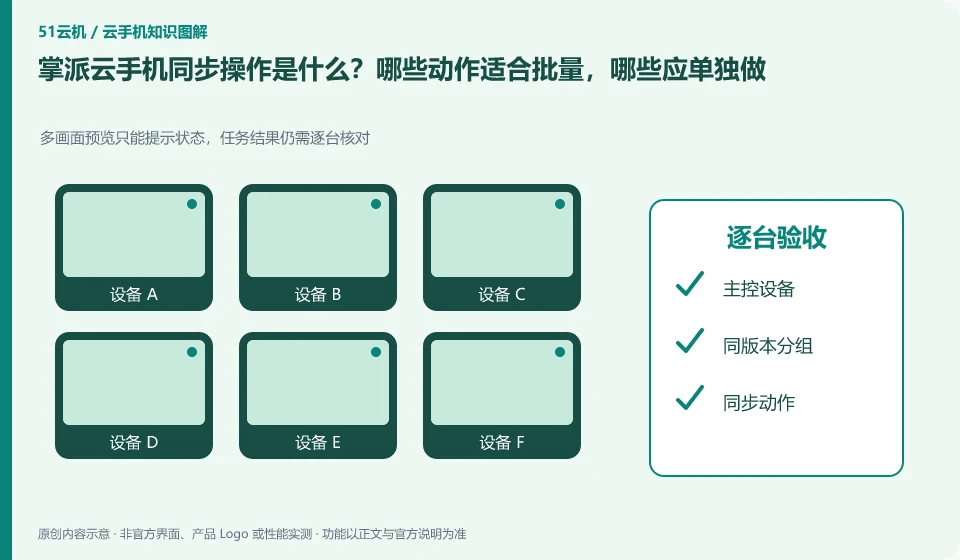
What is the synchronization operation of Palmpai Cloud phone? Which actions are suitable for batching and which should be done individually. Multi-screen preview can only prompt the status, and the task results still need to be checked one by one; master control device; grouping with the same version; synchronized actions; acceptance one by one
CLOUD PHONES

Palmpai synchronized controls: which actions should remain separate?

Palmpai Cloud phone: Synchronization operation is to map the operation of one device to other selected devices, suitable for repeated steps with similar interfaces. It is not an intelligent system that automatically understands the status of each application; if a pop-up window or page is different in one application, deviation and accidental touch may occur.

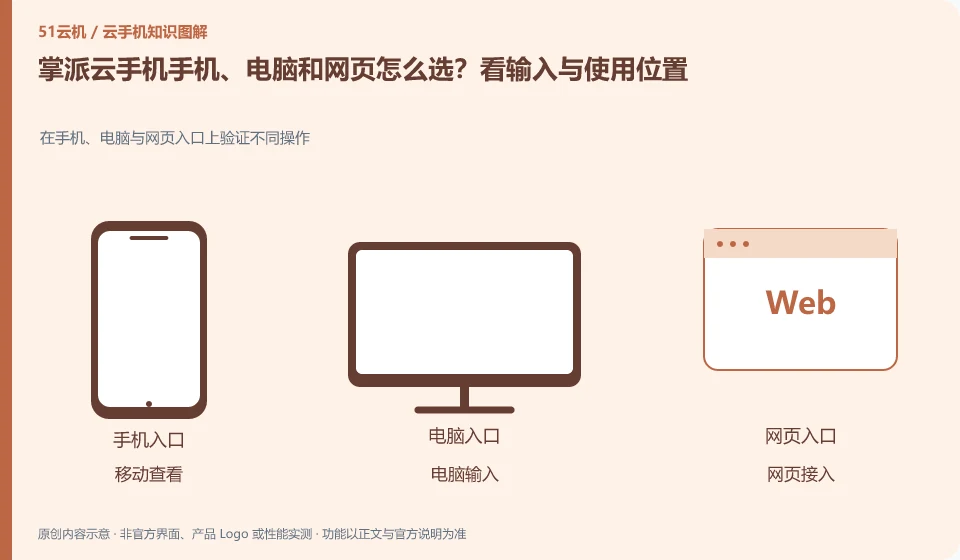
How to choose Palmpai Cloud phone, computer and web page? Look at the input and usage locations. Verify different operations on mobile phones, computers and web portals; mobile viewing; computer input; web access; the same device
CLOUD PHONES

Palmpai Cloud Phone on mobile, desktop or web: choosing access

Palmpai Cloud phone: Frequently inputting and organizing files is usually more suitable for computers; temporary viewing is suitable for mobile phones; when it is inconvenient to install software, you can first check whether there is a web entrance. The ability to log in with multi-terminal accounts is consistent with all functions, which are two conclusions that need to be verified separately.

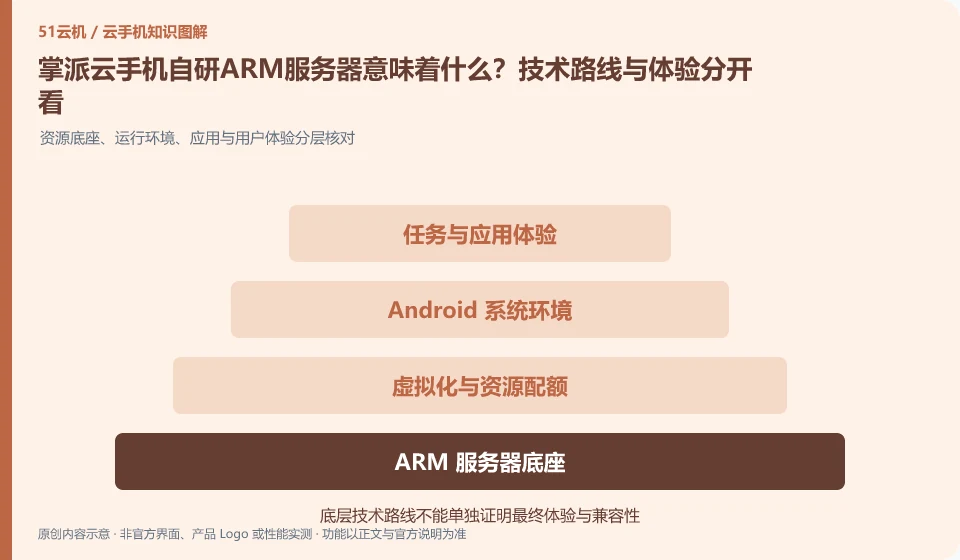
What does it mean to develop a self-developed ARM server for Palmpai Cloud phone? The technical route and experience should be looked at separately. Resource base, operating environment, application and user experience layered check; tasks and application experience; Android system environment; virtualization and resource quota; ARM server base
CLOUD PHONES

Palmpai's ARM servers: separate technical architecture from user experience

Palmpai Cloud phone: ARM server explains the underlying computing architecture or vendor technology route, but the frame rate, latency and stability of each application cannot be judged based on "self-research" alone. What you are really renting is a cloud environment with specific specifications, a specific region, and a specific software version.

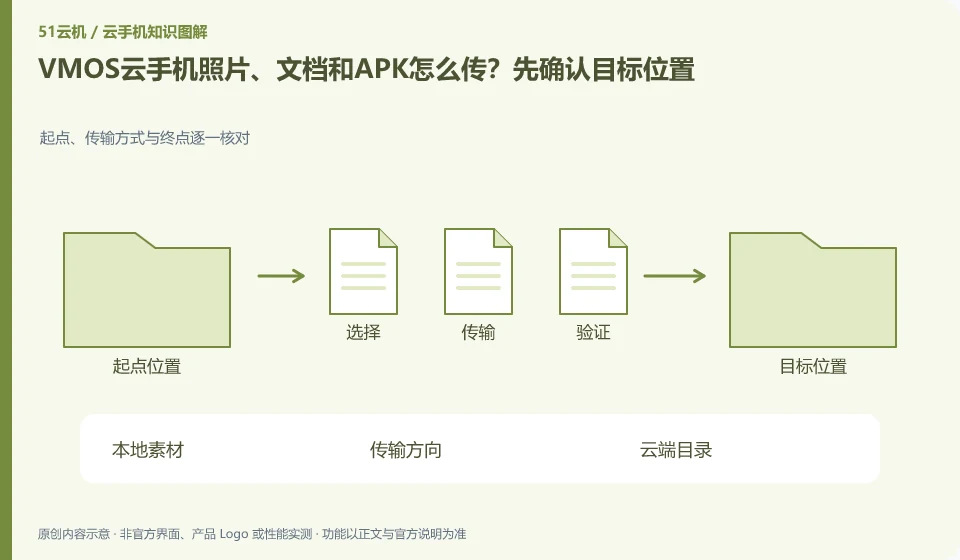
How to transfer VMOS Cloud phone photos, documents and APK? Confirm the target location first. Check the starting point, transmission method and end point one by one; local materials; transmission direction; cloud directory; application reading
CLOUD PHONES

Transferring photos, documents and APKs to VMOS Cloud Phone

VMOS Cloud phone: The direction of file transfer should be confirmed first: transferring from the local to the cloud and importing from the cloud back to the local are two processes. There is progress in the transfer entry, but it does not mean that the file has appeared in the application album or attachment list; the directory and readability also need to be checked.

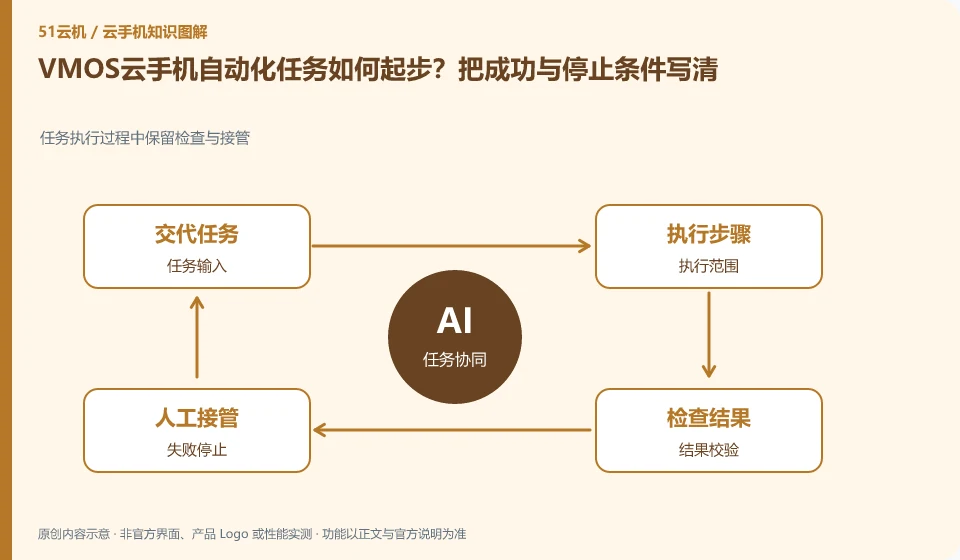
How to start VMOS Cloud phone automation tasks? Write down the success and stop conditions clearly. Inspection and takeover are retained during task execution; task input; execution scope; result verification; failure stop
CLOUD PHONES

Starting VMOS Cloud Phone automation: define success and stopping conditions

VMOS Cloud phone: Automation should start with a small number of repetitive, observable legitimate tasks. Timing triggers, synchronous clicks, scripts and AI understanding interfaces are different capabilities; being able to start a task does not mean that it can be judged to be completed, nor does it mean that it can bypass third-party application rules.

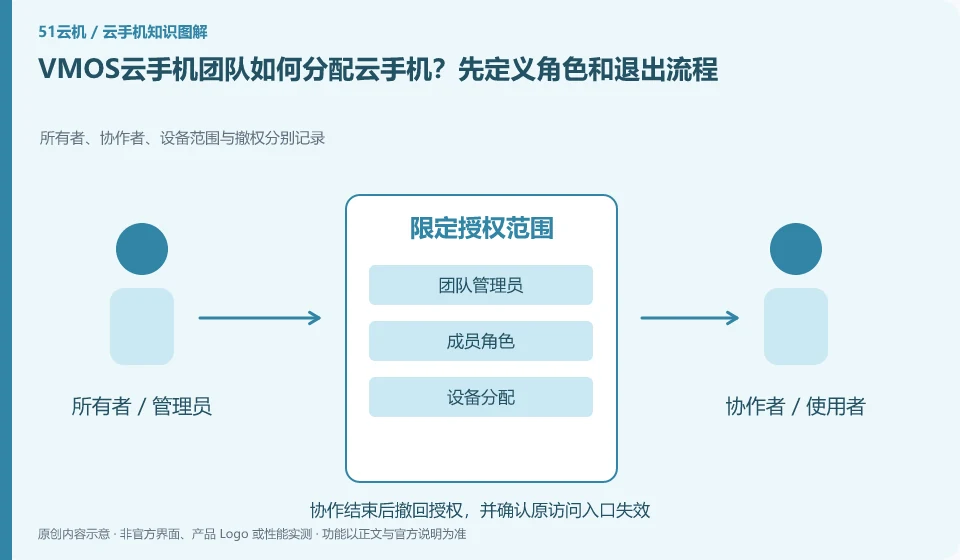
How does the VMOS cloud phone team allocate cloud phones? Start by defining roles and exit processes. Owners, collaborators, device scope and revocation are recorded separately; team administrators; member roles; device assignments; leaving and recycling
CLOUD PHONES

Assigning VMOS cloud phones to a team: roles and offboarding

VMOS Cloud phone: Team assignments should revolve around who can see the device, who can control it, and who can manage orders, rather than everyone sharing an admin password. Even if the platform provides role functions, a test account must be used to confirm the actual permission scope to avoid configuration names that are different from expected.

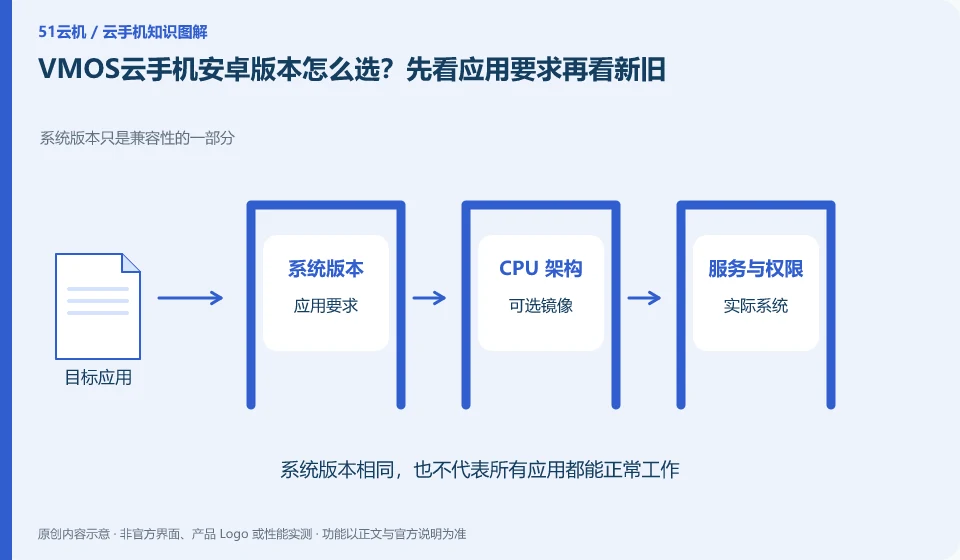
How to choose the Android version of VMOS Cloud phone? Look at the application requirements first and then look at the old and new. System version is only part of compatibility; application requirements; optional images; actual system; process verification
CLOUD PHONES

Choosing a VMOS Cloud Phone Android version for your apps

VMOS Cloud phone: Newer Android versions may support new application interfaces, but may also change permissions and background behavior; older versions may be compatible with legacy applications, but are not suitable for tasks that require a new system. The choice should be based on the target application version and complete process, rather than simply chasing the latest.

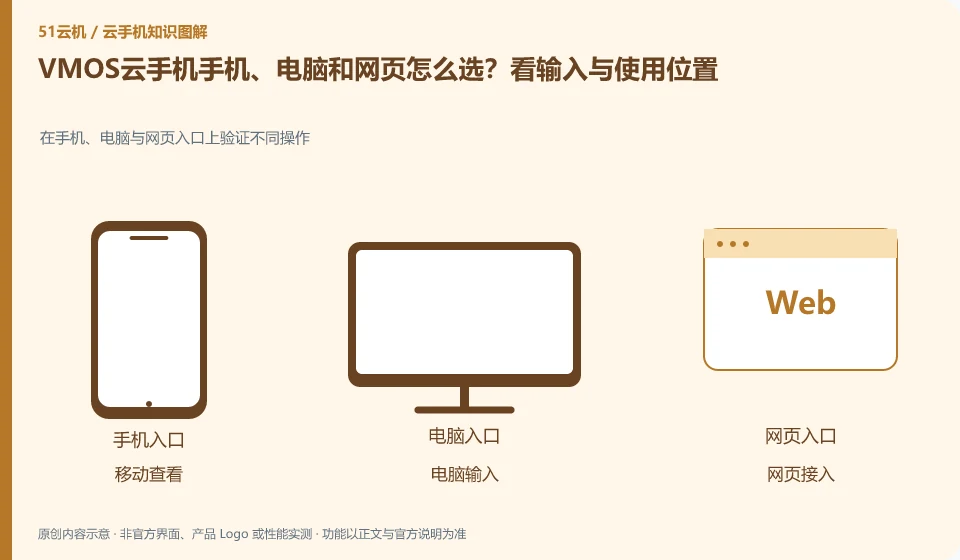
How to choose VMOS Cloud phone between mobile phone, computer and web page? Look at the input and usage locations. Verify different operations on mobile phones, computers and web portals; mobile viewing; computer input; web access; the same device
CLOUD PHONES

VMOS Cloud Phone on mobile, desktop or web: choosing access

VMOS Cloud phone: Frequently inputting and organizing files is usually more suitable for computers; temporary viewing is suitable for mobile phones; when it is inconvenient to install software, you can first check whether there is a web entrance. The ability to log in with multi-terminal accounts is consistent with all functions, which are two conclusions that need to be verified separately.

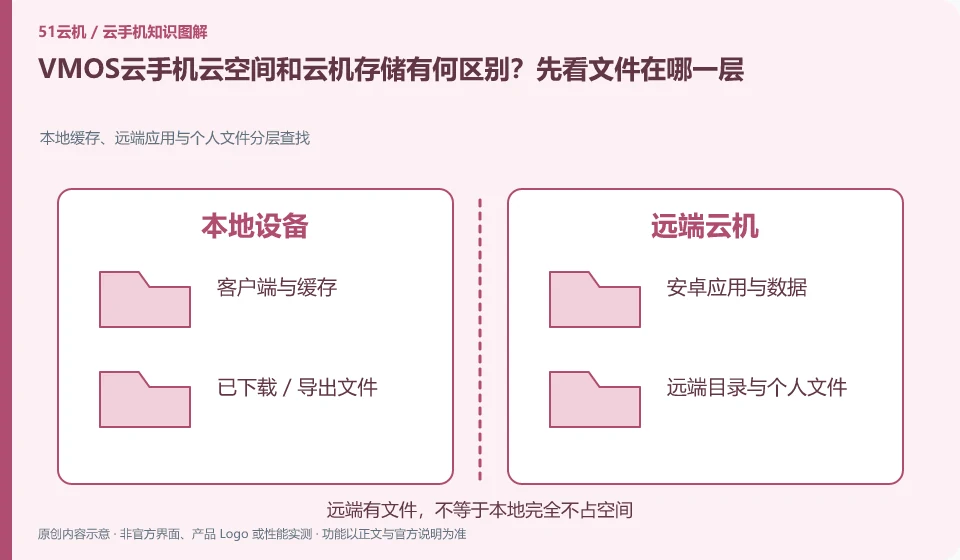
What is the difference between VMOS Cloud phone cloud space and cloud machine storage? First look at which layer the file is on. Hierarchical search of local cache, remote applications and personal files; local directory; cloud space; cloud machine storage; target application
CLOUD PHONES

VMOS cloud space versus cloud phone storage: where are the files?

VMOS cloud phone: Cloud space can be responsible for file storage and distribution, and cloud storage is the space in the current Android environment. After uploading files to the cloud space, you may need to download them on the target cloud machine; when the cloud machine is replaced, the file retention rules in the two locations may not be the same.