
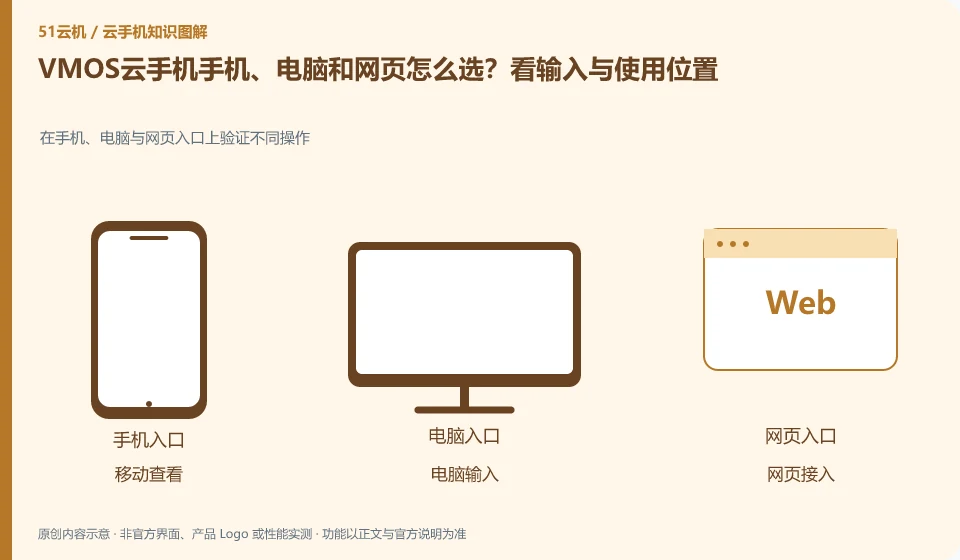
Regarding VMOS cloud phone, the key to this issue is: frequently inputting and organizing files is usually more suitable for computers; temporary viewing is suitable for mobile phones; when it is inconvenient to install software, you can first check whether there is a web portal. The ability to log in with multi-terminal accounts is consistent with all functions, which are two conclusions that need to be verified separately.
Known information about VMOS Cloud phone and the key points of this verification
VMOS Cloud phone and the VMOS virtual machine running on this machine need to be identified separately. VMOS Cloud phone official website introduces multi-terminal interoperability; PCtutorial separates cloud machine and cloud space management.
The introduction of multi-terminal interoperability needs to be checked based on the actual account channel, and the domestic cloud phone and VMOS Cloud international station entrance should not be confused.
The evidence boundary of this article is: the functions of local VMOS applications, domestic cloud phones, and VMOS Cloud international product pages cannot automatically overlap with each other.
How this issue applies to this product
Under the VMOS brand, there are local Android virtual machines, domestic cloud phones and VMOS Cloud international products. When reading "Multi-Terminal Interoperability", you must first identify the site and product you are looking at. If you originally used a local VMOS virtual space, installing the cloud phone client does not infer that the local environment will automatically be moved to the cloud.
The PCtutorial for domestic cloud phones can help you understand cloud machines and cloud spaces, while the team management information in the international help center is only applicable to its specific scope. When switching terminals, first determine the original product and account channel, check whether the equipment and transfer files can correspond, and then check the input and transmission. If the target capability only appears in the description of another product, leave it as yet to be confirmed. Do not give the password to an unfamiliar compatible tool just to follow the tutorial; data migration between different products requires independent description.
Uninstalling the local console does not automatically equate to freeing up cloud resources. When you need to stop using it, first check the equipment and order rules of the current product, and then deal with the local software; deleting the local virtual machine and unsubscribing from the cloud phone have different effects, and should not be confused because they both have VMOS names.
Understand what this question covers
Keyboard, clipboard, file upload, sound, and multi-window capabilities may differ between clients. If the device cannot be found after cross-end, it may also be related to account channel, region or device filtering. First verify whether the same device can appear, and then check the target functions to avoid buying another environment by mistake.
Check in this order
- Make a list of the locations, systems, and input requirements you use most.
- Use the same account to search for the same device and check the area and device number.
- Choose the main entrance after comparing necessary functions such as keyboard, files and sounds.
Sources and scope
- VMOS Cloud phone official website
- VMOS local virtual machine product page
- VMOS Cloud phone PC user instructions
- VMOS Cloud Help Center
Sources checked on October 26, 2026. This article combines AI-assisted research of public information with independent analysis and verification suggestions; we have not conducted a hands-on test of this product. Features and costs depend on the current official documentation and your order.
Continue reading:Cloud phone basics · Cloud phone troubleshooting guide · Brand reference directory。
Related questions to explore
- VMOS local virtual machines versus cloud phones: different host dependencies
- Who suits VMOS hourly billing? Stopping use versus stopping charges
- VMOS cloud space versus cloud phone storage: where are the files?
Back to the brand and product knowledge directory · Browse cloud phone topics