
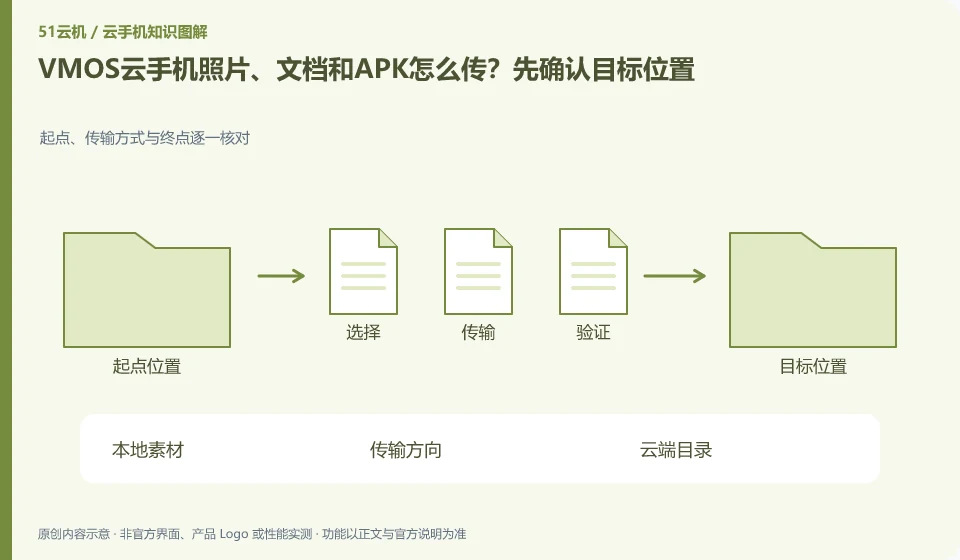
Regarding VMOS cloud phone, the key to this issue is: the direction of file transfer should be confirmed first: transferring from the local to the cloud, and importing from the cloud back to the local, are two processes. There is progress in the transfer entry, but it does not mean that the file has appeared in the application album or attachment list; the directory and readability also need to be checked.
Known information about VMOS Cloud phone and the key points of this verification
VMOS Cloud phone and the VMOS virtual machine running on this machine need to be identified separately. VMOS Cloud phone official website introduces multi-terminal interoperability; PCtutorial separates cloud machine and cloud space management.
The paths for cloud space download and local file import can be verified separately. The subsequent links in the official tutorial do not mean that all formats are supported.
The evidence boundary of this article is: the functions of local VMOS applications, domestic cloud phones, and VMOS Cloud international product pages cannot automatically overlap with each other.
How this issue applies to this product
VMOS Cloud phonePCtutorial describes the cloud machine and cloud space separately, which is the most misunderstood part of file management. Cloud space can become a layer of material management, but seeing APK or documents here does not mean that the application has been installed on every cloud machine, or that the target App has read the new file. The file names may be the same or they may be different versions.
If multiple test machines require the same version of the installation package, first create a version identification for the material, and then confirm how to enter the target device from the transfer location according to the current tutorial. The installation results of each device are recorded separately, and the successful upload in the staging area does not replace the deployment completion. The directory of the local VMOS virtual machine cannot be mixed with the cloud space of the domestic cloud phone; for the methods involved in the international VMOS Cloud help, you should check the product scope before referring to it. This article does not promise automatic distribution or format support that is not confirmed by official current instructions.
Before importing a new version, you can first check whether there is non-rebuildable data in the old environment, and then decide to overwrite the installation. Application version update and user file migration are not the same thing, and the successful transfer of materials does not mean that the original draft has been backed up; there must still be an independent readable copy when recovery is needed.
Understand what this question covers
Photos, documents, and installation packages are used differently and may have file size and format restrictions. First upload a small sample without sensitive information, go through the entire process, and then upload the official materials in batches. Comparing file names, quantities or verification information after transmission can reduce missed transmissions and misuse of old versions.
Check in this order
- Specify the transfer direction, destination directory, and application using the file.
- Use small files to verify the three links of uploading, downloading and opening in the application.
- After the official transfer, check the quantity and version, and delete unnecessary transfer copies.
Sources and scope
- VMOS Cloud phone official website
- VMOS local virtual machine product page
- VMOS Cloud phone PC user instructions
- VMOS Cloud Help Center
Sources checked on October 26, 2026. This article combines AI-assisted research of public information with independent analysis and verification suggestions; we have not conducted a hands-on test of this product. Features and costs depend on the current official documentation and your order.
Continue reading:Cloud phone basics · Cloud phone troubleshooting guide · Brand reference directory。
Related questions to explore
- VMOS local virtual machines versus cloud phones: different host dependencies
- Who suits VMOS hourly billing? Stopping use versus stopping charges
- VMOS cloud space versus cloud phone storage: where are the files?
Back to the brand and product knowledge directory · Browse cloud phone topics