51YUNJI / BUY WITH CONTEXT

Microsoft Windows 365 guides

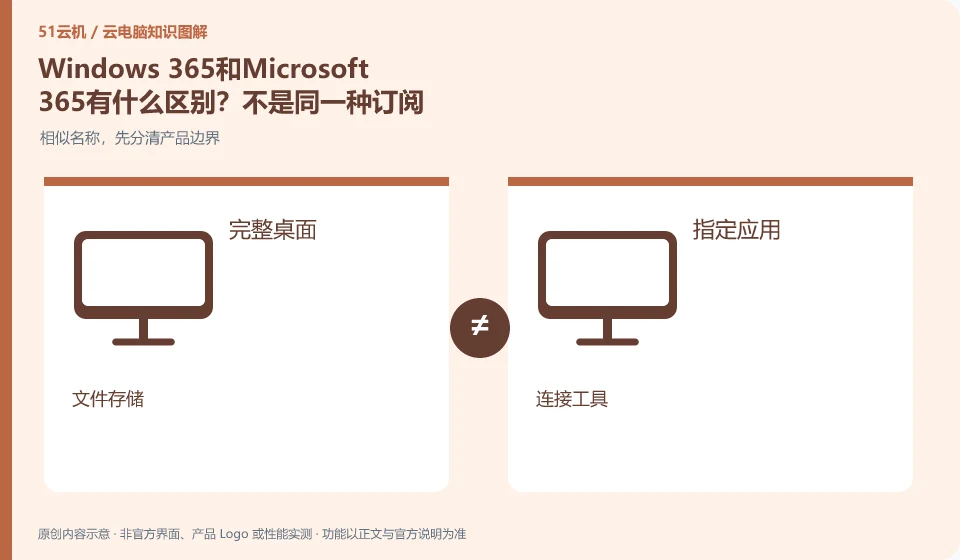
Microsoft defines Windows 365 as a software service that delivers Cloud PC, and provides different versions such as Business and Enterprise. Its core is to allocate a cloud Windows environment to organizational users, rather than adding an ordinary remote control plug-in to existing physical computers.

8 articles in English

Page 1 of 1
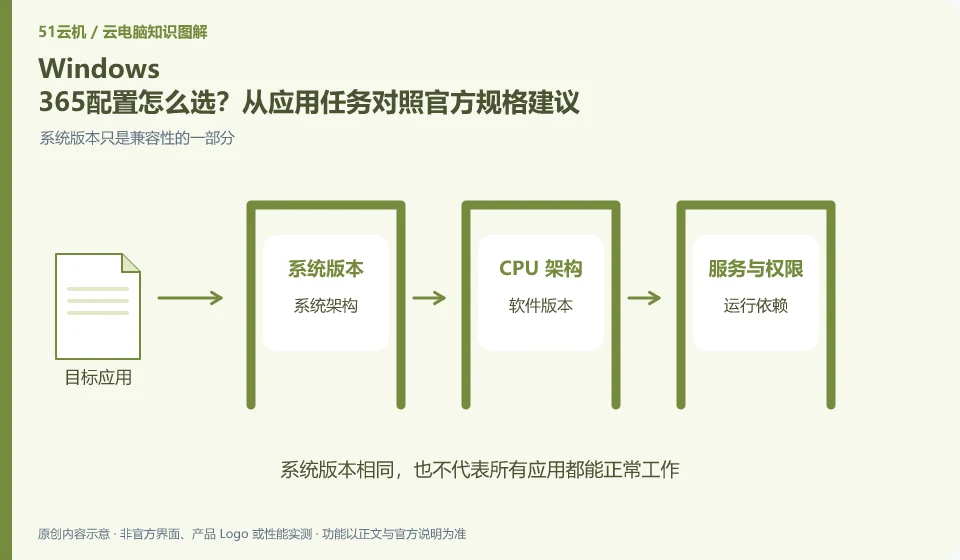
How to choose Windows 365 configuration? Compare official specification recommendations from application tasks. System version is only part of compatibility; system architecture; software version; running dependencies; legal authorization
CLOUD PCS

Choosing Windows 365 specifications for your applications

Selecting specifications based on real applications and workloads is more reliable than just looking at the number of CPUs. Microsoft has Cloud PC specification recommendations, but they are a starting point for planning and cannot replace your own verification of applications, files, and peripherals.

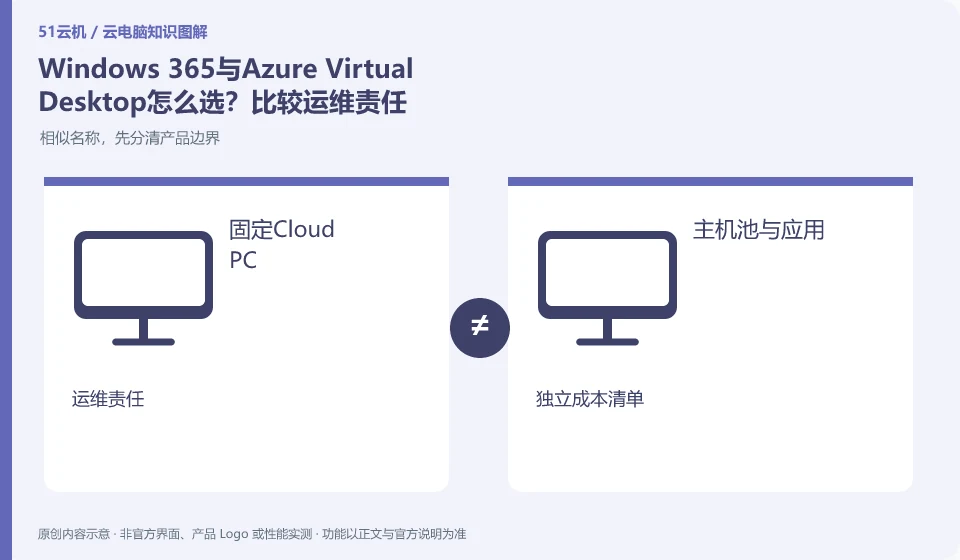
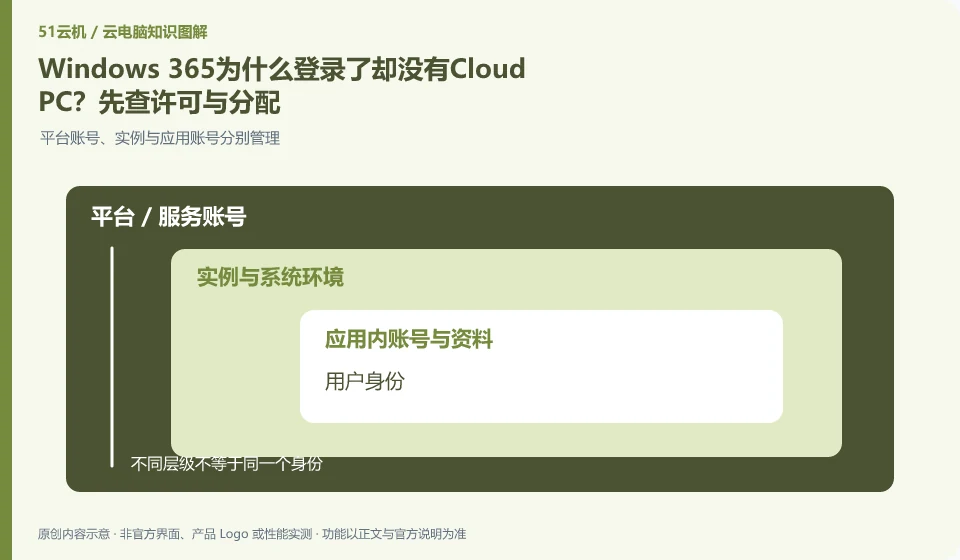
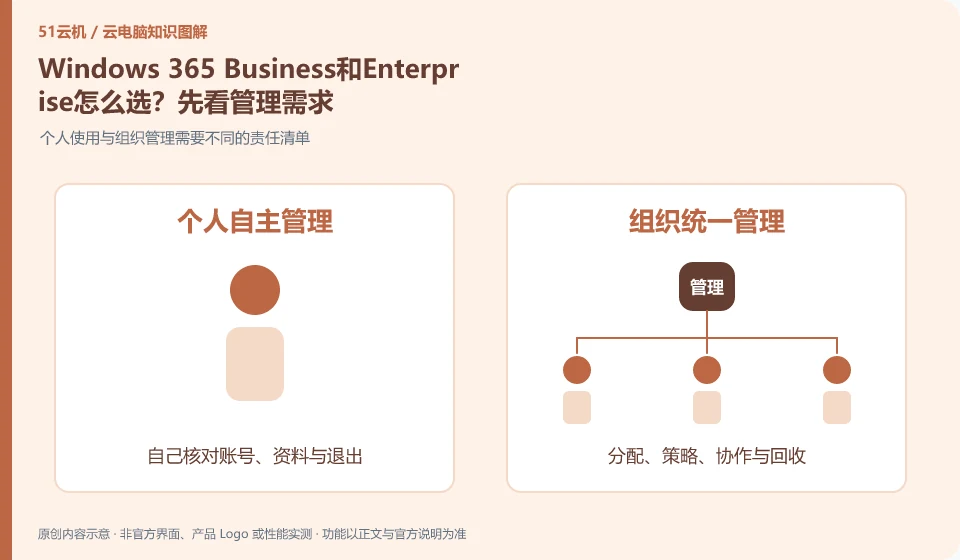
How to choose between Windows 365 Business and Enterprise? Let’s look at management needs first. Personal use and organizational management require different lists of responsibilities; existing management systems; version qualifications; license verification; distribution and recycling
CLOUD PCS

Windows 365 Business or Enterprise: start with management requirements

Choose a version first based on your organization's size, identity, and device management requirements. Don't just compare Cloud PC hardware numbers. Microsoft's overview introduces different versions respectively. The current conditions and support scope should be reviewed in the official comparison document and purchase page.