
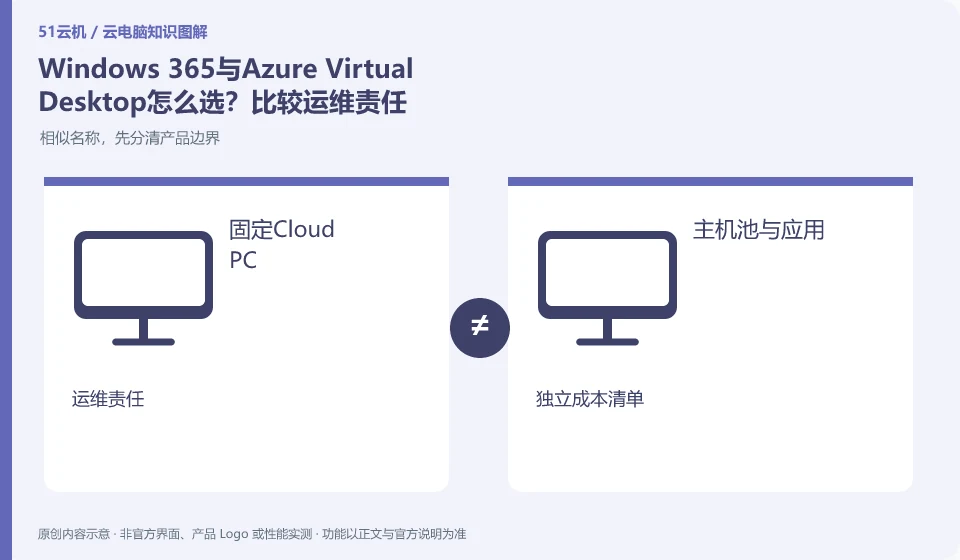
Windows 365 focuses on delivering Cloud PCs on a per-license basis, while AVD allows for more planning around host pools, application groups and resources. The two are not the same package with different configuration names. You should first compare the management responsibilities, user working methods and cost components.
Who this is for:For general readers and small teams who are working on Microsoft Windows 365 and need to solve the specific problem in the title. Data verification date: 2026-10-26.
First, identify the product line
Microsoft defines Windows 365 as a software service that delivers Cloud PC, and provides different versions such as Business and Enterprise. Its core is to allocate a cloud Windows environment to organizational users, rather than adding an ordinary remote control plug-in to existing physical computers.
Comparing Windows 365 vs. AVD by delivery model
If there is no dedicated team maintaining desktop resources, simplifying delivery may be more important; if pooled sessions, specific application delivery, or granular resource scheduling are required, AVD should be further investigated. Check the documentation and fees for the two product lines separately, and you cannot apply the licensing rules of one model to the other.
First, let’s write down whether the user needs a Cloud PC that is fixed for a long time, or whether the desktop and applications need to be delivered based on the host pool. The starting point for Windows 365 research is licensing, versions and Cloud PC allocation; the starting point for AVD research also includes host pools, application groups, session hosts and resource capacity. Both belong to the Microsoft system, but purchasing a Cloud PC does not mean deploying a set of AVD.
Then draw the boundaries of responsibility: who creates images, maintains applications, manages the network, monitors capacity, and handles failures. Don't understand "hosting" to mean that the organization no longer requires any IT work, and don't understand AVD's planable multi-session to mean that all applications allow multiple people to share licenses. The comparison table should retain the workload, identity conditions, maintenance capabilities and cost components, rather than just fill in the monthly unit price.
Check each requirement for your task
- List requirements such as fixed personal environment, application publishing and simultaneous online.
- Draw Cloud PC allocation and AVD resource organization respectively, and indicate operation and maintenance responsibilities.
- Calculate licenses and resources independently according to two product documents, and then pilot representative tasks.
There is no single winner, only affordable ways of working
If the team attaches importance to simplified delivery, it will further check whether the Windows 365 version meets the conditions; if it really needs host pools and refined application delivery, it will evaluate the capabilities and personnel required for AVD. The above judgment is a research path and cannot replace specific solution design; business application licensing, data processing and regional availability still need to be clarified under the respective products.
Where the conclusion applies and what to do next
Windows 365 and Microsoft 365 office software subscriptions, Windows local licenses, and Azure Virtual Desktop need to be purchased and planned separately.
This article is based on public information. We have not purchased or tested the product. The scenarios describe ways to verify suitability, not customer case studies. Features and terms depend on the current official documentation for the relevant version.
Official sources and further reading
- Microsoft: What is Windows 365:Officially defines Cloud PC, version, license and cloud delivery method.
- Microsoft: Access Cloud PC: Official instructions for accessing Windows App and web pages; the old version of Remote Desktoptutorial has timeliness issues.
- Windows 365 spec recommendations: Plan Cloud PC specifications based on workload. CPU numbers cannot be used directly as a guarantee of real performance.
Read more:Cloud PC knowledge hub · Find an article for your question · Microsoft Windows 365 product line identification
Related questions to explore
- Windows 365 versus Microsoft 365: different subscriptions
- Windows 365 Business or Enterprise: start with management requirements
- Which client should you use for Windows 365? Check older desktop guides
Back to the brand and product knowledge directory · Browse cloud PC topics