
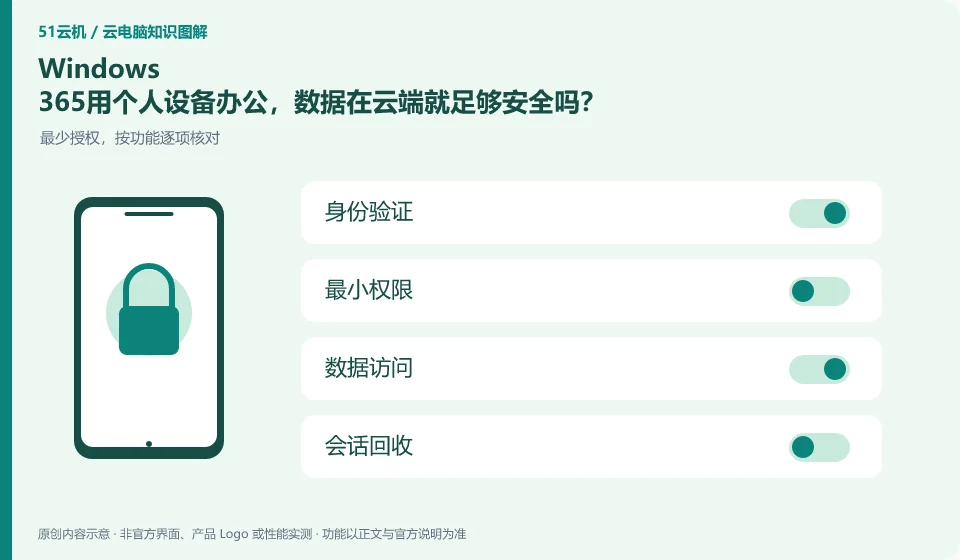
Not enough. Cloud desktop changes data location, and downloads, clipboards, browser sessions, and screen viewing on personal devices still need to be managed. Organizations should determine access terminals and available channels according to the approved BYOD policy.
Who this is for:For general readers and small teams who are working on Microsoft Windows 365 and need to solve the specific problem in the title. Data verification date: 2026-10-26.
First, identify the product line
Microsoft defines Windows 365 as a software service that delivers Cloud PC, and provides different versions such as Business and Enterprise. Its core is to allocate a cloud Windows environment to organizational users, rather than adding an ordinary remote control plug-in to existing physical computers.
Apply security controls to accounts and data permissions
Users first check whether the device is approved, can save work passwords, and is allowed to download files. Administrators use ordinary users to verify actual policies and arrange session and credential recycling when devices are lost or resigned; permission checks cannot be replaced by the slogan "data is saved in the cloud".
Saving data in the cloud changes the location of the data and does not automatically eliminate the risk of account compromise, missharing, malware, and accidental deletion. Users should first confirm their login identity, retrieval method, authorized device and session exit; the organization also needs to stipulate who can copy files, install software, open an external network and assign desktops. Encryption or watermarking in promotional materials is just a capability, and the actual effect still depends on the version and configuration.
You can make a permission list and divide the work into three categories: must be allowed, require approval, and prohibited. Ordinary users should not use the administrator account to complete all daily operations, and the access of temporary collaborators must have an expiration time. If you are just reading the information, it is usually more appropriate to give read-only permissions than write permissions to the entire folder. After a login exception or sharing error occurs, the session and credentials will be recovered first, and then the evidence will be retained and processed along the official process.
Check each requirement for your task
- Check account ownership, retrieval channels, and officially supported verification options.
- List the minimum permissions for file transfer, software installation, and external network access.
- Set an end date for temporary permissions and periodically check authorized devices and sessions that are still valid.
Mobile phones and tablets are terminals, and the operating methods still need to be adapted.
After a mobile phone or tablet is connected to a cloud PC, calculations occur remotely, but clicks on the touch screen are converted into mouse and keyboard operations understood by desktop applications. Tasks that require precise dragging, key combinations, and long text input are different in difficulty from tasks that require just viewing information. First, separate "can see" and "can complete efficiently" according to the task, before deciding whether an external keyboard, mouse and large screen are needed.
Where the conclusion applies and what to do next
Windows 365 and Microsoft 365 office software subscriptions, Windows local licenses, and Azure Virtual Desktop need to be purchased and planned separately.
This article is based on public information. We have not purchased or tested the product. The scenarios describe ways to verify suitability, not customer case studies. Features and terms depend on the current official documentation for the relevant version.
Official sources and further reading
- Microsoft: What is Windows 365:Officially defines Cloud PC, version, license and cloud delivery method.
- Microsoft: Access Cloud PC: Official instructions for accessing Windows App and web pages; the old version of Remote Desktoptutorial has timeliness issues.
- Windows 365 spec recommendations: Plan Cloud PC specifications based on workload. CPU numbers cannot be used directly as a guarantee of real performance.
Read more:Cloud PC knowledge hub · Find an article for your question · Microsoft Windows 365 product line identification
Related questions to explore
- Windows 365 versus Microsoft 365: different subscriptions
- Windows 365 Business or Enterprise: start with management requirements
- Which client should you use for Windows 365? Check older desktop guides
Back to the brand and product knowledge directory · Browse cloud PC topics