51YUNJI / BUY WITH CONTEXT

Tutorials & buying guides — Page 26

Practical explanations, troubleshooting steps and checks to make before subscribing.

531 articles in English

Page 26 of 45
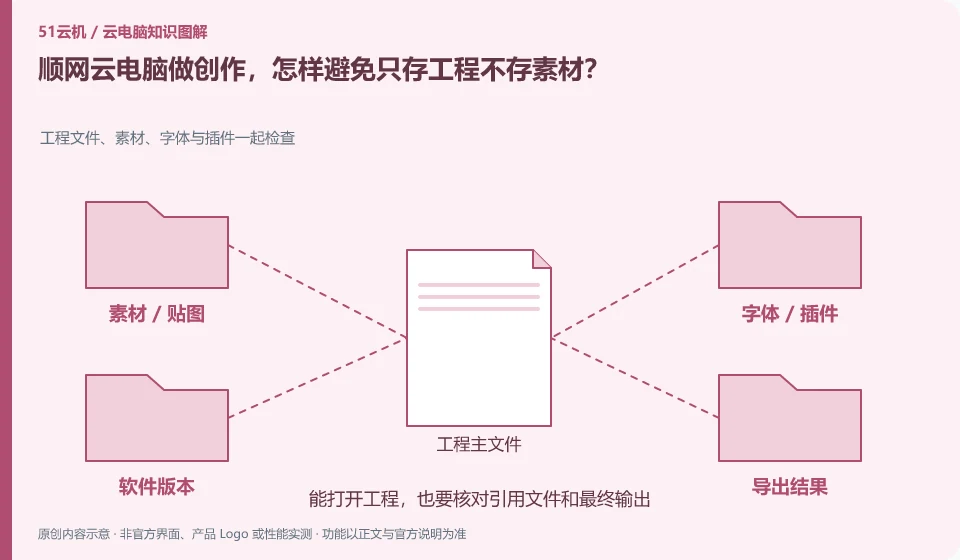
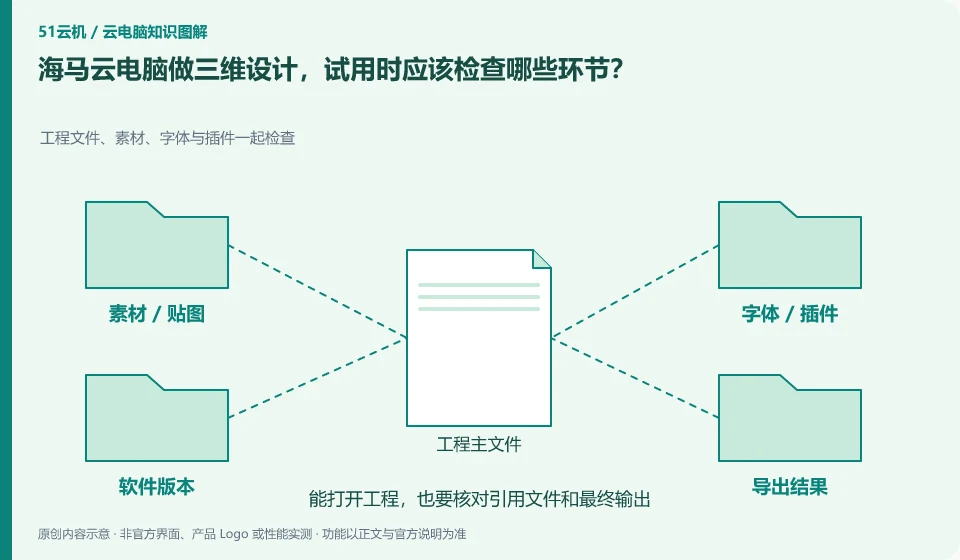
Haima Cloud PC is used for 3D design. What aspects should be checked during trial use? Project files, materials, fonts and plug-ins are checked together; project master file; font map; plug-in environment; graphics calculation
CLOUD PCS

Trying Haima Cloud PC for 3D design: what to test

At a minimum verify software licensing, project dependencies, view interactions, GPU calculations and final export. The introduction of Haima Cloud PC includes design and creative direction, but whether different software and packages are compatible needs to be checked one by one with your own legal samples.
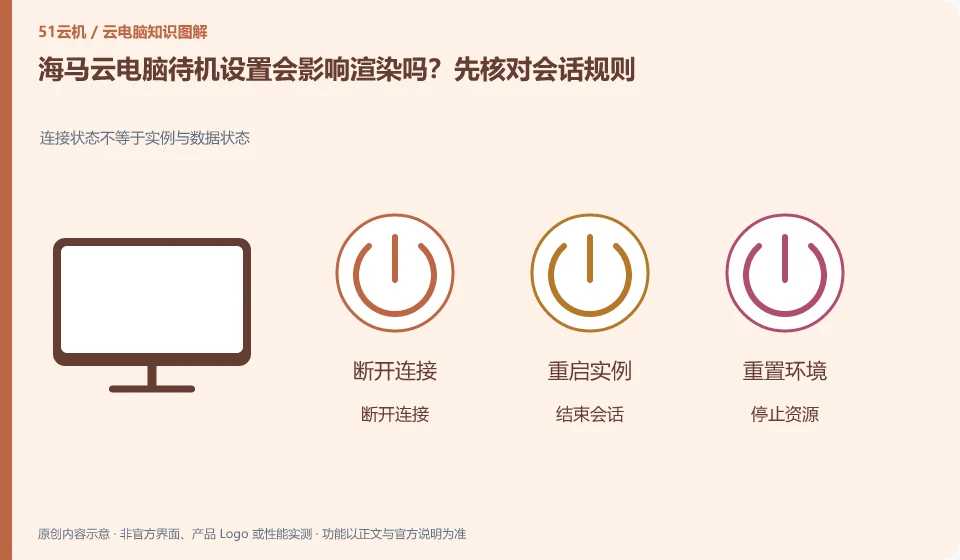
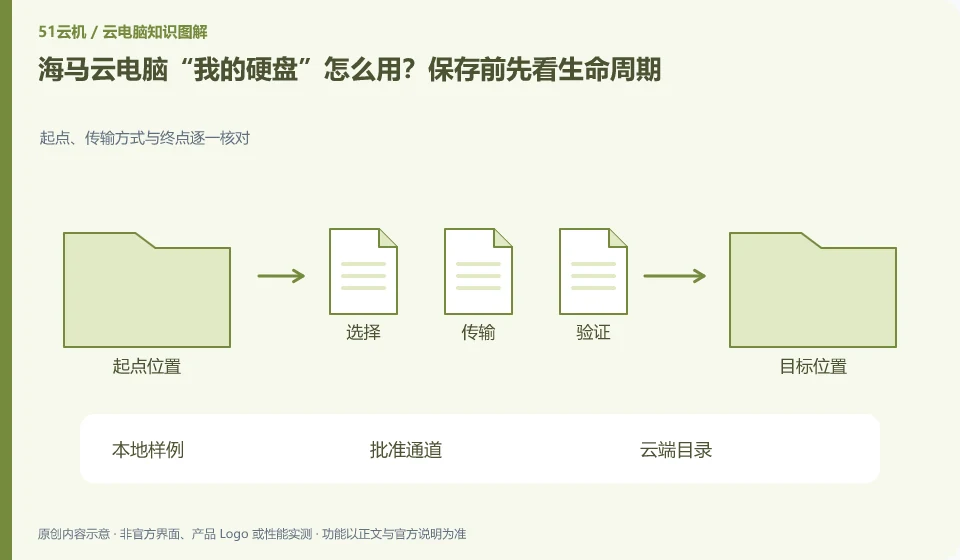
How to use "My Hard Drive" on Haima Cloud PC? Look at the life cycle before saving. Check the starting point, transmission method and end point one by one; local samples; approval channel; cloud directory; reconnection verification
CLOUD PCS

Haima Cloud PC's “My Disk”: check file retention before saving

The help center treats personal hard drives as a dedicated topic; you still need to confirm the file storage location, expansion, expiration and replacement rules. The personal hard drive and the current running session should be understood separately. In particular, do not assume that data will never be lost based on just one reconnection.

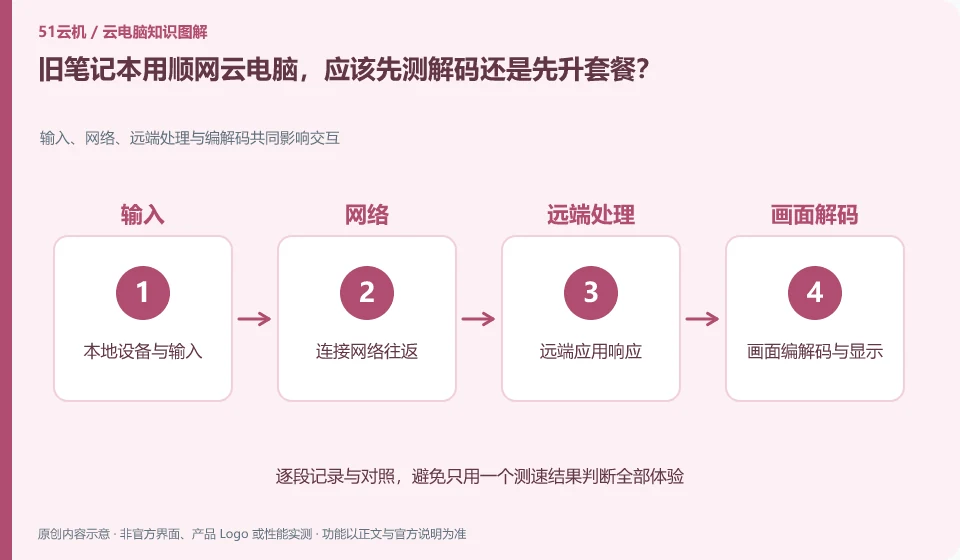
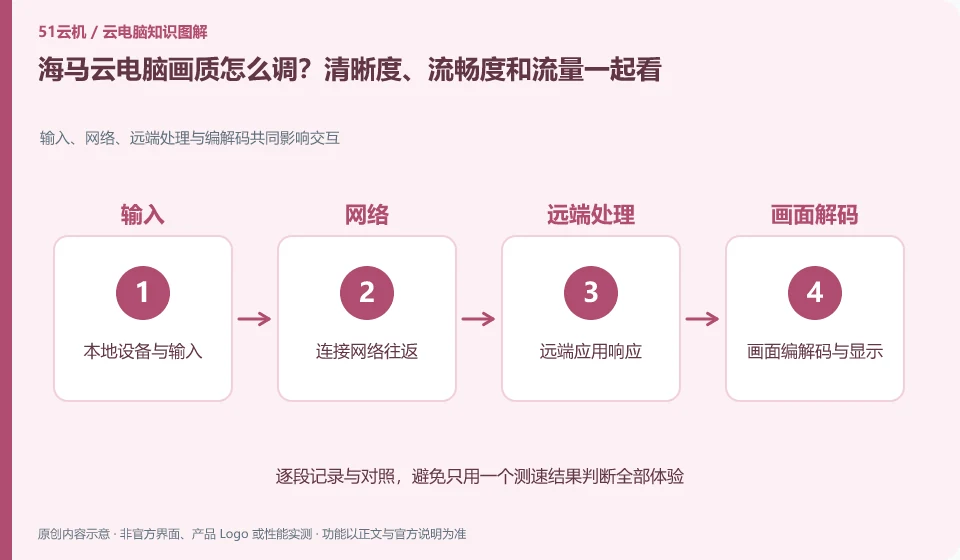
If I use Shunwang Cloud PC on an old laptop, should I test the decoding first or upgrade the package first? Input, network, remote processing and encoding and decoding jointly affect interaction; local device and input; connection network round trip; remote application response; screen encoding and decoding and display
CLOUD PCS

Shunwang on an old laptop: test decoding before upgrading the plan

First verify whether the local device can display and input stably, and then determine whether higher cloud configuration is required. Although the old equipment does not undertake most of the remote computing, it still has to deal with picture decoding, network and display. Upgrading the package may not solve local lags.

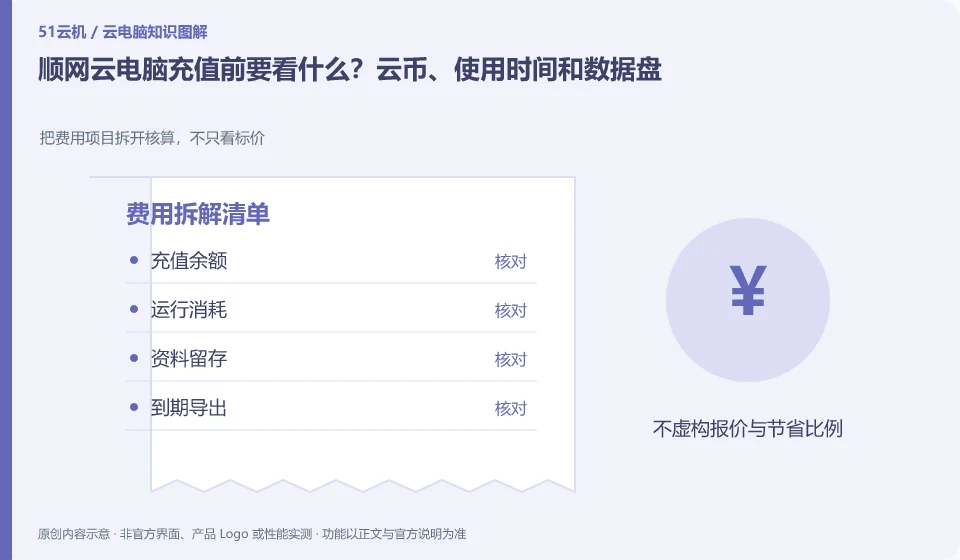
What should I look at before recharging on Shunwang Cloud PC? Cloud coins, usage time and data disk. Separate the cost items and calculate them, not just the price; recharge balance; operating consumption; data retention; expiration export
CLOUD PCS

Before topping up Shunwang Cloud PC: credits, runtime and data disks

Only by looking at the recharge balance, operating consumption and ongoing data disk costs separately can we estimate the true expenditure. The measurement and promotions on the page will change, and should be based on the current display of the account and the formal agreement, rather than treating a recharge as a permanent purchase of the computer.

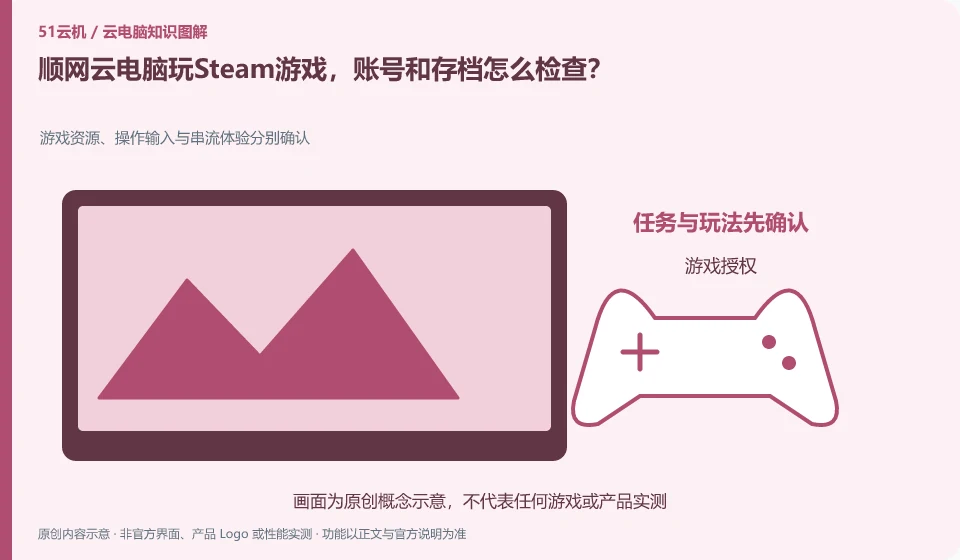
When playing Steam games on Shunwang Cloud PC, how do I check my account and save files? Game resources, operation input and streaming experience are confirmed separately; game authorization; service entrance; control mapping; archive synchronization
CLOUD PCS

Steam on Shunwang Cloud PC: checking accounts and game saves

First confirm the target game and current service support, and then log in with your legal account. There is a three-tier relationship between game entrance, game store authorization and archive synchronization on cloud PC. Pre-installed game icons cannot be regarded as already having copyright.

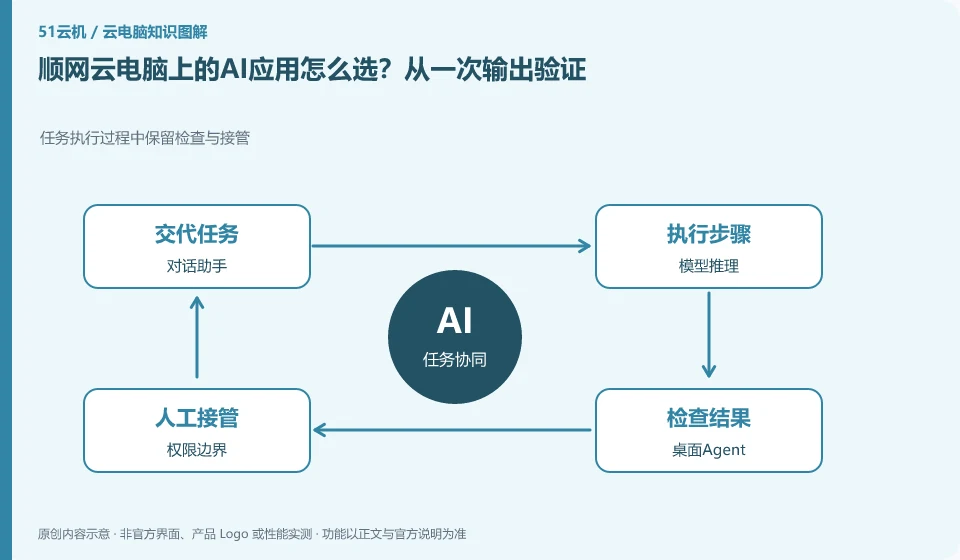
How to choose AI applications on Shunwang Cloud PC? Verify from one output. Preserve inspection and takeover during task execution; dialogue assistant; model inference; desktop agent; permission boundaries
CLOUD PCS

Choosing AI apps on Shunwang Cloud PC: verify a real output

Shunwang’s personal cloud PC page shows AI applications and workstation directions. Whether it is suitable for you depends on the target application, data, GPU conditions and result export. Just because there are many pre-installed tools does not mean that it can complete all creations.

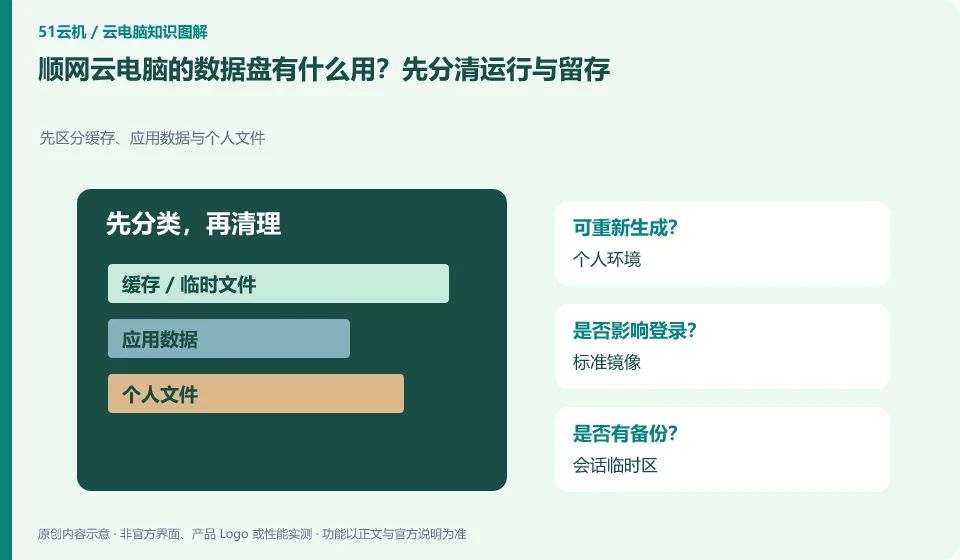
What is the use of the data disk of Shunwang Cloud PC? First distinguish between operation and retention. First distinguish cache, application data and personal files; personal environment; standard image; session temporary area; persistent data
CLOUD PCS

What is the Shunwang Cloud PC data disk for?

Data disks are used to solve the need for personal data retention and cannot automatically be equivalent to the permanent retention of the complete system environment. The official cloud PC portal displays private data disks. You should continue to check the applicable nodes, mounting conditions, expiration and migration rules.