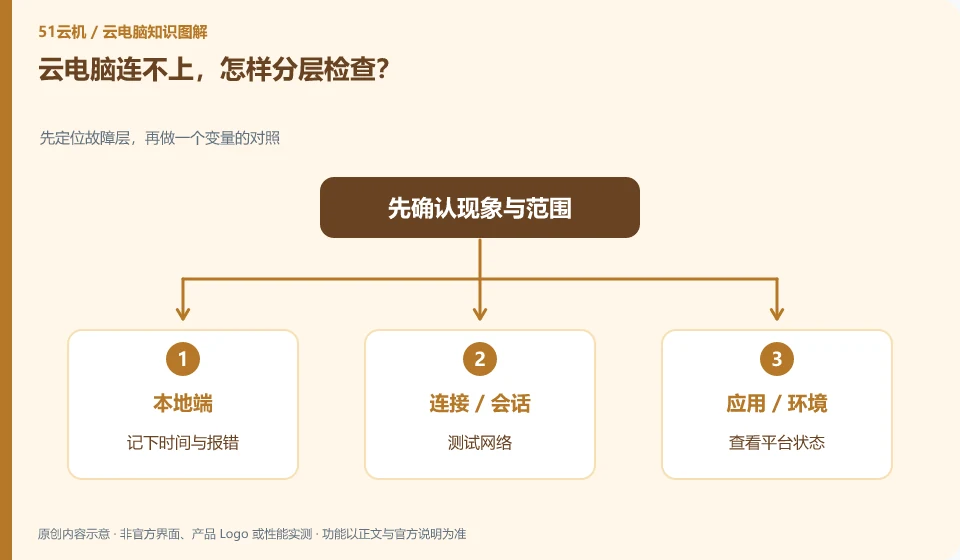
51YUNJI / BUY WITH CONTEXT

Cloud PC troubleshooting: a reading route guides — Page 2

Explore English articles for this topic.

20 articles in English

Page 2 of 2
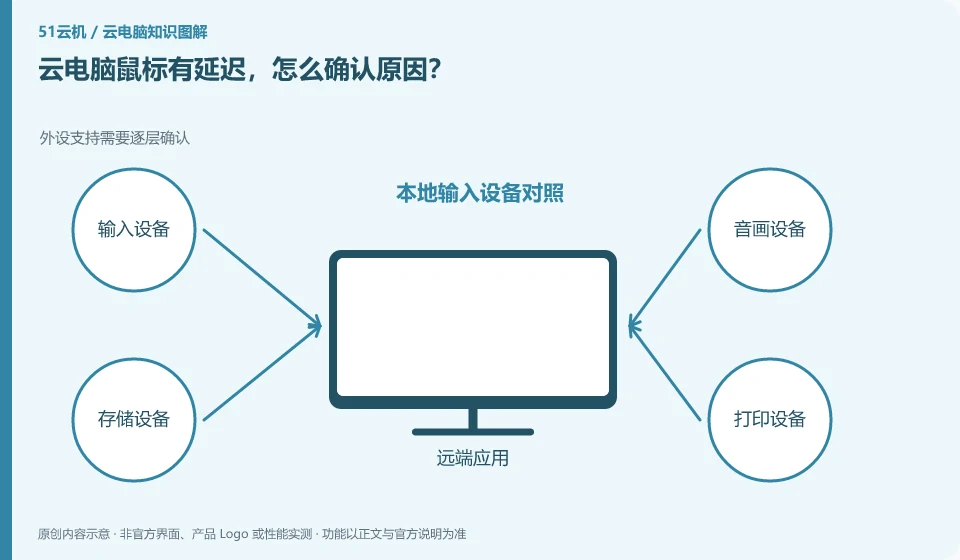
Cloud PC mouse is lagging, how to confirm the cause? Peripheral support needs to be confirmed layer by layer; local input device comparison; same action test delay; remote feedback and then check the network
CLOUD PCS

Cloud PC mouse lag: how to identify the cause

First distinguish between local mouse lagging and remote screen feedback delay. The same movement operation can be performed in the local window and cloud desktop. This guide uses everyday examples, practical checks and common pitfalls to help you decide what to do next.

Cloud PC text is blurry, how should I adjust it? Resolution, scaling, and frame transfer all affect reading; compare original size to full screen; view supported resolutions; reread text after adjusting a setting; record whether the network triggers image quality degradation.
CLOUD PCS

How to adjust blurry text on a cloud PC

Check the remote resolution, local scaling, and client display settings first. Screen compression and window stretching may also affect text. This guide uses everyday examples, practical checks and common pitfalls to help you decide what to do next.

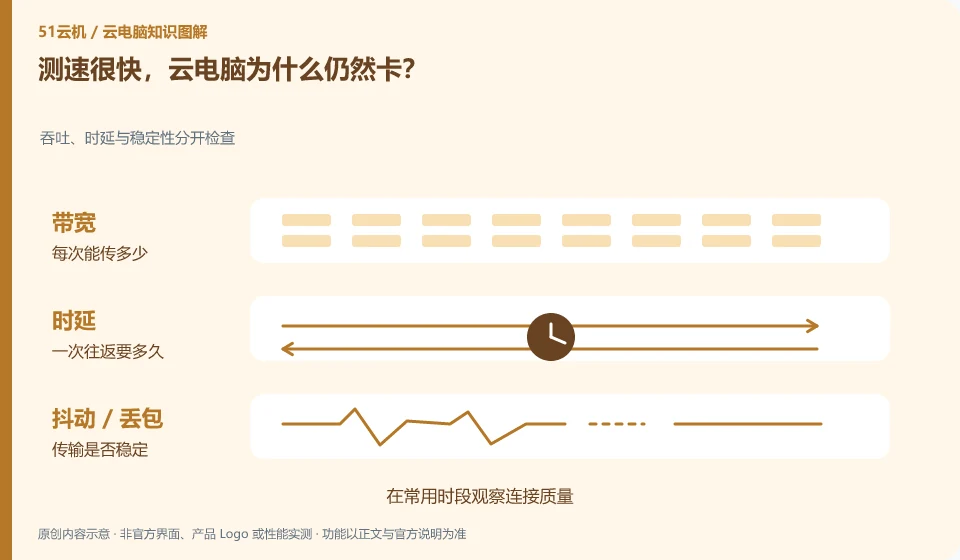
The speed test is very fast, why is the cloud PC still stuck? Check throughput, latency and stability separately; observe connection quality during common periods; compare wired and wireless; pause other high-traffic tasks; keep the same desktop for comparison.
CLOUD PCS

Why does a cloud PC lag despite a fast speed test?

Speed measurement mainly reflects the throughput capability of a certain path. Remote interaction is also affected by delay, jitter, packet loss and the actual node path. This guide uses everyday examples, practical checks and common pitfalls to help you decide what to do next.
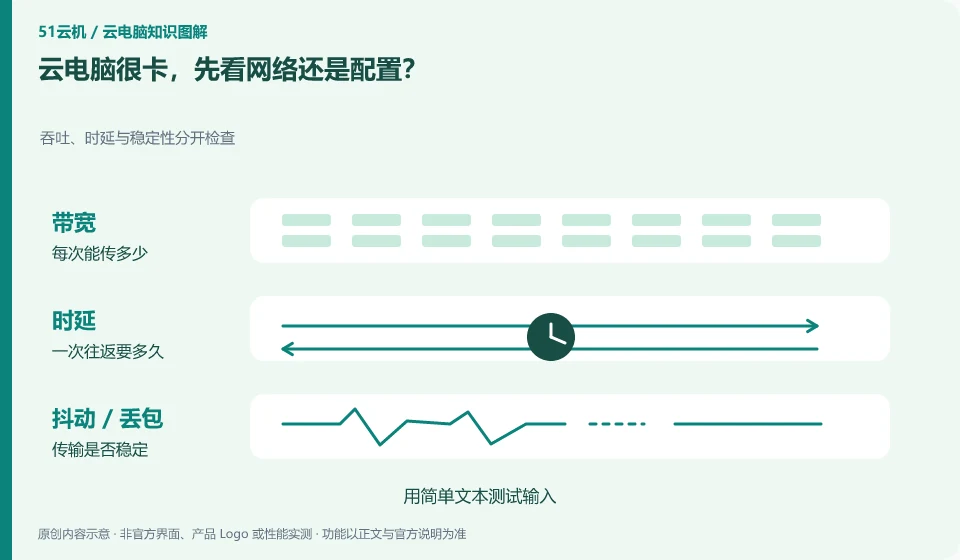
Cloud PC is very stuck. Check the network or configuration first? Throughput, latency and stability are checked separately; test input with simple text; then perform fixed computing tasks; record local network, remote occupancy and occurrence period.
CLOUD PCS

Cloud PC is slow: check the network or the specifications first?

First describe where the card is. If the input and screen response are slow, you should pay more attention to the connection; if the calculation or opening the project is slow, you should look at the remote resources and files at the same time. This guide uses everyday examples, practical checks and common pitfalls to help you decide what to do next.