51YUNJI / BUY WITH CONTEXT

Cloud phone brands & product lines guides — Page 2

Explore English articles for this topic.

150 articles in English

Page 2 of 13
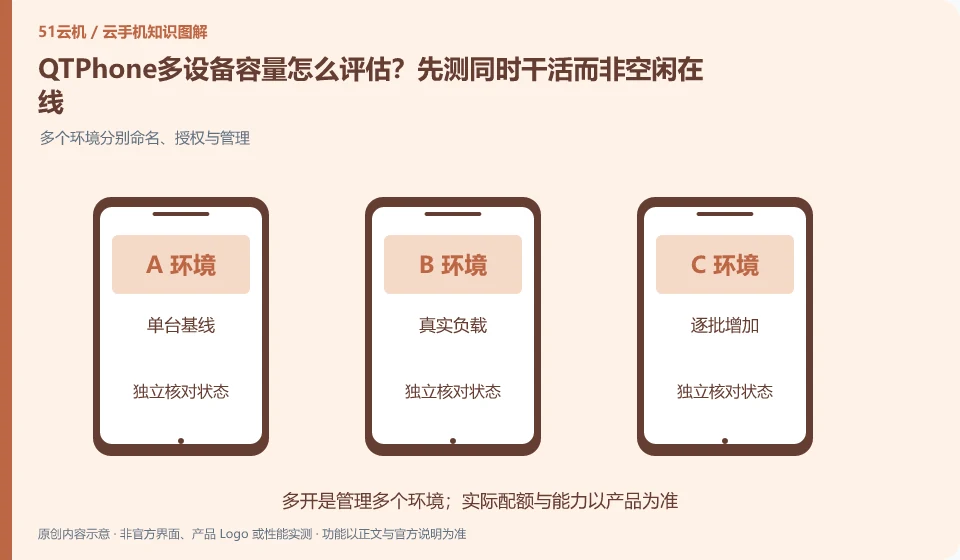
How to evaluate the multi-device capacity of QTPhone? Try working simultaneously rather than being idle online first. Multiple environments are named, authorized and managed separately; single baseline; real load; batch-by-batch increase; capacity boundaries
CLOUD PHONES

Assessing QTPhone capacity: test simultaneous work, not idle connections

QTPhone: Capacity should be evaluated based on real tasks. Just because multiple devices can connect when idle does not mean that they still meet the requirements when running applications, transferring files, or accepting operations at the same time. Device creation quotas, concurrency control capabilities, and target application loads should be documented separately.
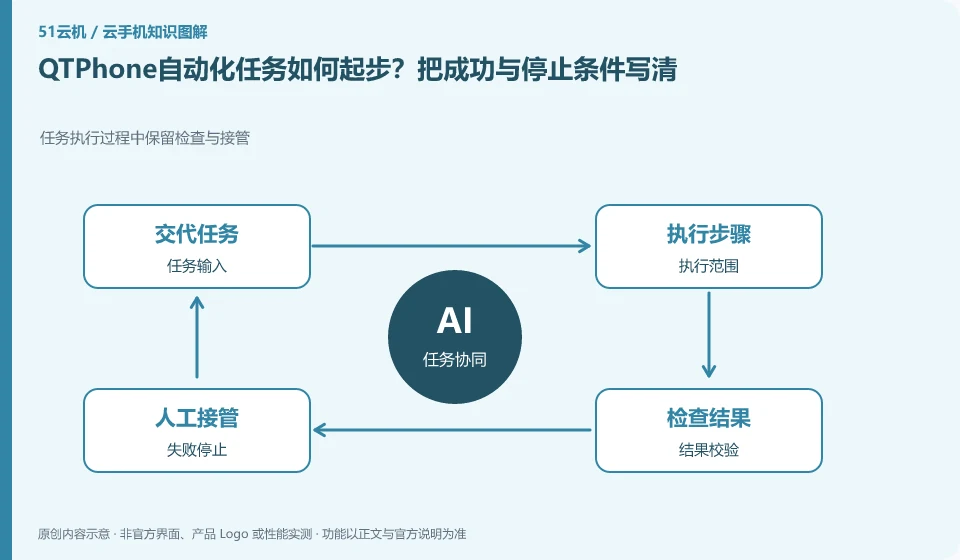
How to get started with QTPhone automation tasks? Write down the success and stop conditions clearly. Inspection and takeover are retained during task execution; task input; execution scope; result verification; failure stop
CLOUD PHONES

Starting QTPhone automation: define success and stopping conditions

QTPhone: Automation should start with a small number of repetitive, observable, legitimate tasks. Timing triggers, synchronous clicks, scripts and AI understanding interfaces are different capabilities; being able to start a task does not mean that it can be judged to be completed, nor does it mean that it can bypass third-party application rules.

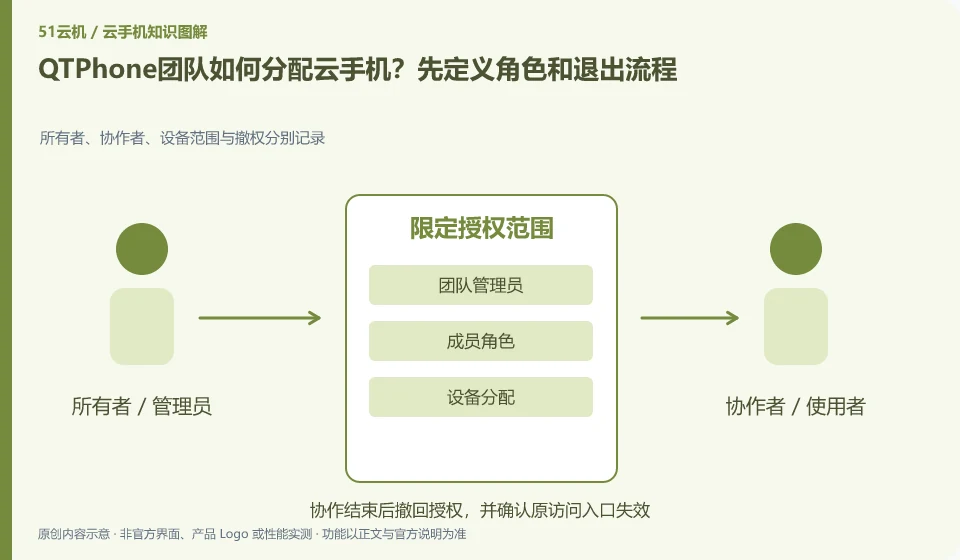
How does the QTPhone team allocate cloud phones? Start by defining roles and exit processes. Owners, collaborators, device scope and revocation are recorded separately; team administrators; member roles; device assignments; leaving and recycling
CLOUD PHONES

Assigning QTPhone devices to a team: roles and offboarding

QTPhone: Team assignments should be centered around who can see the device, who can control it, and who can manage orders, rather than everyone sharing an admin password. Even if the platform provides role functions, a test account must be used to confirm the actual permission scope to avoid configuration names that are different from expected.

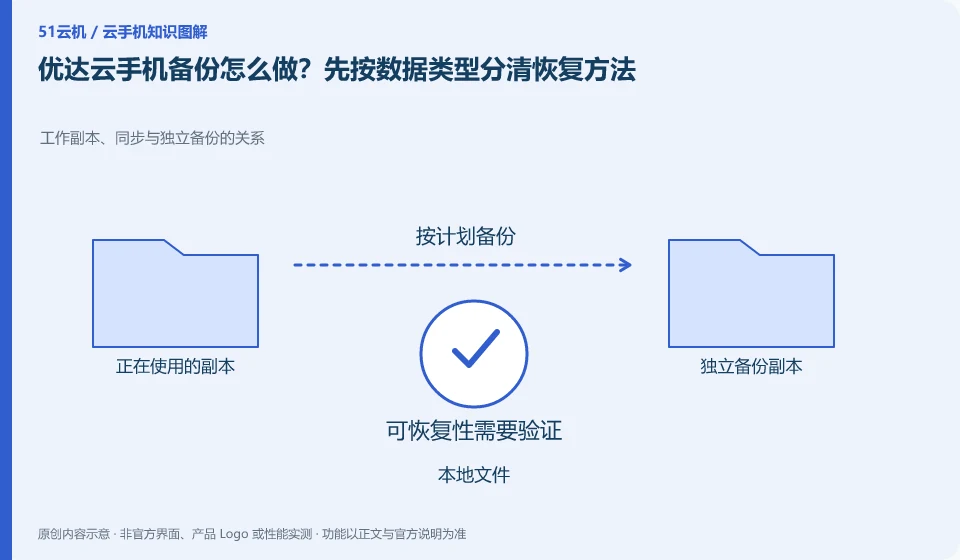
How to backup mobile phone with Yooda Cloud? Let’s first distinguish the recovery methods by data type. The relationship between working copy, synchronization and independent backup; local files; application account; environment configuration; recovery verification
CLOUD PHONES

Yooda backups: match recovery methods to each data type

Yooda Cloud phone: The goal of backup is to restore what you need, not just copy a batch of files. Application server data, local files on the cloud machine, system settings and order information have their own storage methods. You cannot use a screenshot or an APK to replace all backups.

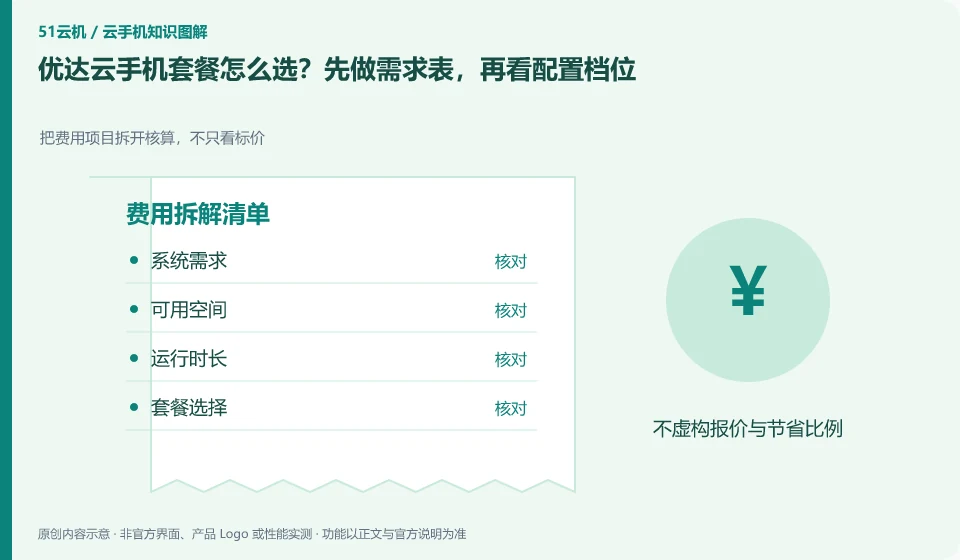
How to choose Yooda Cloud phone plan? Make the demand table first, and then look at the configuration gears. Break down the cost items and calculate them, not just the price; system requirements; available space; running time; package selection
CLOUD PHONES

Choosing a Yooda Cloud Phone plan from your requirements

Yooda Cloud phone: First write down the system, storage and running time required by the application, and then choose the package. High gear is only valuable when clear bottlenecks are solved, and low gear is only a real saving when the complete process is passed; don't judge performance by name alone.

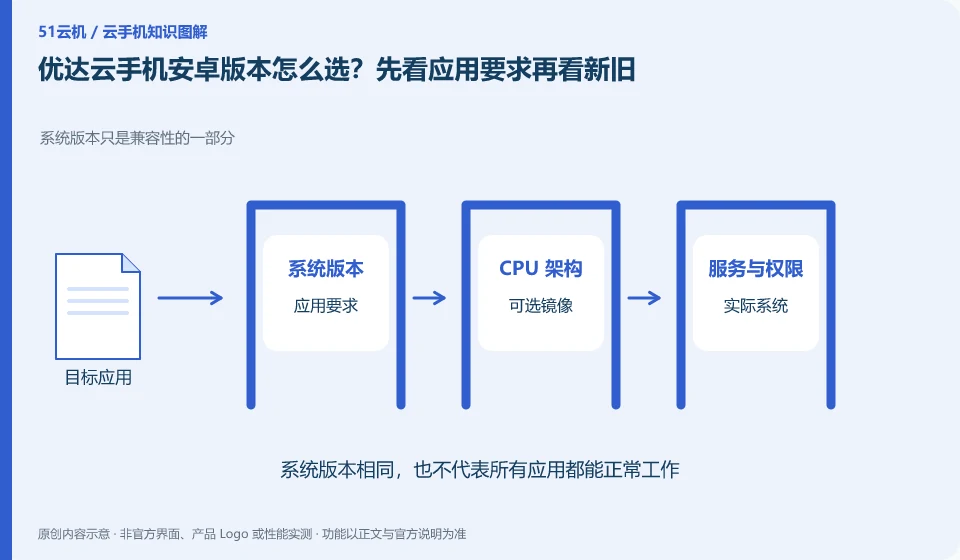
How to choose the Android version of Yooda Cloud phone? Look at the application requirements first and then look at the old and new. System version is only part of compatibility; application requirements; optional images; actual system; process verification
CLOUD PHONES

Choosing a Yooda Android version for your apps

Yooda Cloud Phone: Newer Android versions may support new application interfaces, but may also change permissions and background behavior; older versions may be compatible with legacy applications, but are not suitable for tasks that require a new system. The choice should be based on the target application version and complete process, rather than simply chasing the latest.

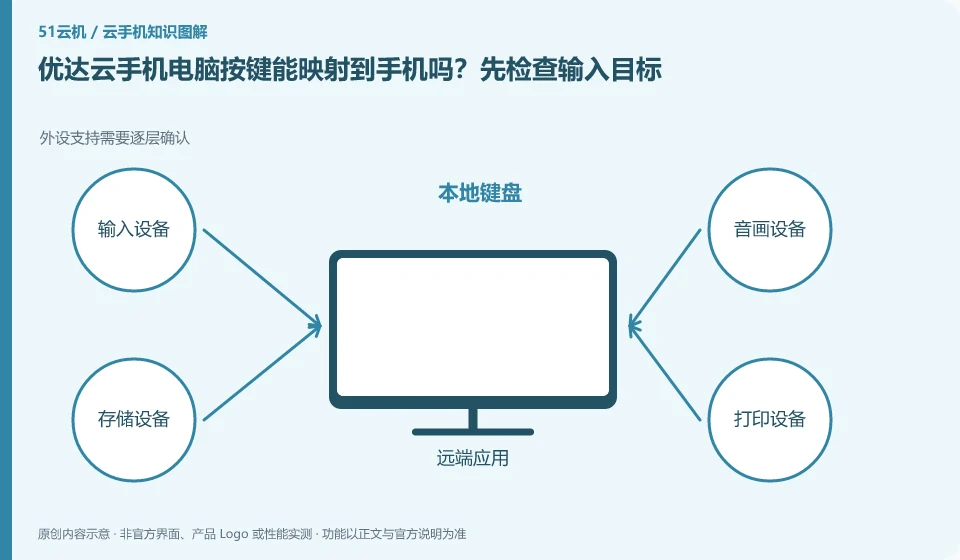
Can the Yooda Cloud mobile computer buttons be mapped to the mobile phone? Check the input target first. Peripheral support requires layer-by-layer confirmation; local keyboard; client reception; text input; touch mapping
CLOUD PHONES

Mapping computer keys to Yooda Cloud Phone: check the input target

Yooda Cloud phone: keyboard input, shortcut keys and touch mapping are different capabilities. Being able to type in the text box does not mean that all game operations can be mapped to the keyboard; whether the required mapping function is provided, you should check from the current official client or tutorial.

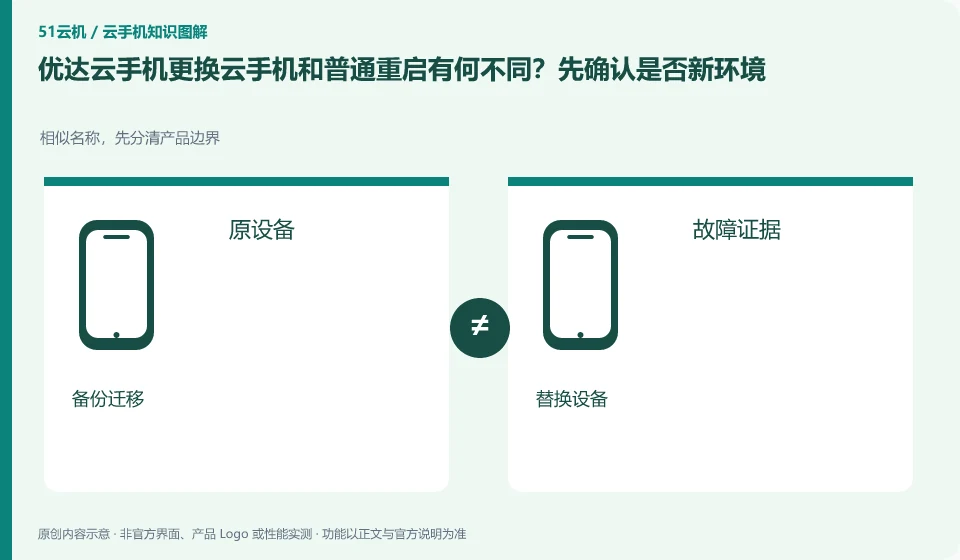
What is the difference between replacing cloud phone with Yooda Cloud phone and normal restarting? First confirm whether it is a new environment. Similar names, first distinguish product boundaries; original equipment; failure evidence; backup migration; replacement equipment
CLOUD PHONES

Replacing a Yooda cloud phone versus restarting it

Yooda Cloud Phone: Changing devices can mean getting a new cloud environment, while reboots often still revolve around the current environment. If the official prompts that the original data will be cleared, it must be processed as a migration, and the replacement cannot be regarded as a Wuying fault refresh.

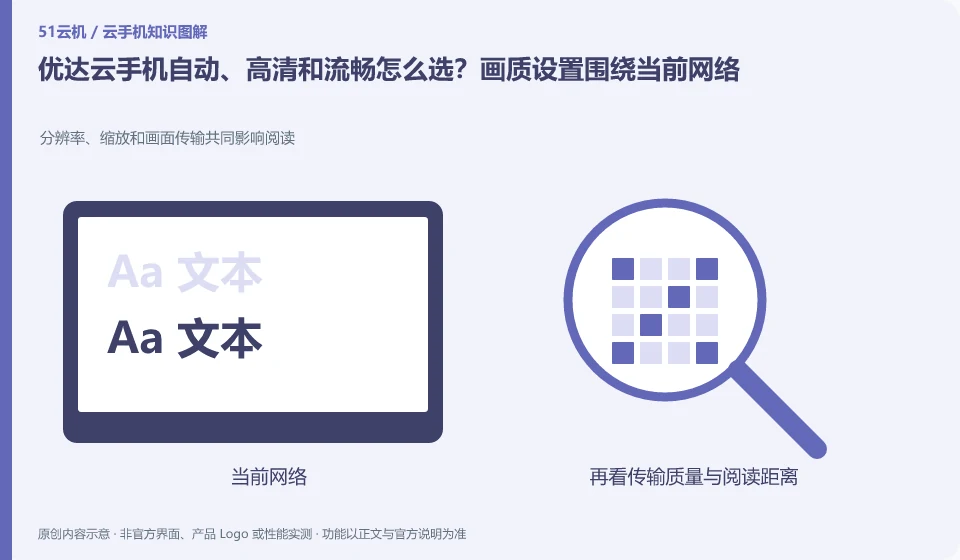
How to choose between automatic, high-definition and smooth for Yooda Cloud phones? Image quality settings revolve around the current network. Resolution, scaling, and frame transfer collectively affect reading; current network; clarity; operational responsiveness; local traffic
CLOUD PHONES

Yooda Auto, HD or Smooth mode: choose for your current connection

Yooda Cloud Phone: Image quality selection is about striking the right balance between clarity, bandwidth and responsiveness. The requirements for reading text and quick clicks are different, and it is not necessary to maintain the highest image quality at all times; the actual effect of the automatic mode must also be verified based on network changes.

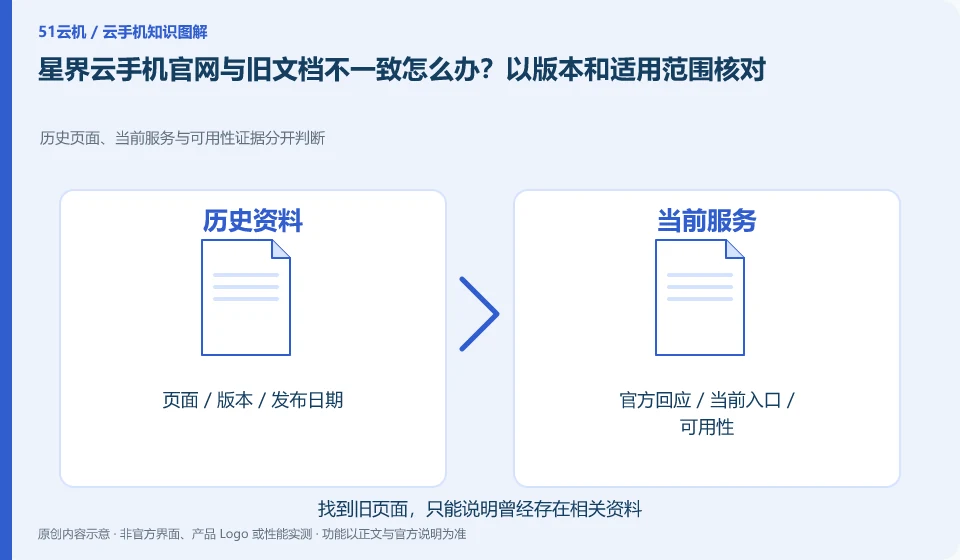
What should I do if the Xingjie cloud phone official website is inconsistent with the old documents? Check with version and applicable scope. History pages, current services and availability evidence are judged separately; old documents; current product page; console facts; scope of application
CLOUD PHONES

Xingjie website and old documentation disagree: check versions and scope

Xingjie cloud phone: The document release date, product page configuration, and current console may be at different update cadences. When encountering inconsistencies in system scope or function description, first confirm the product line, region, package, and document version, and do not arbitrarily extend any information to the facts for all users.

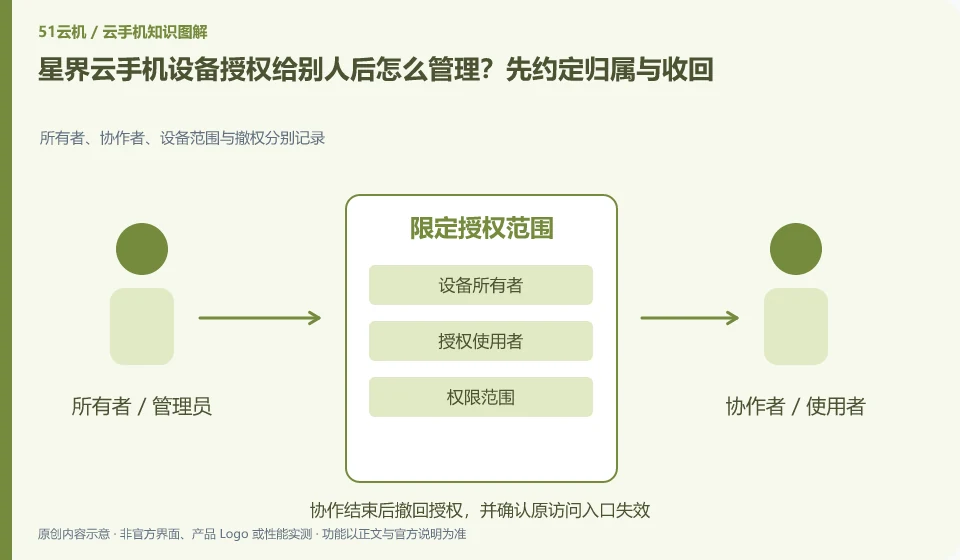
How to manage Xingjie cloud phone device after it is authorized to others? Agree on ownership and recovery first. Owners, collaborators, device scope and revocation are recorded separately; device owner; authorized user; permission scope; revocation check
CLOUD PHONES

Managing Xingjie device sharing: ownership and access withdrawal

Xingjie cloud phone: The purpose of authorization is to allow designated people to use designated devices, which should not be equivalent to handing over ownership of the main account. The authorization models of different products may affect whether both parties can control it at the same time, who can revoke it, and whether it will continue to be valid after changing the device. This should be checked before use.