
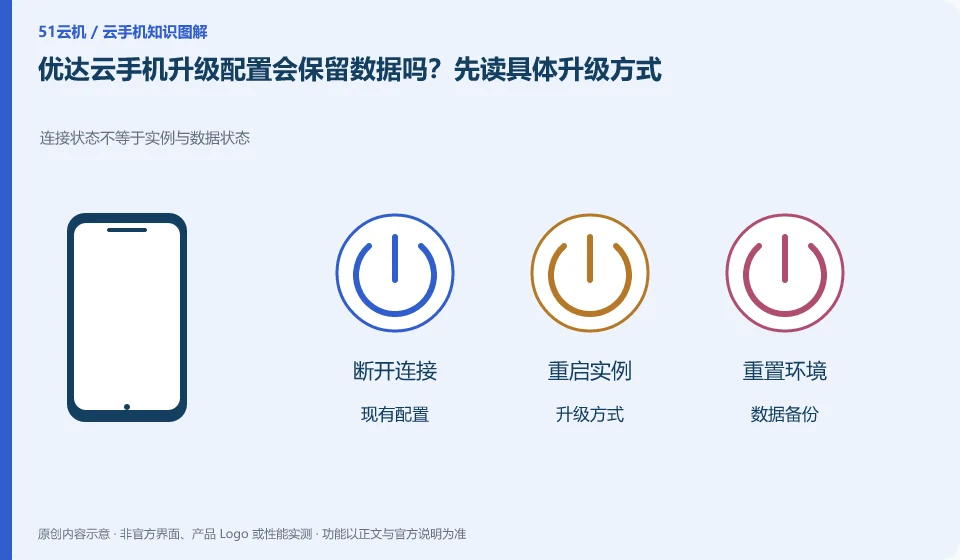
Regarding Yooda Cloud phones, the key to this issue is: the upgrade may be an adjustment to the original environment, or it may be assigned a new device. It cannot be inferred from the word "upgrade" that applications, files, and login status will be retained. The current confirmation prompt and official data description must be read before execution.
Known information about Yooda Cloud phones and the key points of this verification
Yooda Cloud phone provides cloud game and application running services. The official introductory and basic function help explains package, upgrade, replacement and image quality options respectively.
The official old introduction clearly reminds that the upgrade may allocate a new environment and clear the data. You should still read the current upgrade confirmation and backup prompts before executing.
The evidence boundaries of this article are: different system information appears in the old help and subsequent directories; the model purchased should be checked instead of following the old article.
Understand what this question covers
Clearly describe the reasons for the upgrade and the target bottlenecks to avoid unnecessary migration for a seemingly higher level. First export the local content of the cloud machine and confirm that the application account can be logged in again; even if the remaining time of the order can be converted, it does not mean that the data will be transferred accordingly.
Consider a specific scenario
Suppose you plan to upgrade the configuration after adding application tasks. This is a verification plan, not our experience using this product. First of all, "the data impact, price and actual target bottleneck of the upgrade should be clear" as the completion standard for this time. The original data should be saved before the test, and the first attempt should not be placed directly on important accounts and unique file copies.
The most easily overlooked thing in this scenario is: being able to convert the duration does not mean that files and applications will be automatically migrated. Therefore, it is necessary to separate the status that can be seen on the interface from the results that really need to be delivered. Being able to reproduce, explain and withdraw is more valuable than getting only one success notification.
Check in this order
- Check the upgrade path, price difference or duration processing, and data retention instructions.
- Export key files and verify account retrieval channels.
- After the upgrade, check the system, applications, and files to confirm whether the problem is resolved.
A reusable verification log
You can copy the table below into your notes. Record the device ID, verification date and current version. It helps identify which step failed and lets you repeat the same checks after changing clients or services.
| Checkpoint | What counts as a pass | What to do if it fails |
|---|---|---|
| Before operation | Device, account, time and data range recorded | When critical data is not backed up, stop any clearing or resource release actions first |
| During execution | Each operation has a sequence, please read the important tips first. | Pause when encountering different impact prompts than expected, and do not blindly continue to confirm. |
| after the end | Check equipment availability and core task actual results | When only a success notification appears but the content is not verified, the process is not marked as completed. |
| Follow-up review | Bills, authorizations and copies of documents have review dates | Designate a person responsible for unfinished matters to avoid treating one operation as permanent guarantee |
How to hand over records to Yooda Cloud mobile support channel
When submitting a question, first write "Will the data be retained when upgrading the Yooda Cloud phone configuration? Read the specific upgrade method first", and then attach the device number, selected client and system version, failure steps and the current time. The key point of verify in the brand information is "The official old entry clearly reminds that the upgrade may allocate a new environment and clear the data. You should still read the current upgrade confirmation and backup prompts before executing." Therefore, do not just send a screenshot of the homepage, nor do you need to put the complete password, verification code or private key into the problem description. When it comes to order or business qualifications, you should contact support from the official entrance where this product can be verified.
Sources and scope
- Yooda Cloud mobile official website
- Getting Started Guide to Yooda Cloud Mobile
- Basic functions of Yooda Cloud phone
- Yooda Cloud mobile official help directory
Sources checked on October 26, 2026. This article combines AI-assisted research of public information with independent analysis and verification suggestions; we have not conducted a hands-on test of this product. Features and costs depend on the current official documentation and your order.
Continue reading:Cloud phone basics · Cloud phone troubleshooting guide · Brand reference directory。
Related questions to explore
- Yooda Auto, HD or Smooth mode: choose for your current connection
- Replacing a Yooda cloud phone versus restarting it
- Mapping computer keys to Yooda Cloud Phone: check the input target
Back to the brand and product knowledge directory · Browse cloud phone topics