
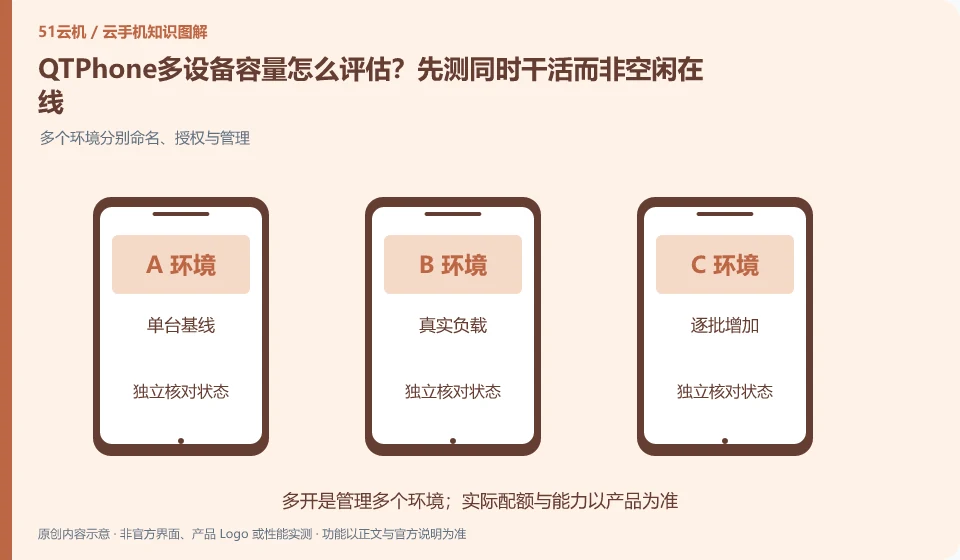
Regarding QTPhone, the key to this issue is: the capacity must be evaluated based on real tasks. Just because multiple devices can connect when idle does not mean that they still meet the requirements when running applications, transferring files, or accepting operations at the same time. Device creation quotas, concurrency control capabilities, and target application loads should be documented separately.
Known information about QTPhone and the key points of this verification
QTPhone official product page introduces ARM cloud Android devices. Pages list multi-device management, environment isolation, team roles, and legal automation scenarios.
The multi-device and efficiency descriptions on the official website are vendor introductions, and the capacity is only measured based on the current resource quota and your actual tasks.
The evidence boundary of this article is: it has not achieved independent performance, multiple improvement or unlimited instance capability verification, and it does not make capacity commitments based on the promotional text.
Understand what this question covers
Start with a single baseline and gradually add representative tasks while observing the local console. If local decoding or the network reaches a bottleneck first, adding cloud machines will not improve efficiency. Testing should not rely on advertised unlimited quantities and final capacity should be determined by acceptable completion results.
Check in this order
- Determine peak tasks, operating methods, and tolerance for failure.
- Start with a small number of devices and gradually increase the real load, recording the results of each batch.
- Identify bottlenecks in cloud, on-premises and management processes and set reasonable limits.
Consider a specific scenario
Suppose you plan to install and run a test application on multiple devices at the same time. This is a verification plan, not our experience using this product. First of all, "clear real load, control end bottlenecks and acceptable completion results" should be used as the completion criteria for this time. The original data should be saved before the test, and the first attempt should not be placed directly on important accounts and unique file copies.
The most easily overlooked thing in this scenario is that the number of idle devices cannot be converted into heavy load concurrency capabilities. Therefore, it is necessary to separate the status that can be seen on the interface from the results that really need to be delivered. Being able to reproduce, explain and withdraw is more valuable than getting only one success notification.
How to submit records to QTPhone’s support channel
When submitting a question, first state "How to evaluate the capacity of QTPhone multiple devices? First test working at the same time instead of idle online", and then attach the device number, selected client and system version, failure steps and current time. The key point of verify in the brand information is that "the description of multiple devices and efficiency on the official website belongs to the vendor introduction, and the capacity is only measured based on the current resource quota and your real tasks." Therefore, do not just send a screenshot of the homepage, nor do you need to put the complete password, verification code or private key in the problem description. When it comes to order or business qualifications, you should contact support from the official entrance where this product can be verified.
A reusable verification log
You can copy the table below into your notes. Record the device ID, verification date and current version. It helps identify which step failed and lets you repeat the same checks after changing clients or services.
| Checkpoint | What counts as a pass | What to do if it fails |
|---|---|---|
| Load definition | Estimated separately for idle online and simultaneous execution of actual tasks | Do not infer performance and completion rate from the number of devices when there are no real tasks |
| resource boundaries | Cloud quota, local decoding and network are observed separately | When the local bottleneck is reached first, the control method should be optimized first instead of simply adding equipment. |
| Expansion in batches | Each time the quantity is increased, there will be the same caliber task results. | When the failure rate rises, pause and investigate the cause to avoid continuing to expand with problems. |
| management ability | There is a responsible person for equipment allocation, cost and failure handling | When the quantity exceeds the traceable range, change the process before purchasing more resources |
Sources and scope
Sources checked on October 26, 2026. This article combines AI-assisted research of public information with independent analysis and verification suggestions; we have not conducted a hands-on test of this product. Features and costs depend on the current official documentation and your order.
Continue reading:Cloud phone basics · Cloud phone troubleshooting guide · Brand reference directory。
Related questions to explore
- Assigning QTPhone devices to a team: roles and offboarding
- Starting QTPhone automation: define success and stopping conditions
- Does QTPhone environment isolation guarantee account safety?
Back to the brand and product knowledge directory · Browse cloud phone topics