
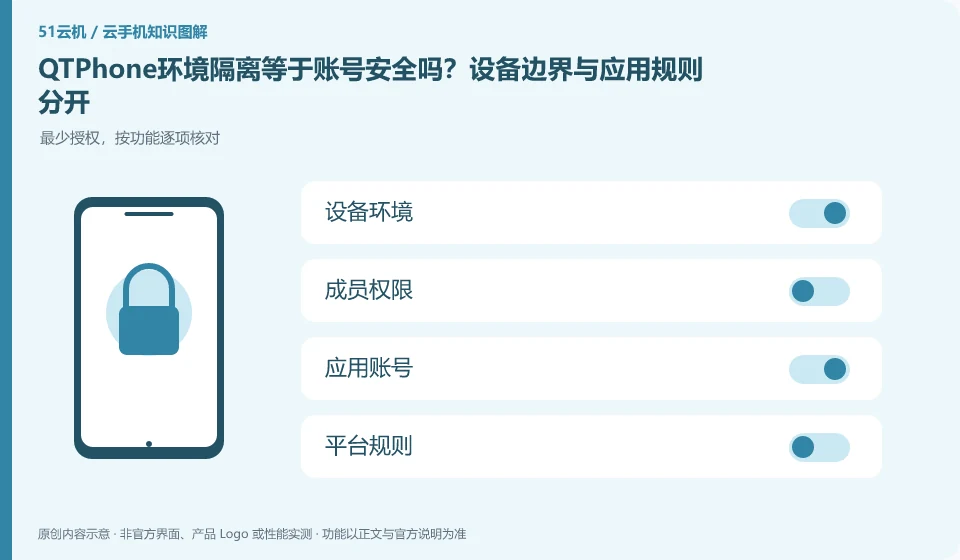
Regarding QTPhone, the key to this issue is: device environment isolation can help distinguish files and running status, but it cannot guarantee that third-party accounts will not trigger security checks. Account behavior, login sources, authorization relationships and platform rules still exist independently, and isolation cannot be regarded as a "preventing blocking" commitment.
Known information about QTPhone and the key points of this verification
QTPhone official product page introduces ARM cloud Android devices. Pages list multi-device management, environment isolation, team roles, and legal automation scenarios.
The independent environment does not mean that third-party platforms have no requirements for account behavior. Official use is still managed according to true identity and legal purposes.
The evidence boundary of this article is: it has not achieved independent performance, multiple improvement or unlimited instance capability verification, and it does not make capacity commitments based on the promotional text.
Understand what this question covers
For formal team tasks, devices should be assigned to real members and business purposes, protecting credentials and reducing cross-access. The focus of the test is whether files are misunderstood between devices, whether member permissions are out of bounds, and whether the access is revoked, rather than trying to circumvent the identity requirements of the application.
Consider a specific scenario
Suppose your team wants different members to use separate environments. This is a verification plan, not our experience using this product. First of all, "confirm the visible range of device files and application account rules separately" should be regarded as the completion standard for this time. Save the original data before testing, and do not put the first attempt directly on important accounts and unique file copies.
What is most easily overlooked in this scenario is that an independent environment cannot be used as a guarantee to avoid third-party risk controls. Therefore, it is necessary to separate the status that can be seen on the interface from the results that really need to be delivered. Being able to reproduce, explain and withdraw is more valuable than getting only one success notification.
Check in this order
- Specify which files, accounts, and member access need to be isolated between devices.
- Use test data to verify visibility and authorization boundaries.
- Use accounts in accordance with third-party rules and review permissions and exit procedures regularly.
A reusable verification log
You can copy the table below into your notes. Record the device ID, verification date and current version. It helps identify which step failed and lets you repeat the same checks after changing clients or services.
| Checkpoint | What counts as a pass | What to do if it fails |
|---|---|---|
| Identity scope | User, administrator and facilitator identities are clearly defined | When the identity of the other party cannot be verified, do not hand over the main account or verification code |
| Access scope | Only the equipment and content required for this mission will be released | If you can only open the entire environment, remove irrelevant data before making a decision. |
| actual behavior | Use a test account to verify visible and actionable content | When the configuration name does not match the actual behavior, the scope will be tightened based on the actual results. |
| End recycling | After withdrawing, try access again to confirm that the permissions have indeed expired. | While the old session is still valid, continue to check the session and application-side authorization, not just change the name. |
How to submit records to QTPhone’s support channel
When submitting a question, first state "Is QTPhone environment isolation equal to account security? Device boundaries are separated from application rules", and then attach the device number, selected client and system version, failure steps, and current time. The key point of verify in the brand information is that "environmental independence does not mean that third-party platforms have no requirements for account behavior, and official use is still managed according to true identity and legitimate purposes." Therefore, do not just send a screenshot of the homepage, nor do you need to include the complete password, verification code or private key in the problem description. When it comes to order or business qualifications, you should contact support from the official entrance where this product can be verified.
Sources and scope
Sources checked on October 26, 2026. This article combines AI-assisted research of public information with independent analysis and verification suggestions; we have not conducted a hands-on test of this product. Features and costs depend on the current official documentation and your order.
Continue reading:Cloud phone basics · Cloud phone troubleshooting guide · Brand reference directory。
Related questions to explore
- Assigning QTPhone devices to a team: roles and offboarding
- Starting QTPhone automation: define success and stopping conditions
- Assessing QTPhone capacity: test simultaneous work, not idle connections
Back to the brand and product knowledge directory · Browse cloud phone topics