51YUNJI / BUY WITH CONTEXT

Cloud phone brands & product lines guides — Page 13

Explore English articles for this topic.

150 articles in English

Page 13 of 13
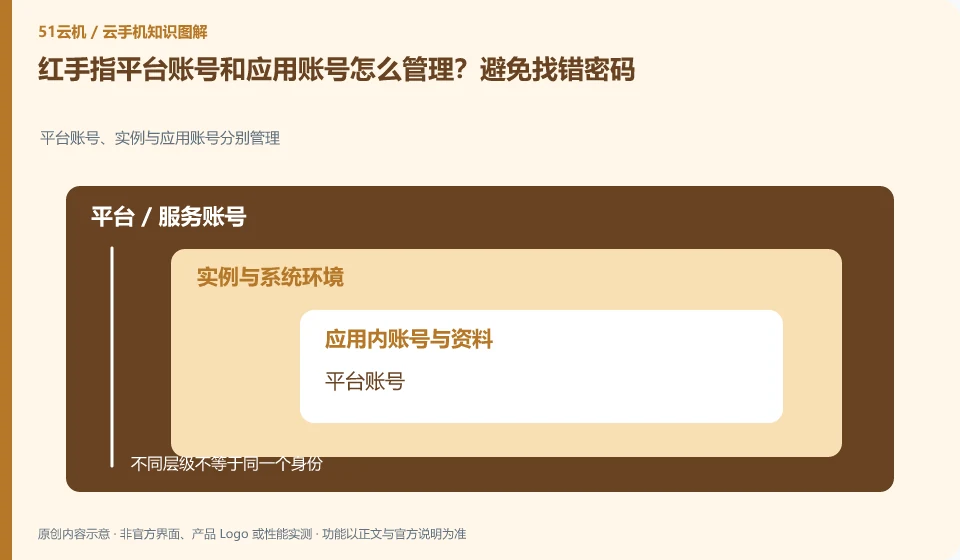
How to manage Redfinger platform account and application account? Avoid finding the wrong password. Platform accounts, instances and application accounts are managed separately; platform accounts; equipment orders; application accounts; retrieval portals
CLOUD PHONES

Managing Redfinger platform accounts separately from app accounts

Redfinger: The cloud phone platform account is used to view devices and orders, and the cloud App account is used to log in to games or businesses. The two may be completely independent. Forgetting the platform password does not mean that the application account has been deleted; logging out of the application does not mean that the cloud phone package has expired.
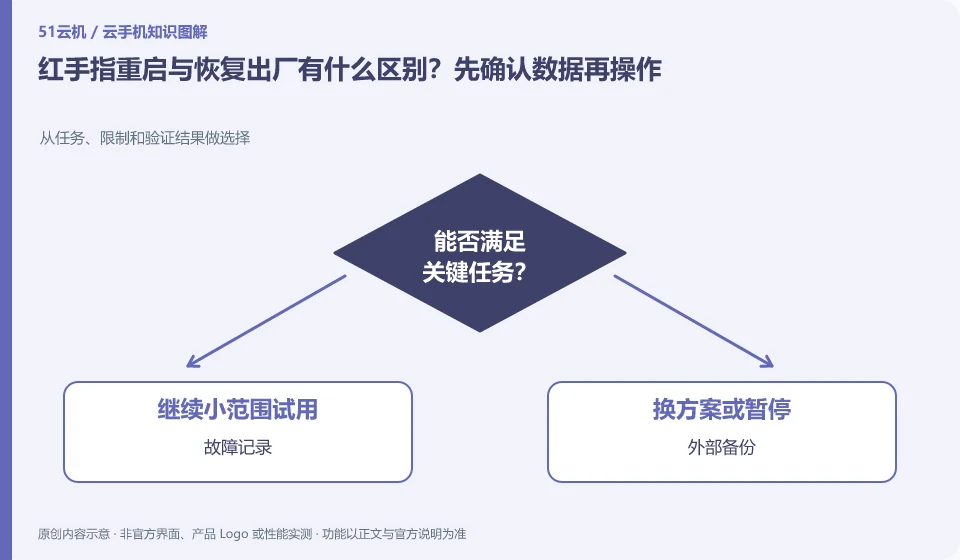
What is the difference between restarting and factory restoring Redfinger? Confirm the data before proceeding. Choose from tasks, limits, and verification results; fault logging; external backup; normal restart; clear environment
CLOUD PHONES

Redfinger restart versus factory reset: check your data first

Redfinger: Restarting usually means restarting the current system, while factory restoring means returning the environment to its original state. The two actions cannot be regarded as the same "repair". When encountering a freeze, you should collect evidence and backup first, and then use operations with a smaller scope of damage.

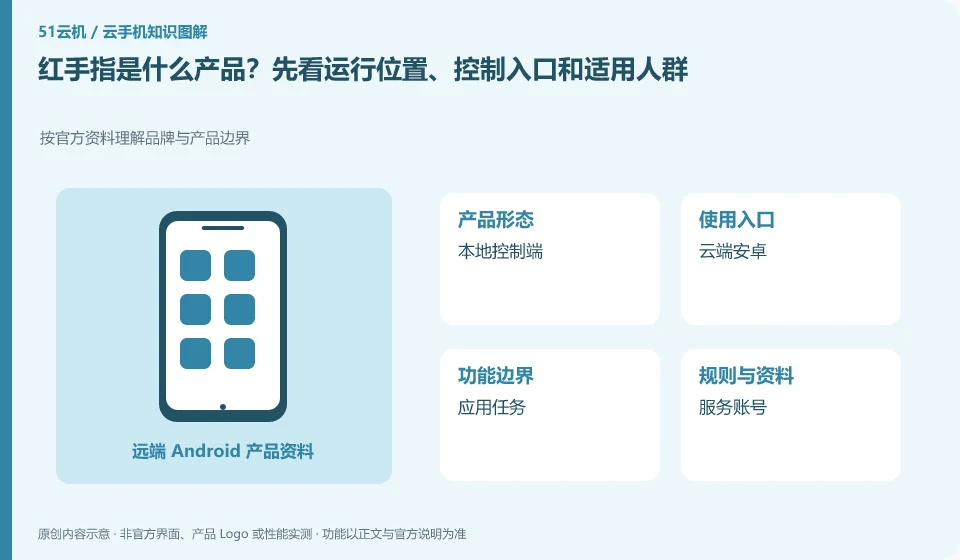
What product is Redfinger? First look at the operating location, control entrance and applicable crowd. Understand brand and product boundaries according to official information; local console; cloud Android; application tasks; service accounts
CLOUD PHONES

What is Redfinger? Where it runs, how to access it and who it serves

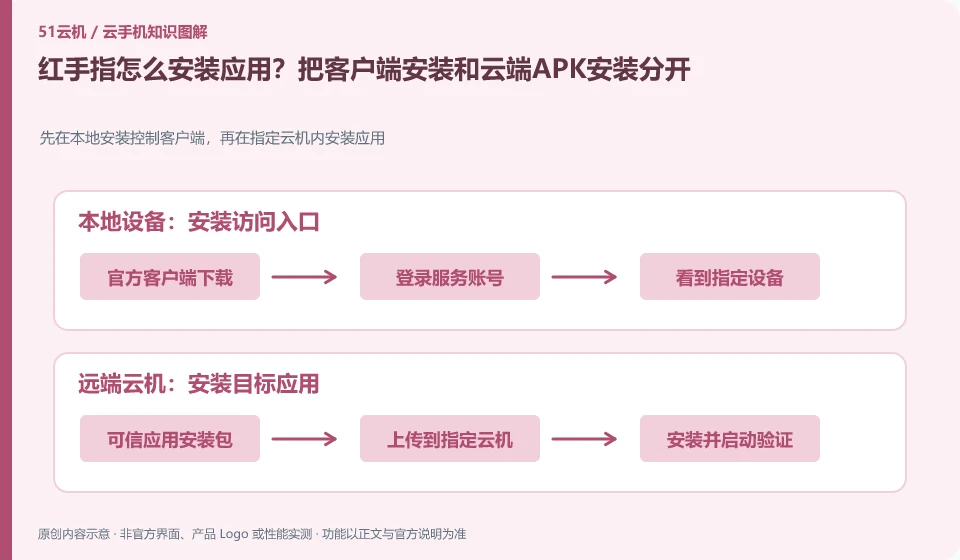
Redfinger: First understand it as a mobile phone environment for remote use, and then determine whether you need a temporary trial, long-term hosting, or team management. The client installed in your hand is mainly responsible for access. Cloud Android applications and local mobile phone applications are not the same installation.