51YUNJI / BUY WITH CONTEXT

Aochen Cloud Phone guides

Aochen cloud phone official website provides Android, computer and web page operation portals.

7 articles in English

Page 1 of 1
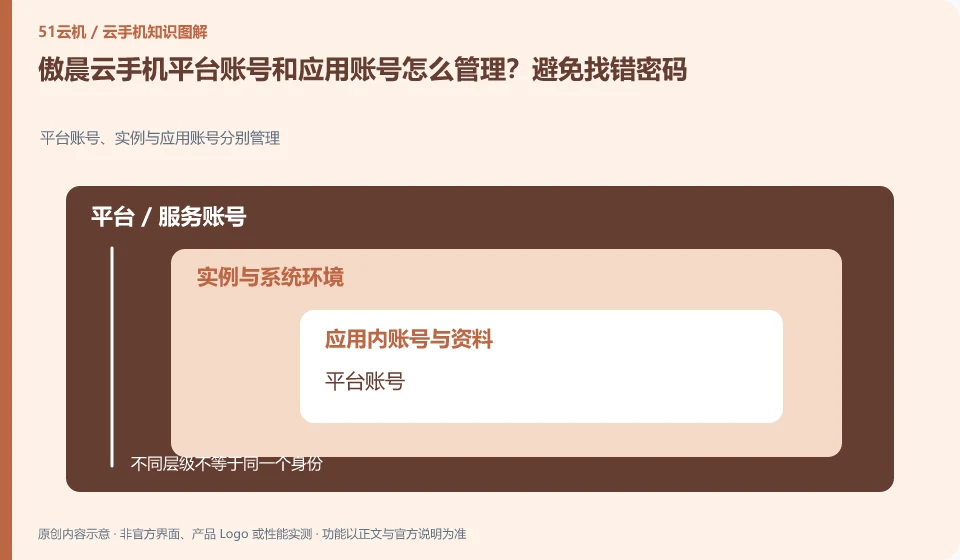
How to manage Aochen cloud phone platform account and application account? Avoid finding the wrong password. Platform accounts, instances and application accounts are managed separately; platform accounts; equipment orders; application accounts; retrieval portals
CLOUD PHONES

Managing Aochen platform accounts separately from app accounts

Aochen cloud phone: The cloud phone platform account is used to view devices and orders, and the cloud App account is used to log in to games or businesses. The two may be completely independent. Forgetting the platform password does not mean that the application account has been deleted; logging out of the application does not mean that the cloud phone package has expired.
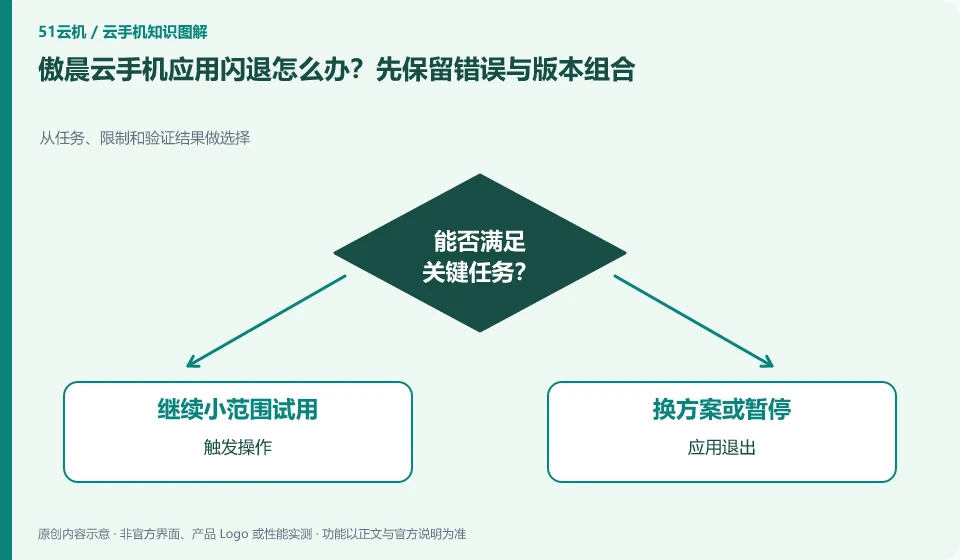
What should I do if the Aochen cloud phone app crashes? Keep the error and version combinations first. Make selections from tasks, limits, and verification results; trigger actions; application exits; connection interruptions; comparison and retesting
CLOUD PHONES

Aochen app crashes: record the error and version combination

Aochen cloud phone: A crash means the application exits, and a remote screen disconnect means the connection is interrupted. The two may look similar but are handled differently. First try to reconnect to check the desktop and application status, and then decide to check the network, application logs or system resources.

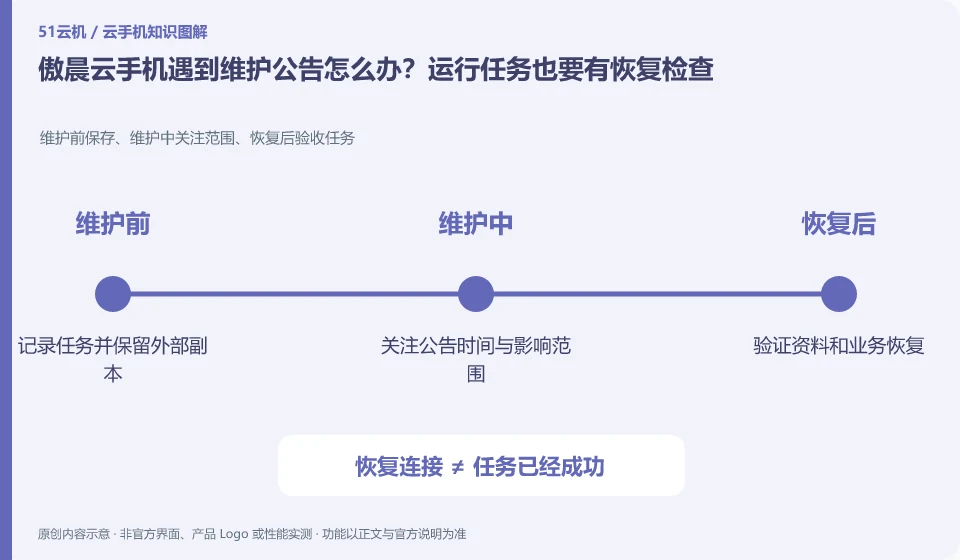
What should I do if my Aochen cloud phone encounters a maintenance announcement? Running tasks also require recovery checks. Save before maintenance, scope of concern during maintenance, and acceptance tasks after recovery; record tasks and retain external copies; pay attention to announcement time and scope of impact; verify data and business recovery
CLOUD PHONES

Aochen maintenance notices: plan checks after tasks resume

Aochen cloud phone: Running in the cloud does not mean it will never be maintained. When you see the announcement, first confirm the affected area, equipment range and time to determine whether your current equipment is involved; old announcements cannot be used as an explanation for the current fault, nor can you infer that the entire platform is abnormal.

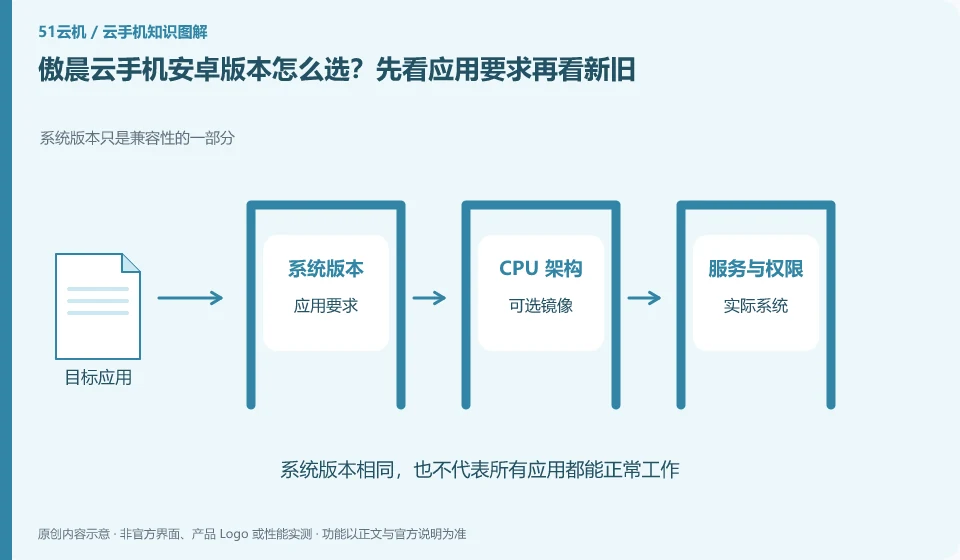
How to choose the Android version of Aochen cloud phone? Look at the application requirements first and then look at the old and new. System version is only part of compatibility; application requirements; optional images; actual system; process verification
CLOUD PHONES

Choosing an Aochen Cloud Phone Android version for your apps

Aochen cloud phone: Newer Android versions may support new application interfaces, but may also change permissions and background behavior; older versions may be compatible with legacy applications, but are not suitable for tasks that require a new system. The choice should be based on the target application version and complete process, rather than simply chasing the latest.

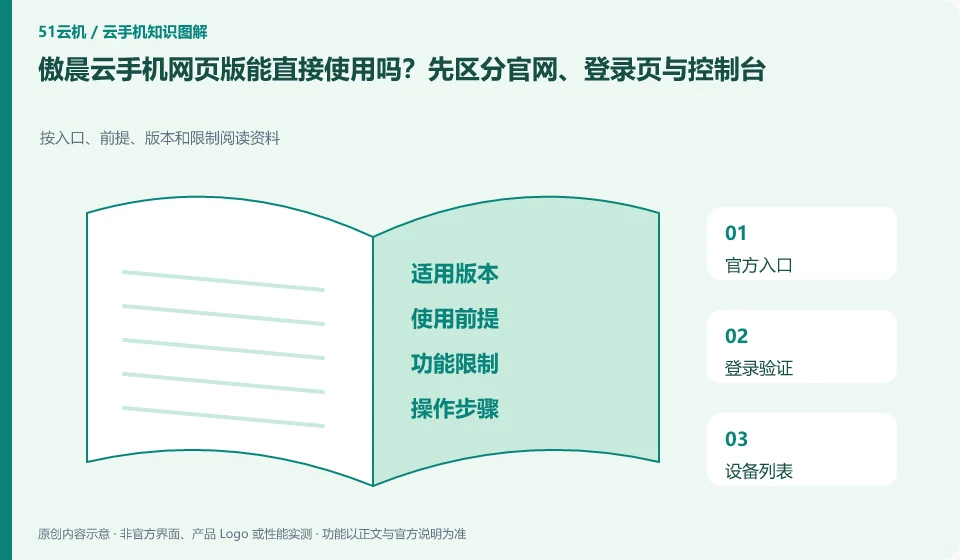
Can the web version of Aochen cloud phone be used directly? First distinguish between the official website, login page and console. Read material by portal, prerequisites, versions and restrictions; official portal; login verification; device list; browser controls
CLOUD PHONES

Aochen web access: website, sign-in page and console are different

Aochen cloud phone: The official website is used to learn about the product, the login page is used to verify the account, and the real console is responsible for displaying and controlling the device. Seeing "Experience the web version" does not mean that no account is required, no equipment is required, or it is permanently free, nor does it mean that the browser has all the functions of the client.