
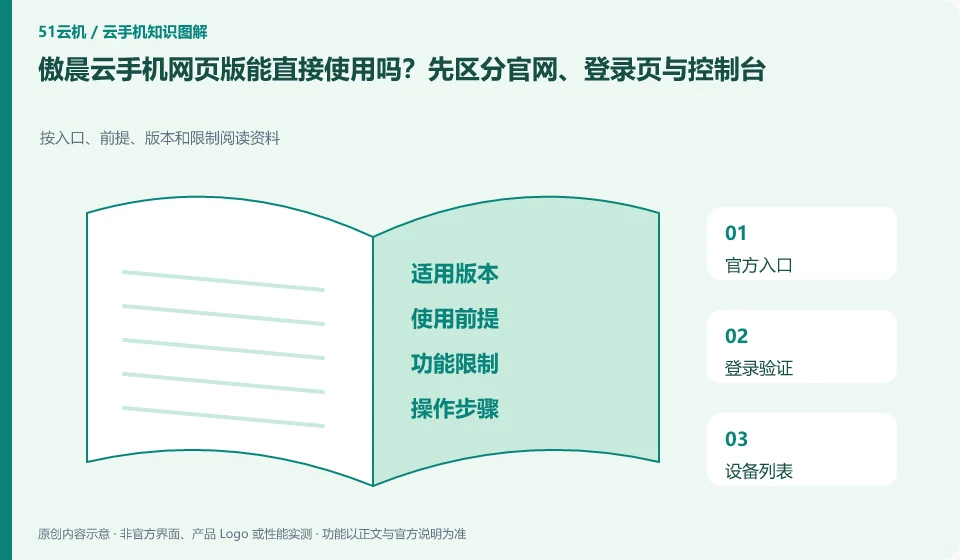
Regarding Aochen cloud phone, the key to this issue is: the official website is used to learn about the product, the login page is used to verify the account, and the real console is responsible for displaying and controlling the device. Seeing "Experience the web version" does not mean that no account is required, no equipment is required, or it is permanently free, nor does it mean that the browser has all the functions of the client.
Known information about Aochen cloud phone and the key points of this verification
Aochen cloud phone official website provides Android, computer and web page operation portals. The official question page explains that the cloud runs independently and reminds you of data processing if your subscription has not been renewed or the device has been replaced.
The current web page operation link of the official website can be used as the basis for entry, and the page login and specific device availability status still need to be confirmed separately.
The evidence boundary of this article is: the system version and package are subject to the actual console; the old version range on the website does not represent all current devices.
How this issue applies to this product
Aochen’s official website lists web operating terminals, indicating that there are verifiable access clues. The difference between it and the Android or computer version should be judged based on the actual operation. Just because the client is not installed does not mean that there are no local permission requirements or caching at all. Sound, full screen, clipboard and upload paths may be affected by browser conditions and must be checked individually.
For a task that only requires temporary viewing of information, you can first confirm that the link is from the current official website, and then see if the original device can be accessed. When you need to modify or export a document, further verify where the file is ultimately stored; a save prompt appearing on the web page does not mean that it has been brought back locally. The official question page reminds you of the risks of changing devices and expiring data, and exiting the web page does not mean the backup is completed. The shared computer does not save the platform password, and confirms that the session is closed after the session is over to prevent the next user from continuing to access the original cloud machine.
After the browser shows that the download is complete, check where the file is located locally; if you plan to clean up the shared computer, first confirm that your personal copy has been saved. The life cycles of the two files in the cloud and locally are different. It cannot be inferred that both parties have exited and cleaned up by closing the web page.
Understand what this question covers
Browser-based access depends on the browser version, full-screen mode, sound, clipboard and permission settings. A failed login does not mean the account has been erased. First confirm that you followed an official link, then check the account's sign-in method and the message shown. After using a public computer, sign out and remove browser authorizations.
Check in this order
- Open web access from the official product page, then verify the domain and sign-in method.
- Open a test device and check audio, text input and file handling.
- After exiting, confirm that the session is over and log in automatically without saving on the shared computer.
Sources and scope
Sources checked on October 26, 2026. This article combines AI-assisted research of public information with independent analysis and verification suggestions; we have not conducted a hands-on test of this product. Features and costs depend on the current official documentation and your order.
Continue reading:Cloud phone basics · Cloud phone troubleshooting guide · Brand reference directory。
Related questions to explore
- Aochen subscription expiry: plan renewal and file export separately
- Choosing an Aochen Cloud Phone Android version for your apps
- Aochen APK upload failed: verify the package rather than trying unknown downloads
Back to the brand and product knowledge directory · Browse cloud phone topics