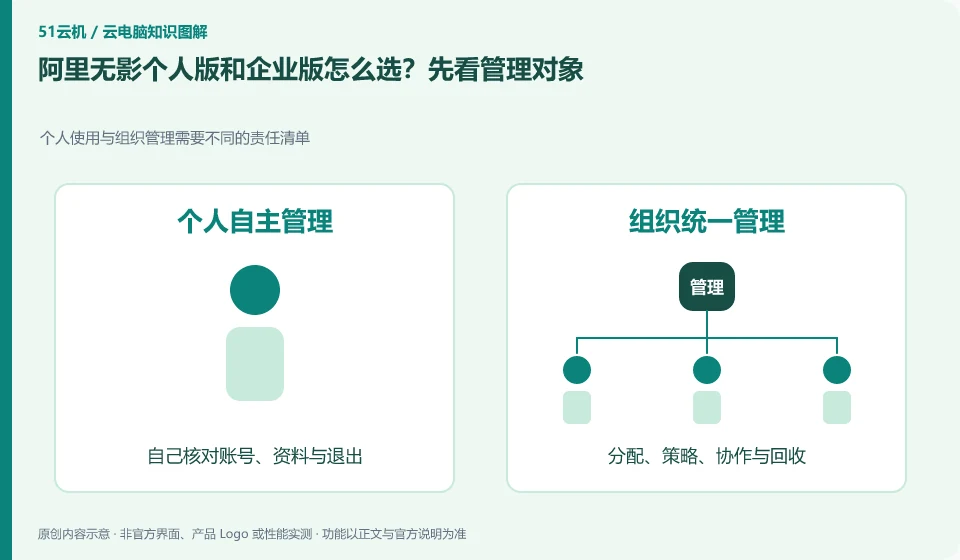
The Alibaba Cloud Help Center separates Wuying Personal and Enterprise Edition: the Personal Edition focuses on daily use by individuals and families, while the Enterprise Edition focuses on the security and unified operation and maintenance of organizations. The personal version document also explains the package, client and web access separately, so you must check the version first when looking for a tutorial.
No Wuying Personal device after payment, charges after shutdown, or credit use from repeated starts? Distinguish account configuration, subscription charges and runtime costs first.
A checklist based on the official Wuying Personal client documentation for missing purchased resources, distinguishing edition, account and client differences.
Understand the difference between Wuying Personal plans and Lingdou credits, and follow an orderly startup checklist rather than treating a credit balance as a subscription validity period.
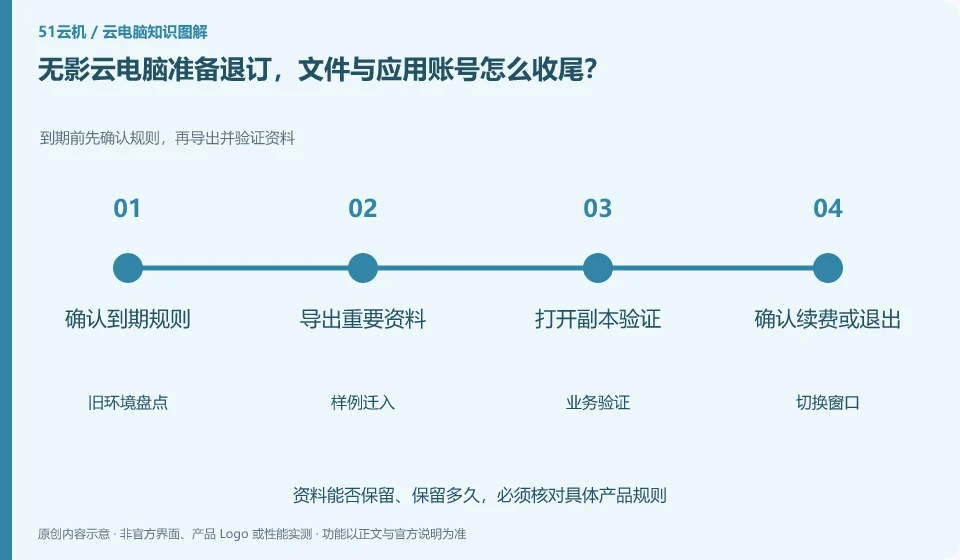
Before unsubscribing, export data according to the current rules, and then process application authorization, renewal and resource end. The end of the package, disk retention and desktop release may be different actions. The migration cannot be considered completed just by logging out of the account on the client side.
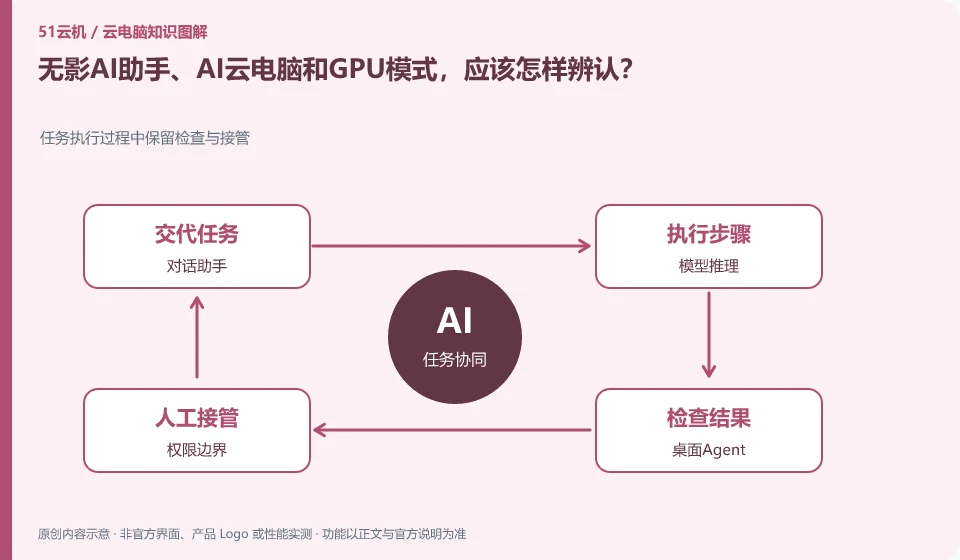
First look at which product version the function belongs to, and then distinguish between conversation assistant, desktop automatic operation and GPU computing. Alibaba Cloud products are continuously updated, and a certain enterprise version AI document cannot be directly used as a description of the capabilities of each package of the personal version.
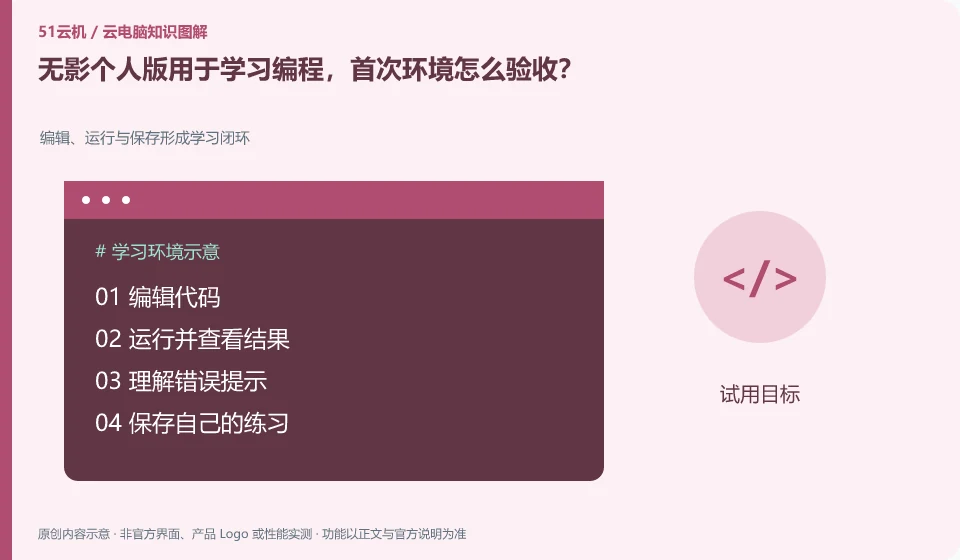
Start by installing, running, saving and exporting a small project, first verify the learning environment, and then move to a long-term project. The personal version document lists application directions such as development, but the specific tool chain and permissions still need to be checked against the current system.
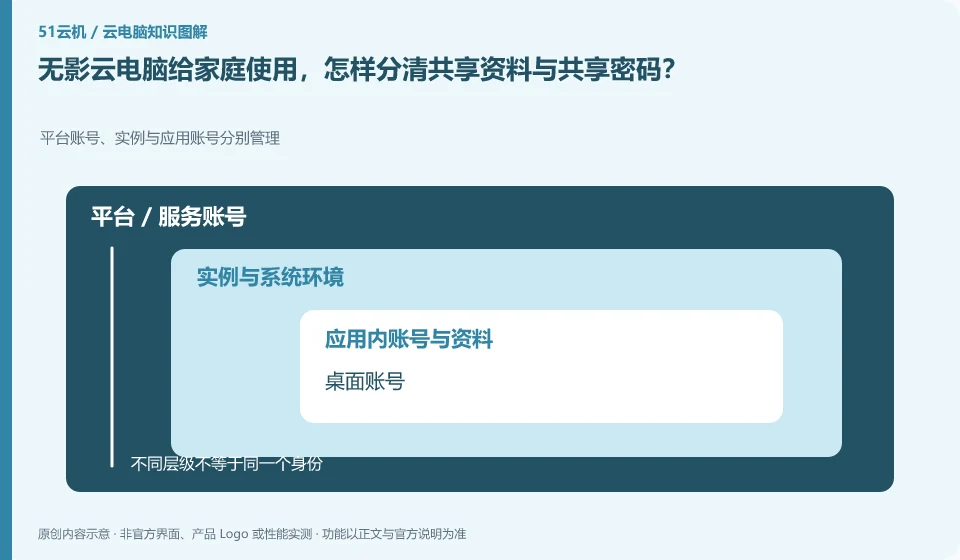
Sharing information among family members does not mean they should share a high-privilege account. Wuying Personal is oriented to individuals and families. For specific multi-person use methods, you still need to check the current rules. At the same time, work, study and personal data are managed separately.
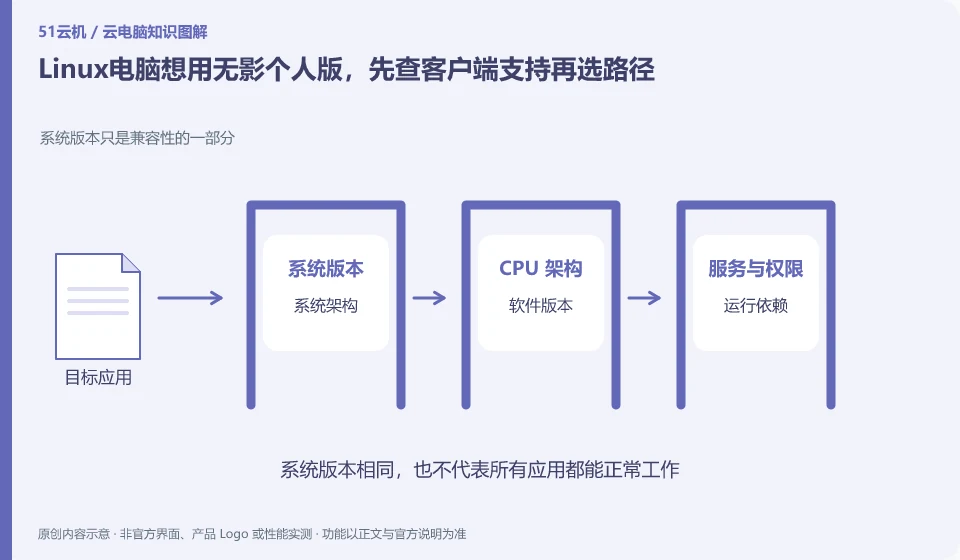
First check the current personal version support matrix. The official document queried this time states that the personal version does not have a Linux installation package, and provides web page connection ideas; this is the version and query time information, and subsequent changes should be subject to the official page.
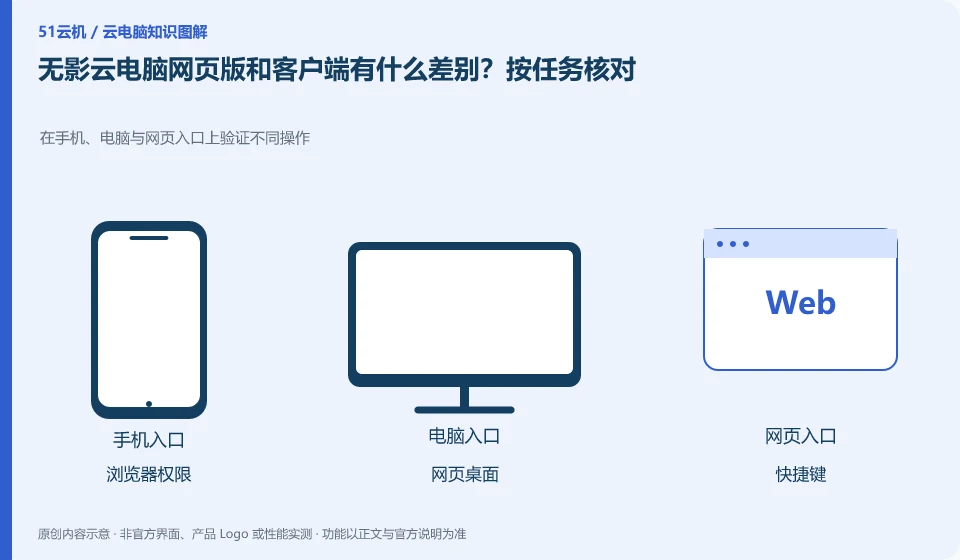
The official client documentation clearly distinguishes between the web portal and the locally installed client. The web page is convenient without installation, but peripherals, shortcut keys and file capabilities should be checked one by one according to the current platform, and all clients cannot be assumed to be exactly the same.
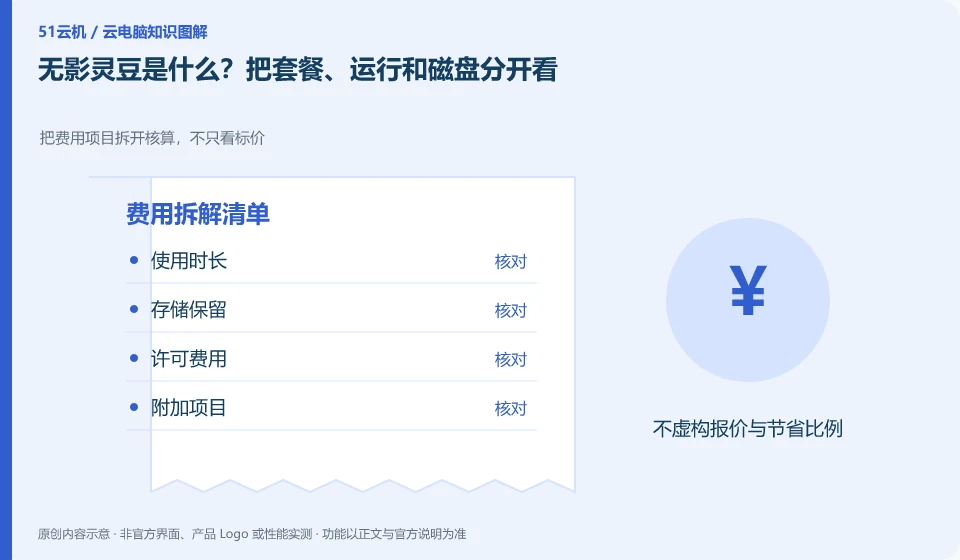
Wuying Personal documentation explains packages and WuyingLingdou credits measurement separately. First understand what the current package provides, how it is consumed during operation, and how the data disk is retained, and then compare your own usage plan; you cannot directly equate Lingdou credits to one hour of fixed configuration.
For daily use by individuals and families, study the personal version first, and for unified management of employees and organizational strategies, study the enterprise version first. Alibaba’s official help clarifies that the two have different positioning, and the corresponding documents and account entries should be used when comparing.