
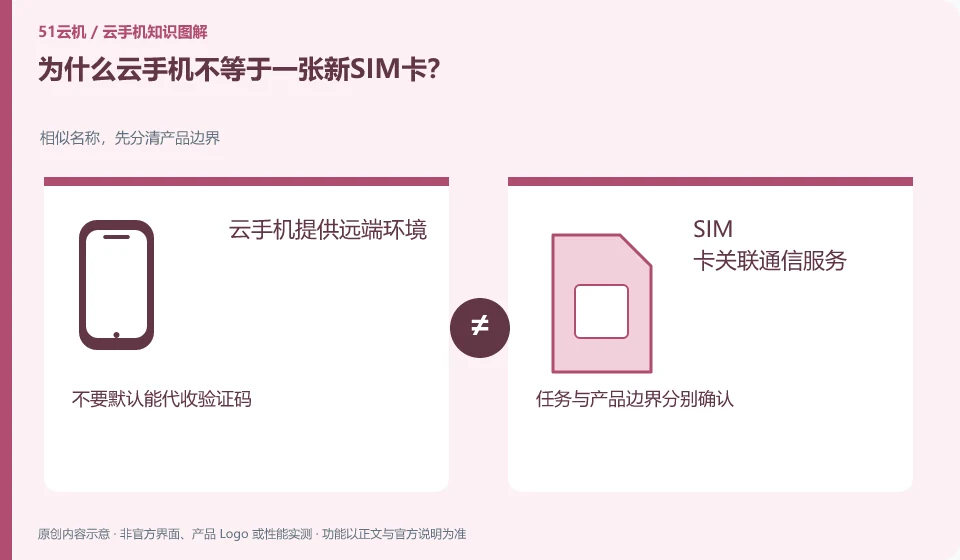
The remote Android environment mainly provides the ability to run applications. Whether there are phone calls, text messages or number services must be verified separately.
Understand the essentials
The appearance of dial-up or text message icons in the software does not mean that available operator communication services are connected in the background.
A practical example
Hypothetical example: when a verification code login requires a text message, Cloud Phone cannot automatically provide a number by default.
What to check or try
- Check the product communication capabilities description.
- Confirm the account binding method.
- Use a verification channel that you have access to.
- Preserve the recovery path.
Record the number, application account, and instance in your own list to avoid thinking that replacing one instance will automatically replace or restore all accounts. If an application must rely on a mobile phone number, a long-term verification channel is more important than a temporary login.
An easy-to-miss detail
Do not use unknown access codes or number services to handle important accounts.
Continue reading
Back to Cloud phones: getting started
Notes and further reading
Wuying Cloud Phone FAQ;Tencent Cloud Phone quick start。
This introductory guide was prepared by 51Yunji from public information with AI-assisted drafting. Examples are hypothetical, not hands-on product tests or promises of results. Follow the current product, version and official instructions for specific features and procedures. Compiled on October 26, 2026.