
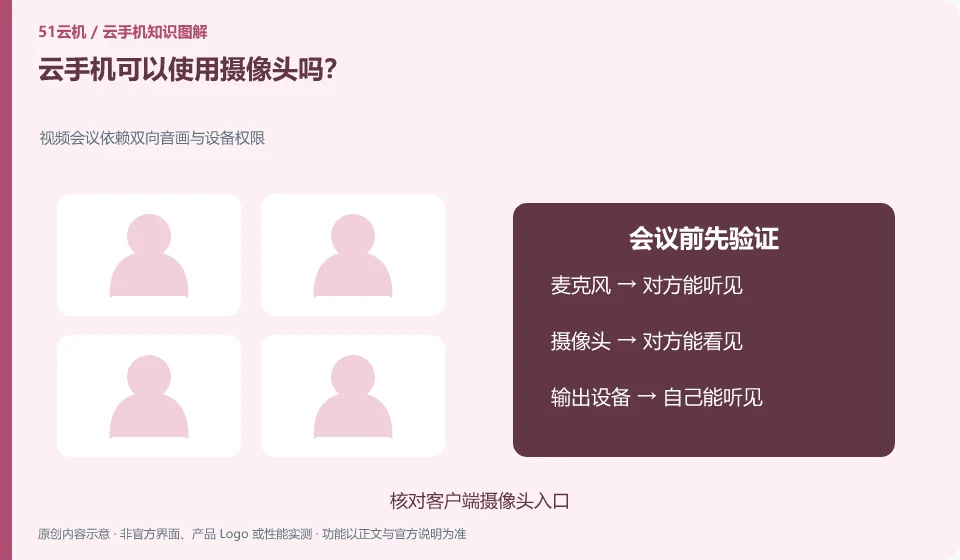
Some products support local camera redirection or other input methods, but the specific client, permissions, and application compatibility must be checked individually.
Understand the essentials
Supporting camera images does not mean having all the sensors and authentication capabilities of a physical phone.
A practical example
As a hypothetical example: being able to see images in a test application does not mean that every authentication application will accept this environment.
What to check or try
- Check out the official client instructions.
- Permissions required to start the task.
- Do a general framing test.
- Use up to close authorizations that are no longer needed.
First test the normal framing, direction and sound, and then test the target function. If the target application does not accept the current environment, it will be processed according to its official support range. Don’t continue to guess or promise that identity authentication will work just because the camera screen is visible.
An easy-to-miss detail
When it comes to identity verification, follow the official rules of the application and do not promise to pass all authentications.
Continue reading
Back to Cloud phones: getting started
Notes and further reading
Wuying Cloud Phone documentation;Tencent Cloud Phone quick start。
This introductory guide was prepared by 51Yunji from public information with AI-assisted drafting. Examples are hypothetical, not hands-on product tests or promises of results. Follow the current product, version and official instructions for specific features and procedures. Compiled on October 26, 2026.