
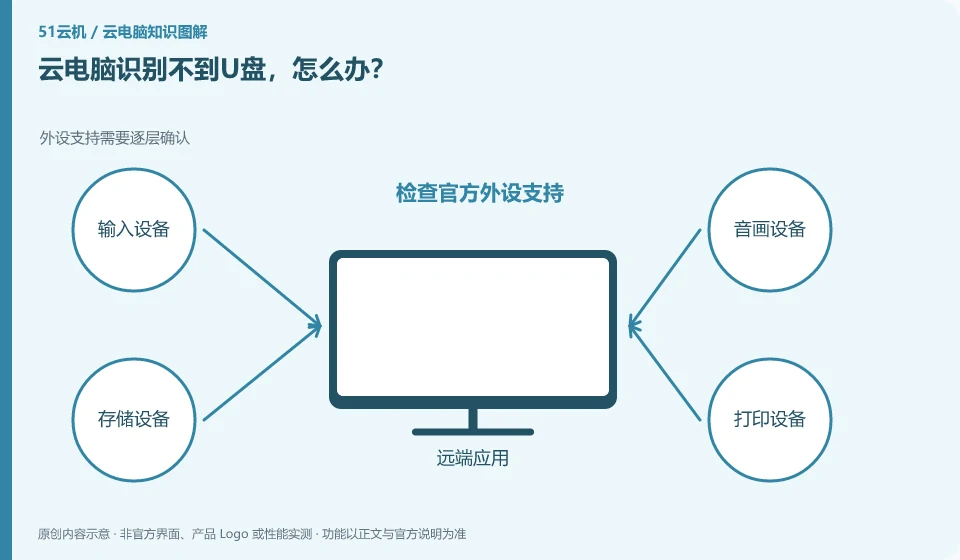
First check whether the local system recognizes it, and then confirm whether the service supports the device and file transfer method. The cloud will not naturally see all local USBs.
Understand the essentials
Some portals offer file uploads instead of full USB mapping, and the two experiences are not the same.
A practical example
Hypothetical example: The USB flash drive can be opened locally, but there is no drive letter on the remote system. This may not mean that the USB flash drive is damaged.
What to check or try
- Check official peripheral support.
- Check client mode.
- Verify the transfer with a test file.
- Confirm that writing is complete before removing safely.
If you only need to move files, the upload and download supported by the product may be more suitable than full USB mapping. Let’s look at the mission objectives first. You don’t have to open all peripherals just to get a drive letter. When encrypted media or specialized devices are involved, clear compatibility and management requirements must be checked.
An easy-to-miss detail
Do not write to the same storage device in multiple environments at the same time to avoid accidental deletion or incomplete writing.
Continue reading
- Cloud PC camera shows a black screen: what to check
- Why does cloud PC printing look different from local printing?
Back to Cloud PCs: troubleshooting
Notes and further reading
Troubleshooting AVD connection quality;WorkSpaces Personal network requirements。
This introductory guide was prepared by 51Yunji from public information with AI-assisted drafting. Examples are hypothetical, not hands-on product tests or promises of results. Follow the current product, version and official instructions for specific features and procedures. Compiled on October 26, 2026.