
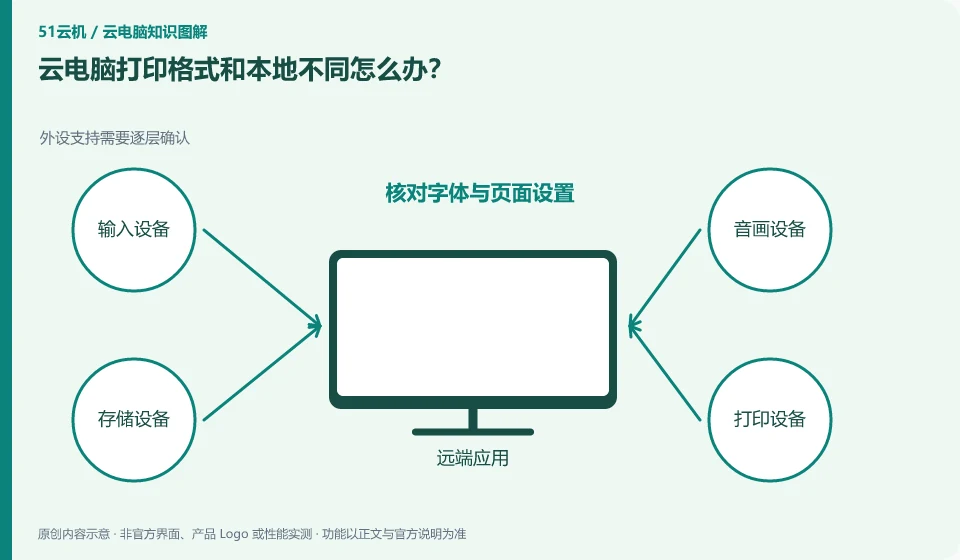
Check paper, scaling, fonts and print drivers first. Just because the file can be opened does not mean that the printing environment is completely the same.
Understand the essentials
Different paper or scaling methods may be selected between the remote and local sites, and missing fonts will also change the paging.
A practical example
Hypothetical example: When a one-page table becomes two pages, check the print preview and zoom first, and don’t reinstall the software directly.
What to check or try
- Export a PDF for comparison.
- Confirm the paper size and direction.
- Print a test page.
- Authorize to print final files locally when necessary.
You can save a copy of the screen preview, exported PDF and actual printing for comparison. If the PDF is normal but the paper is wrong, you should check the print settings; if the PDF is wrong, check the font or apply layout. First locate the link where the change occurs, and then set the corresponding settings.
An easy-to-miss detail
For drawings involving formal dimensions, the proportions must be checked, and judgments cannot be made based solely on screen vision.
Continue reading
Back to Cloud PCs: troubleshooting
Notes and further reading
Troubleshooting AVD connection quality;WorkSpaces Personal network requirements。
This introductory guide was prepared by 51Yunji from public information with AI-assisted drafting. Examples are hypothetical, not hands-on product tests or promises of results. Follow the current product, version and official instructions for specific features and procedures. Compiled on October 26, 2026.