
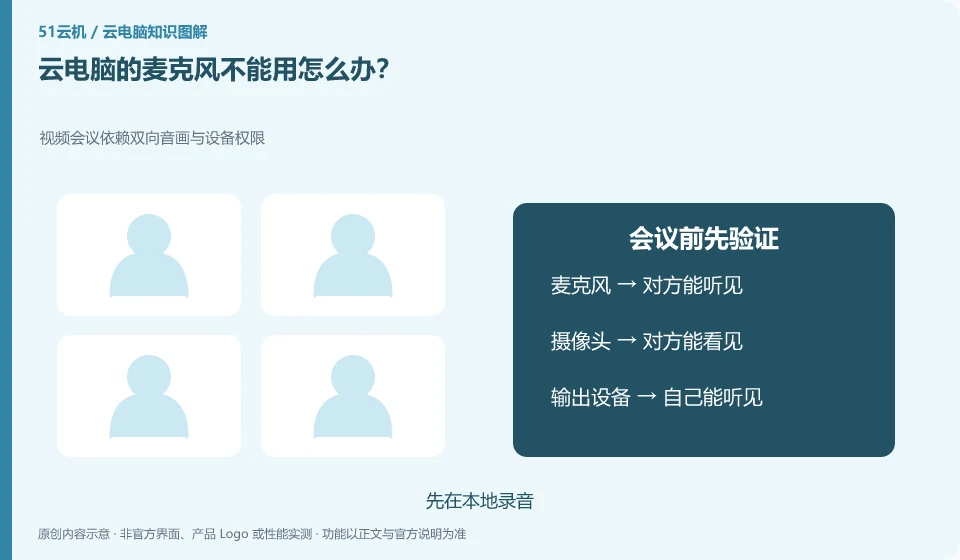
Check layer by layer based on local permissions, client redirection, remote device selection and application permissions. Just because you can hear the sound doesn't mean the microphone input is working.
Understand the essentials
The camera and microphone may be licensed separately, and the conferencing software may have selected other input sources.
A practical example
Hypothetical example: The system test can record the sound, but there is no sound in the conference. You should check the microphone selection of the conference application again.
What to check or try
- Record locally first.
- Check connection permissions.
- View input at the remote system.
- Make test calls instead of jumping straight into a formal meeting.
The recording sample only requires one short, non-sensitive sentence, and there is no need to record a formal meeting. Comparing the results of local recording, remote input testing, and conference testing will tell you which segments are starting to fail. Submit your question with your conclusion and device name; you don't have to upload your entire private conversation.
An easy-to-miss detail
Authorize only the applications you need and do not permanently open all recording permissions for troubleshooting.
Continue reading
Back to Cloud PCs: troubleshooting
Notes and further reading
Troubleshooting AVD connection quality;WorkSpaces Personal network requirements。
This introductory guide was prepared by 51Yunji from public information with AI-assisted drafting. Examples are hypothetical, not hands-on product tests or promises of results. Follow the current product, version and official instructions for specific features and procedures. Compiled on October 26, 2026.