
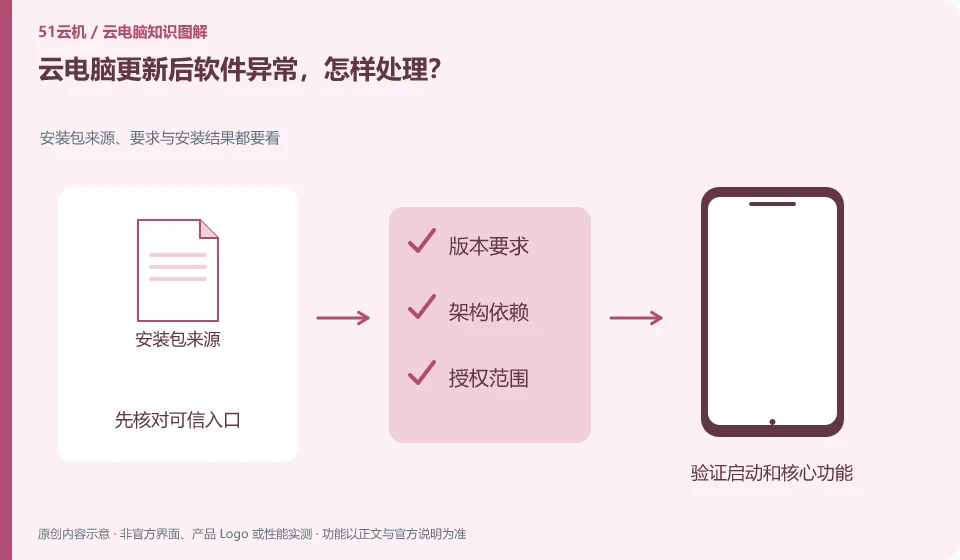
First note the update scope, version and exceptions, and then reproduce them with a copy. Recovery or rollback should be performed according to the methods supported by the product and application.
Understand the essentials
Clients, remote systems, and business applications may all be updated. Just because the time is similar does not mean there is only one reason.
A practical example
Hypothetical example: the peripheral device fails after changing the client, and the project cannot be opened after the remote software is updated, so it needs to be located separately.
What to check or try
- Check the change log.
- Test simple files.
- Save error.
- Check official known issues.
- The administrator can arrange a rollback if necessary.
If possible, check informally to see if it is repeated every time and keep a copy of the failure. Recording the sequence of changes can help determine relevance; however, "occurring after the update" still does not necessarily mean that the update is the only reason, and official explanation and comparison results are needed to support it.
An easy-to-miss detail
Don't try your luck by downloading unknown old versions or widespread uninstall patches.
Continue reading
- Cloud PC network appears connected, but an app cannot open websites
- Files missing from a cloud PC: what to avoid doing first
Back to Cloud PCs: troubleshooting
Notes and further reading
Troubleshooting AVD connection quality;WorkSpaces Personal network requirements。
This introductory guide was prepared by 51Yunji from public information with AI-assisted drafting. Examples are hypothetical, not hands-on product tests or promises of results. Follow the current product, version and official instructions for specific features and procedures. Compiled on October 26, 2026.